
Ducky OK-HE Mechanical Keyboard Review
Author: Darren McCain
Ducky Cushion OK-HE 75 Layout and Features
Smaller formfactor keyboards using 65% and 75% layouts have grown in popularity among gamers and enthusiasts looking for a cleaner, more compact setup that frees up valuable desk space for mouse movement. They retain the most frequently used keys while eliminating the less essential ones, with the 75% offering a dedicated function row for added convenience and the 65% prioritizing an even smaller footprint.
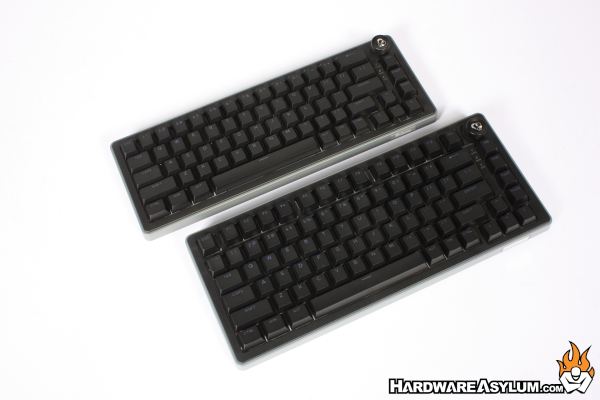
Today we will be focused on the OK-HE-75 keyboard but Ducky has generously provided both the 65 and the 75 for comparison. Not pictured is the larger OK-HE-98 providing a dedicated number pad, a full function row, and a more traditional full-size keyboard layout.
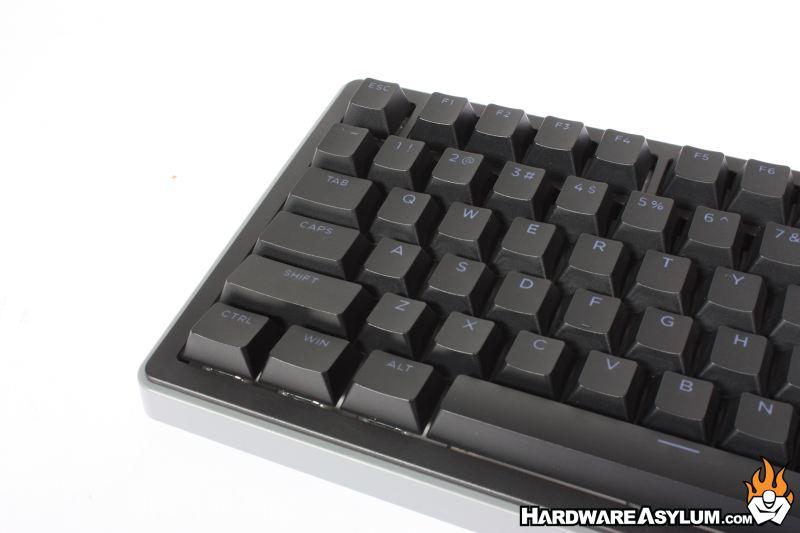
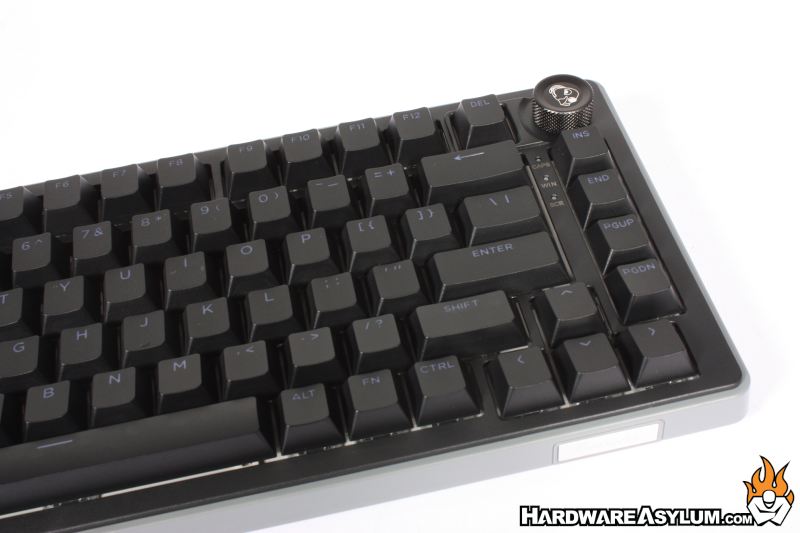
The OK-HE series uses Haimu Hall Effect magnetic switches, which differ from traditional mechanical switches by using magnetic sensors rather than physical electrical contacts to register keystrokes. Each key is hot-swappable allowing for even more customization.
Their biggest advantage is customization: users can fine-tune each key's response to match their playing style, whether prioritizing split-second reactions in competitive games or a more traditional feel for everyday use.
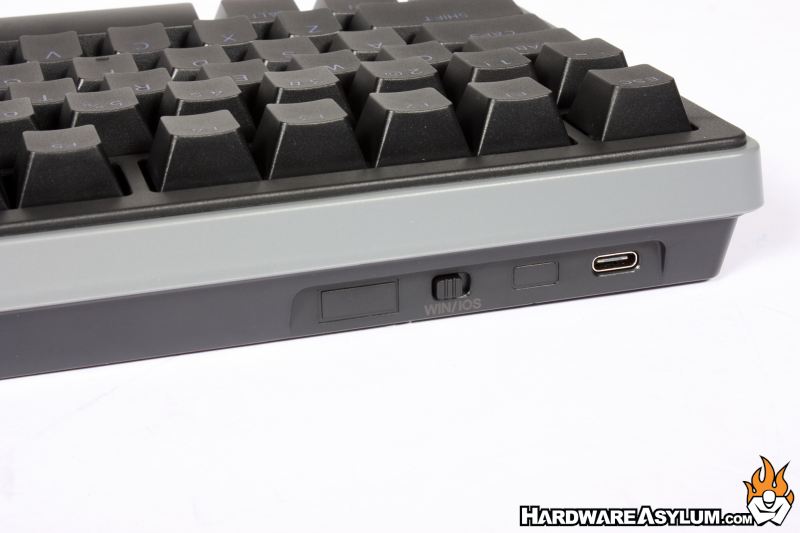
The OK-HE series uses a wired USB Type-C connection with a USB Type-A to Type-C cable bring lightning fast 8,000 times per second polling, compared to the more traditional 1,000 Hz standard. This reduces the theoretical reporting interval from 1ms to just 0.125ms, helping deliver faster input registration and more responsive control in competitive gaming, where split-second reactions matter.
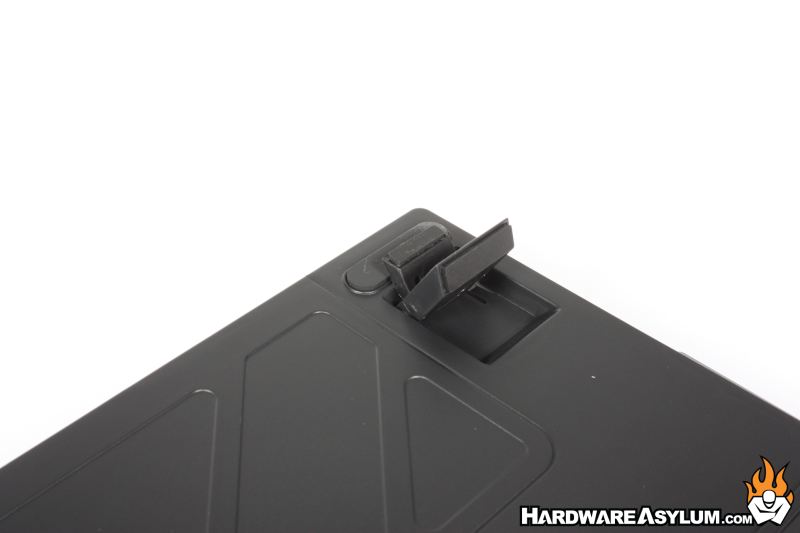
Adjustable feet offer three tilt positions (6°, 9°, and 12°), letting users find their preferred typing angle for added comfort. Four 1-inch rubber pads keep you firmly planted for those frantic gaming moments.
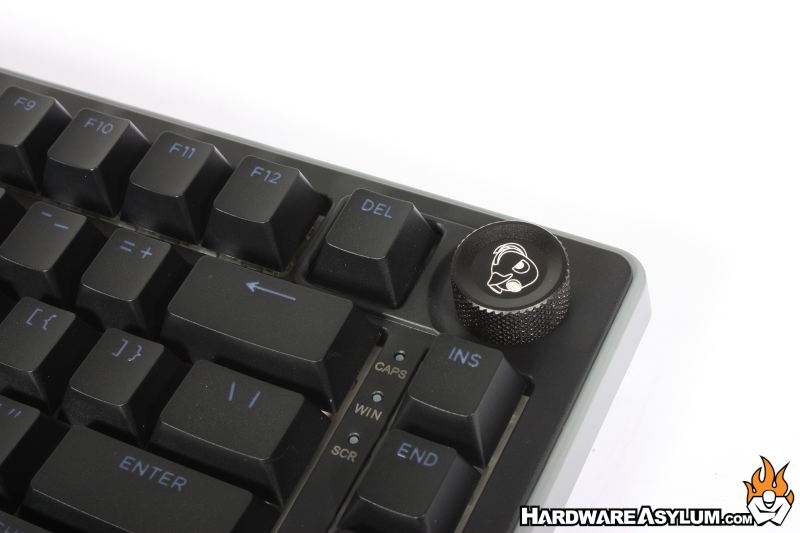
I am happy to see the return of a dedicated media control knob. This knob provides quick, convenient access to volume adjustments without interrupting gameplay or requiring keyboard shortcuts. Its dedicated placement makes it easy to adjust audio on the fly, keeping essential controls right at your fingertips.
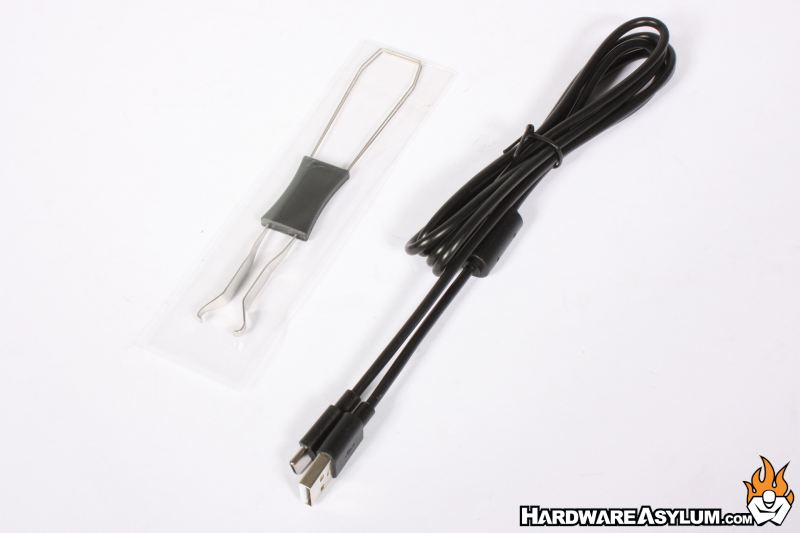
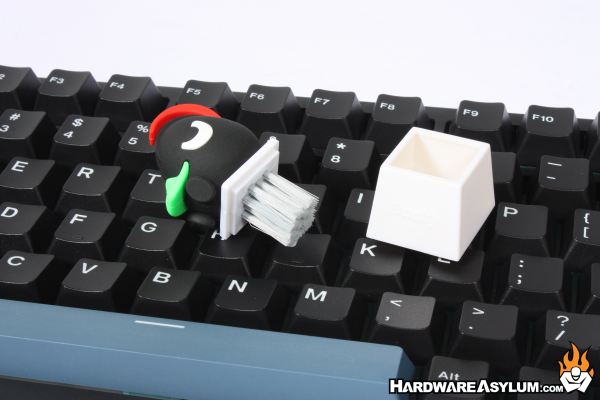
Also included are the detachable USB C cable, a keycap puller, a quick start guide, warranty documentation and the famous Ducky brush.
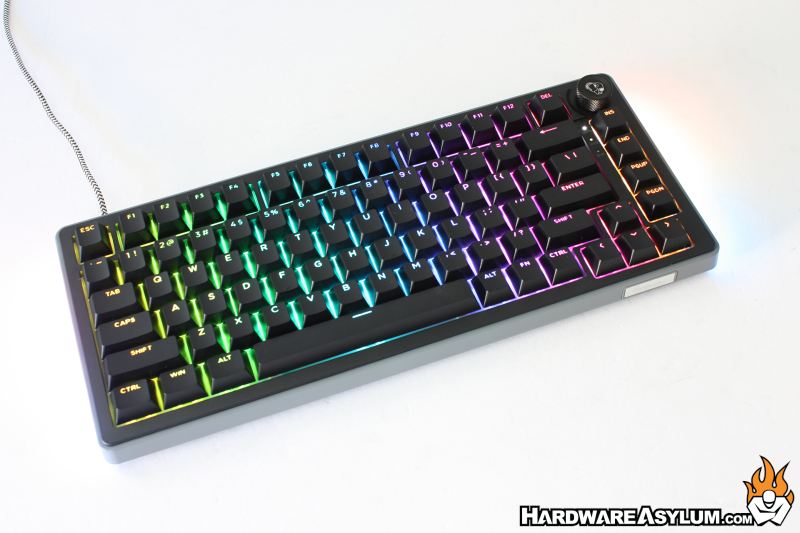
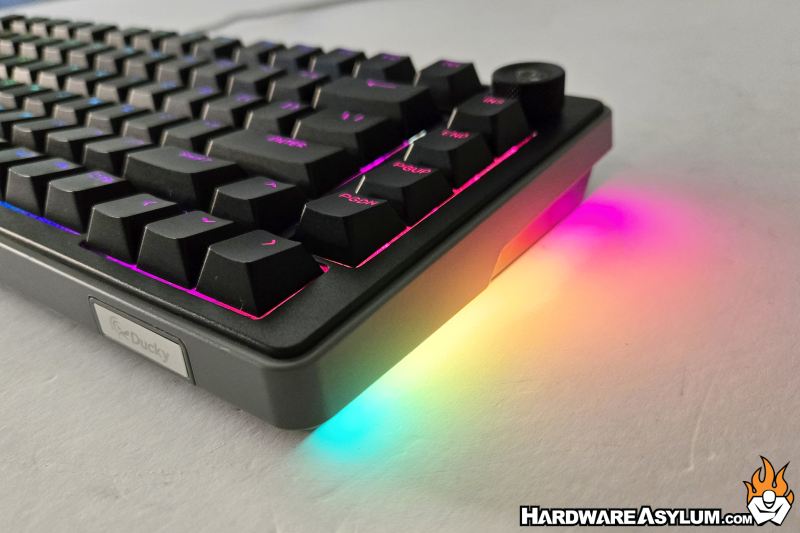
Per-key RGB lighting illuminates the keys, making them easy to see while adding customizable color and effects to your setup. Additional RGB lighting on each side creates an ambient glow across the desktop, giving the OK-HE a more dramatic gaming presence without distracting from your gaming session.