
Ducky OK-HE Mechanical Keyboard Review
Author: Darren McCain
Ducky OK-HE Software and Conclusion
Ducky doesn’t use a traditional software driver suite instead relying on a zero-software policy where changes can be issued directly from the keyboard and stored in the onboard firmware. This can be quite a shock if you are not experienced in this type of configuration. Fortunately, most functionality can be accessed via keyboard hot keys if you prefer to ignore the software solution.
The new software package is now web based and can be accessed using the new duckyhub.io website. With your keyboard connected you’ll be able to set keyboard configurations and macros and closely mirrors the Ducky OK-M.
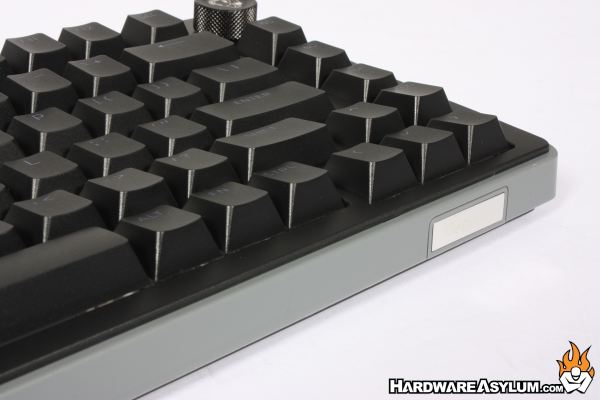
The Ducky OK-HE series is an impressive entry into the Hall Effect gaming keyboard market. Those Haimu magnetic switches, adjustable actuation, and 8,000 Hz polling rate deliver a responsive, highly customizable experience, while the gasket-mounted construction, five-layer dampening, and PBT keycaps provide a solid foundation for everyday use. The overall look is clean and understated, with RGB lighting adding just the right amount of gaming personality.
Moving to a magnetic keyboard does introduce a learning curve, particularly when experimenting with actuation settings and finding the right response for your playing style. The choice of three layouts (65%, 75%, and 96%) also makes it easier to find the right balance between desk space and functionality. If you're looking for a feature-rich Hall Effect keyboard with competitive gaming performance, thoughtful construction, and the simplicity Ducky is known for, the OK-HE series is definitely worth a closer look!
Class leading performance
Portable size
Adjustable actuation
Three size options
No option for wrist support
ABS Case
Learning curve for tuning
Browser based software configuration