
Cooler Master MasterLiquid Atmos II Stealth 360 AIO Cooler Review
Author: Dennis Garcia
Introduction
One of the beneficial aspects of being a hardware reviewer is that I get to test all types of components. Some of these components are then used as prizes at local events, put into the hardware collection for future evaluation or put to work around the lab and it is a quite the honor to be a selected for lab duty. Not only does the component become featured in future reviews but also shows that I like the product enough to use it on a daily basis.
In 2021 I reviewed an AIO from Cooler Master called the MasterLiquid PL360 Flux. This is your standard 360mm self-contained watercooler and one of the first coolers in the lab to support the LGA 1700 socket. Overall performance was quite good and supported all of the popular processor platforms making it easy to install and universal. That last bit is extremely important when you build a new system each week and want to limit component switching. The only thing I hated was the stupid Flux Series fans and was literally the first thing I replaced, swapping them with high pressure MasterFan Pros.
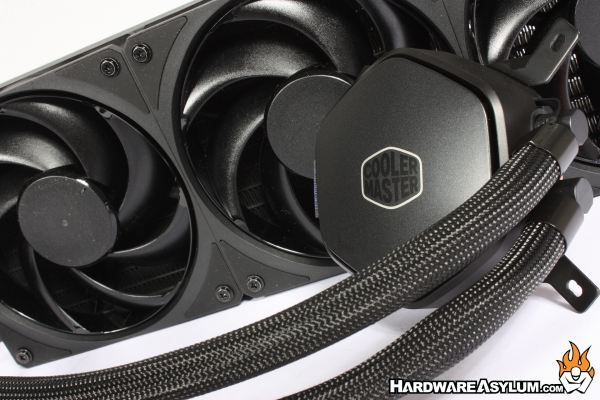
It is not uncommon for companies to re-release popular products, either as a down-market alternative or to run through some unsold back stock. Whatever the reason it makes good sense if the product was good to begin with. In this review we will be looking at the Cooler Master MasterLiquid Atmos II Stealth 360. As the name suggests this is a 360mm AIO and part of the MasterLiquid series. What you don’t see right away is that this is basically the PL360 Flux with a redesigned pump cover. Everything else is the same, even down to the “shudder” Flux style fans with the stupid airflow ring at the fan tips.
Of course, there have been some upgrades but, the parts that matter when it comes to performance are basically identical.
The Masterliquid Atmos II features a dual chamber pump design that is more compact than previous generations without impacting performance. The high-speed motor features a ceramic bearing impeller to help provide balanced waterflow and thermal performance by targeting hot spots using a larger microchannel cold plate.
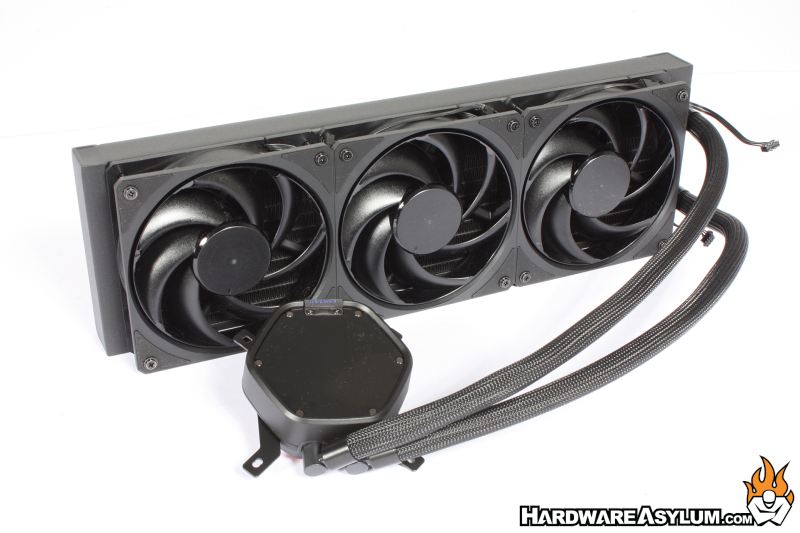
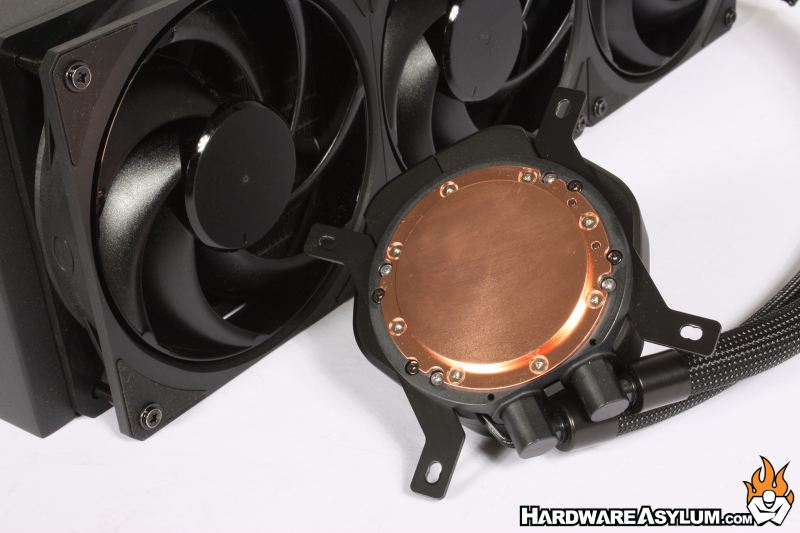
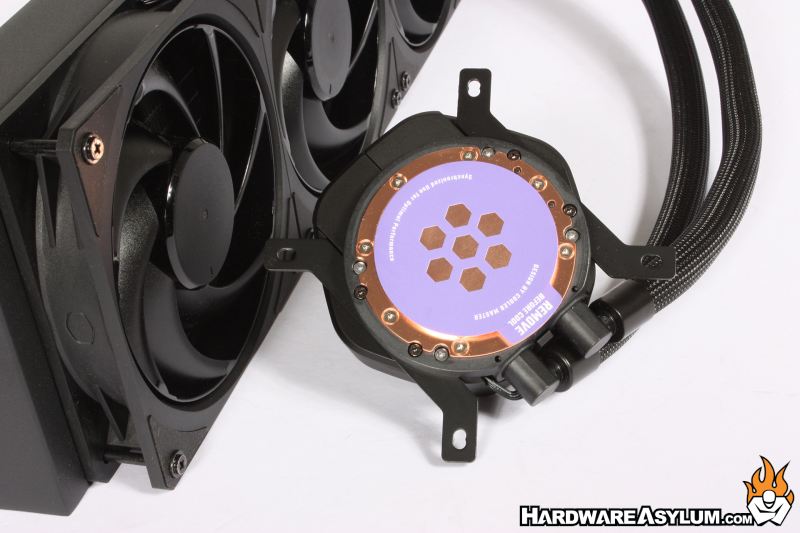
You will notice that the copper cold plate features a raised mounting surface with familiar perimeter mounting screws. The extra mass directly over the CPU helps in thermal capacity and heat transfer. Both being primary considerations when selecting a cooler for a high wattage CPU. I like how the protective cover could be used as a thermal paste template for those OCD enough to pre-spread their thermal compound AND, leaves a thermal channel open for those absent minded enough to NOT remove the protective cover before installing the cooler.
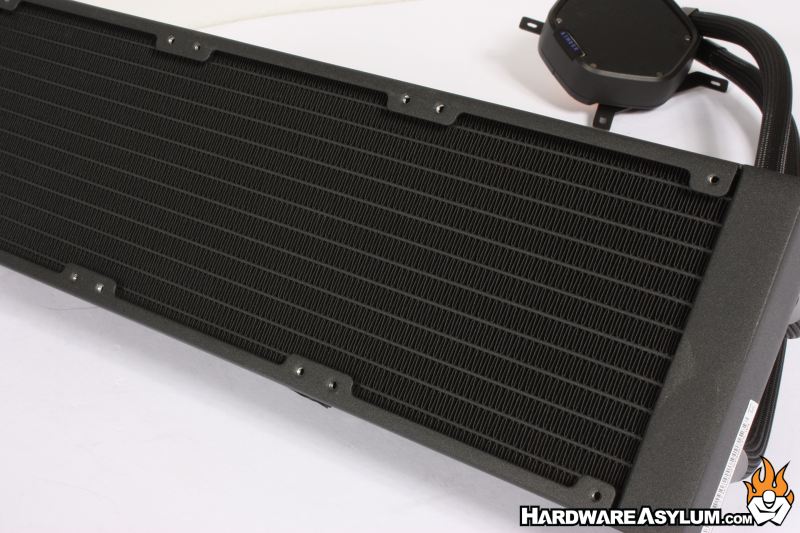
On older Cooler Master AIO heatsinks the radiator was so densely packed that they required high-pressure fans to work effectively. The joke was that despite the increase in surface area, the radiator design did nothing but increase noise and flatline performance. The radiator featured on the Atmos II is the same rad that Cooler Master has been using for years with twelve water channels and a good number of cooling fins to help dissipate heat but not block airflow.
The one feature I loathe about many MasterLiquid products is the Flux style fans called the Mobius 120P Fans with airflow rings. These are designed to reduce noise and increase performance but, I have an entire stack of traditionally designed fans that could cool circles around these air movers. Sadly, they are more expensive and THAT might be the point behind the design. In my opinion, they don’t work all that well on either the noise or performance metric but do a decent job out of the box.
The Atmos II is designed to be a down-market cooler so you won’t find any ARGB on this cooler and might also explain the fan choices.
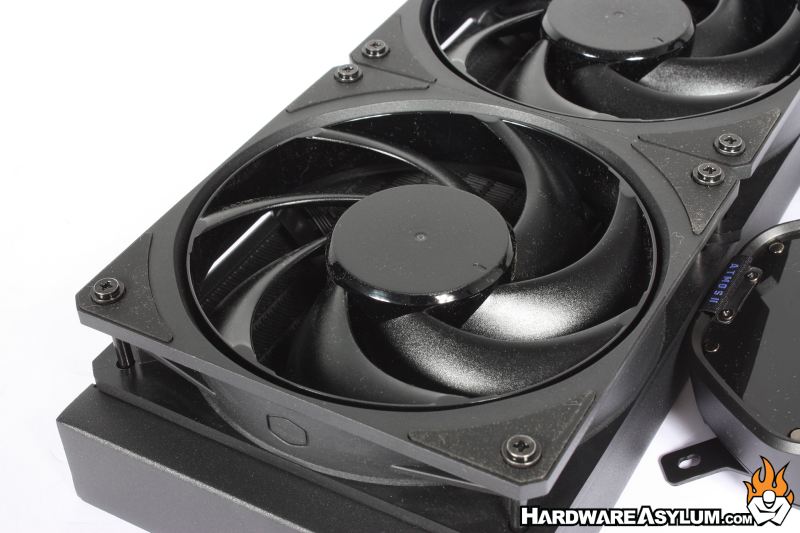
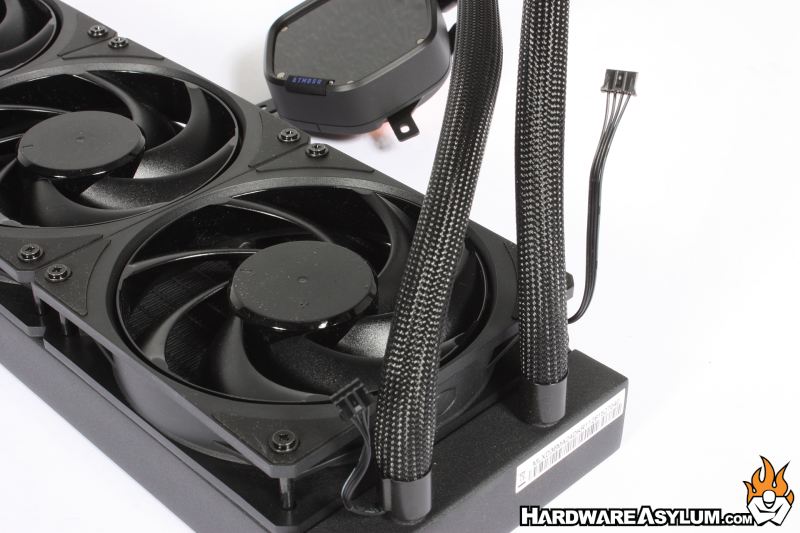
One of the upgrades that you’ll find is that the pump block has no fan tail. I actually like this design since it makes the area around the CPU quite a bit cleaner from a cable management standpoint. Instead, you will find two sets of fan tails at the radiator, one for the preinstalled 120mm fans and another that routes down a braided sleeve to the pump block.
Both of these wires use a special plug meaning that you’ll have to install the extension wire to properly install the cooler. Seems like a total waste of resources but, I’m sure there was a logical reason for it.
Another upgrade is the addition of quick-change toppers. Out of the box you will find the top of the Atmos II pump block completely bare showing the six magnet points to hold the toppers. In the box you will get a flat and curved blank with the Cooler Master logo in the middle. The third option is a cooling fan that will help keep the area cool around the CPU socket.
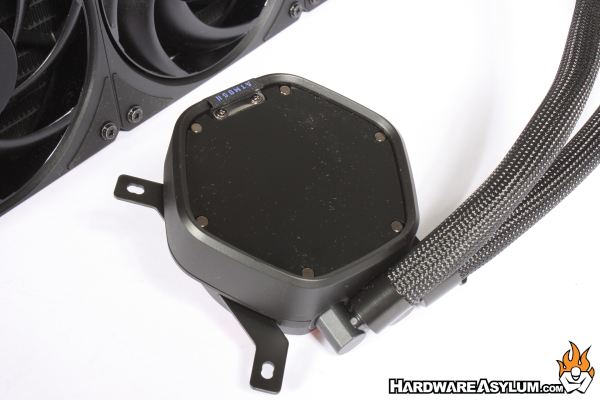
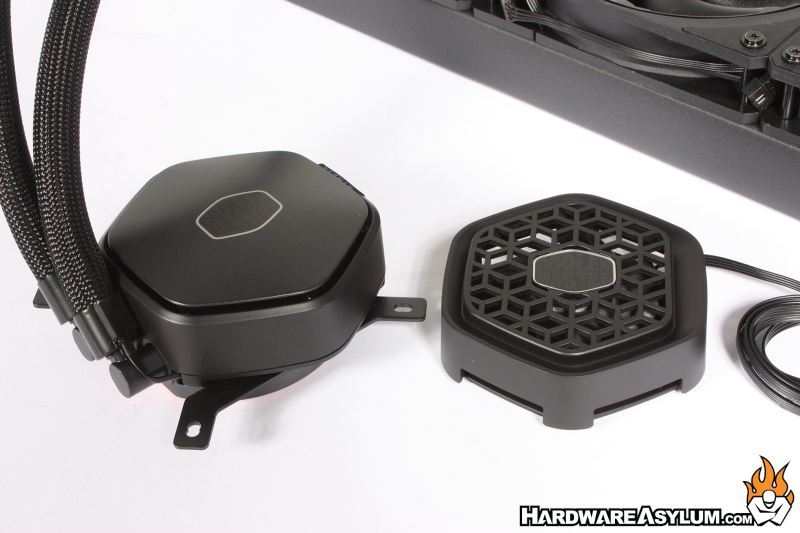
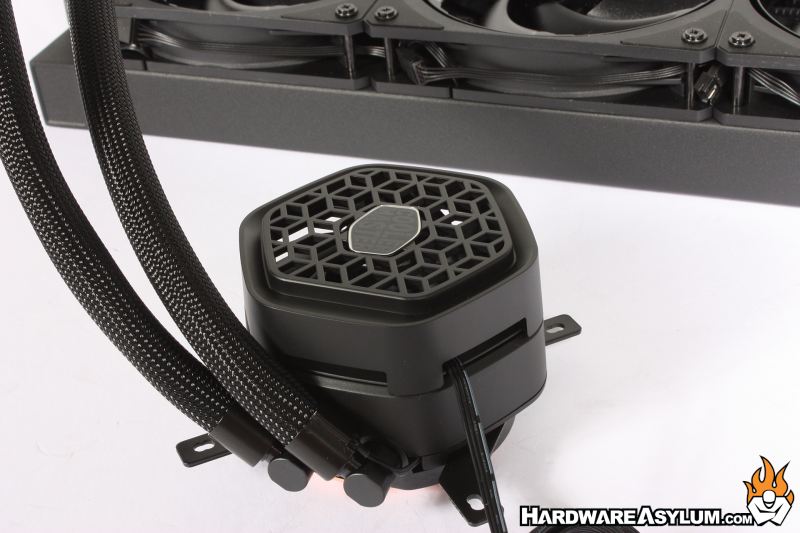
Many people forget that most motherboards are designed with the assumption that an aircooler will be installed and thus disrupt the air around the VRM and memory. When you install an AIO this airflow is absent and can lead to higher-than-normal motherboard temps. This additional fan helps to lower temps by a few degrees and looks pretty good on top of the cooler.
Upgraded versions of the Atmos feature LCD screens and a Pixel LED display.