
Noctua NL-LC1-36 AIO Water Cooler Review
Author: Dennis Garcia
Cooler Installation
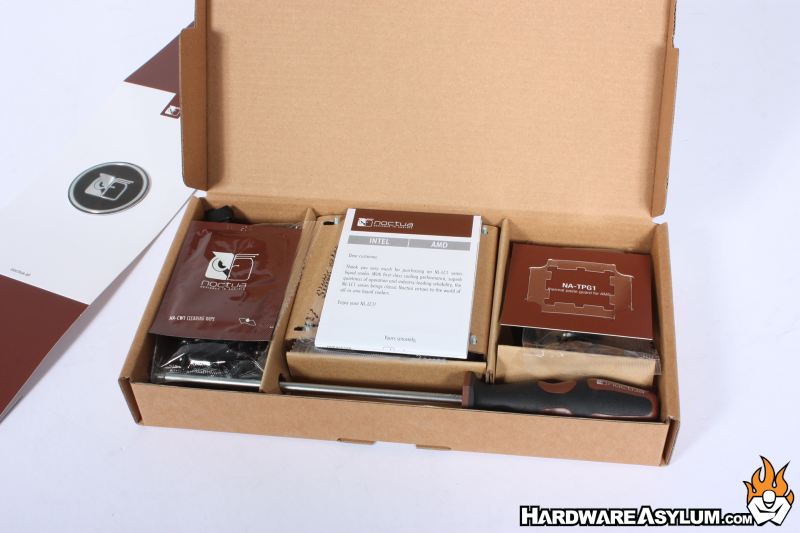
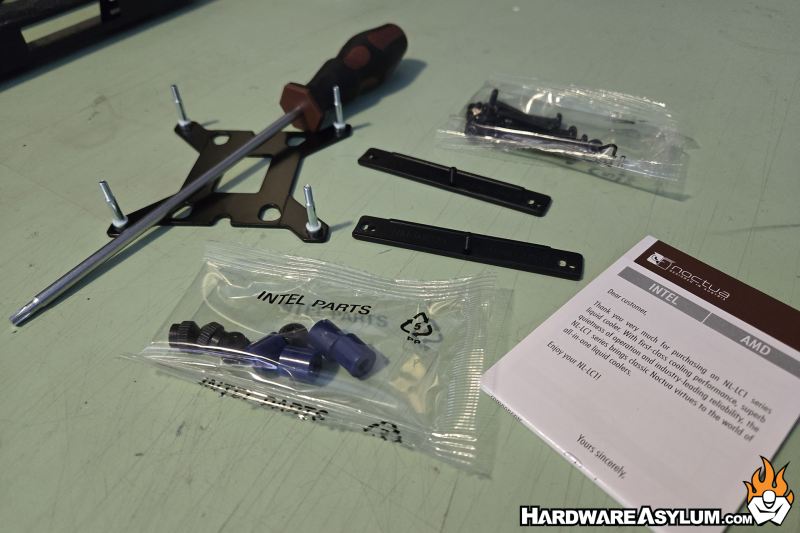
The hardware you will need can be found in the accessory box along with a Noctua branded screwdriver, cleaning wipes and a thermal compound template for the new AMD Ryzen CPUs.
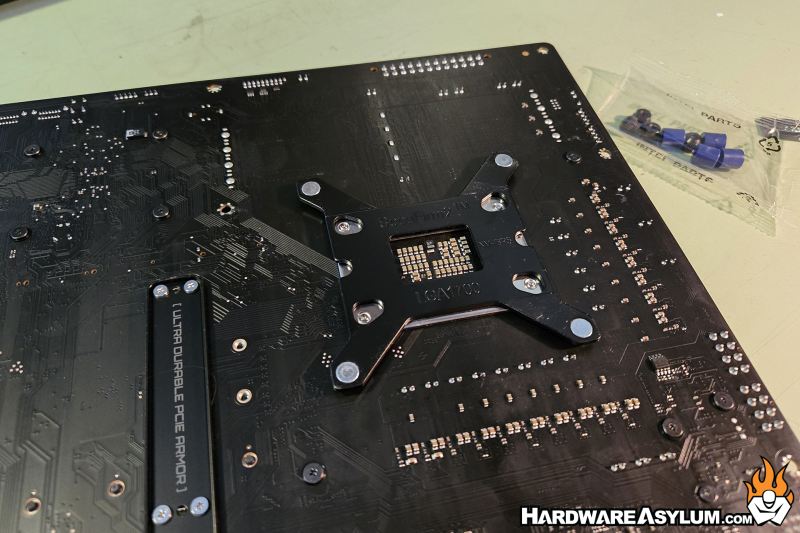
We will be testing on the LGA1700 Alder Lake platform with a Core i7 12700k processor. These motherboards require a special backplate and will be the first thing to locate. It is only slightly larger than the LGA1200 counterpart and many early motherboards come with dual mounting holes.
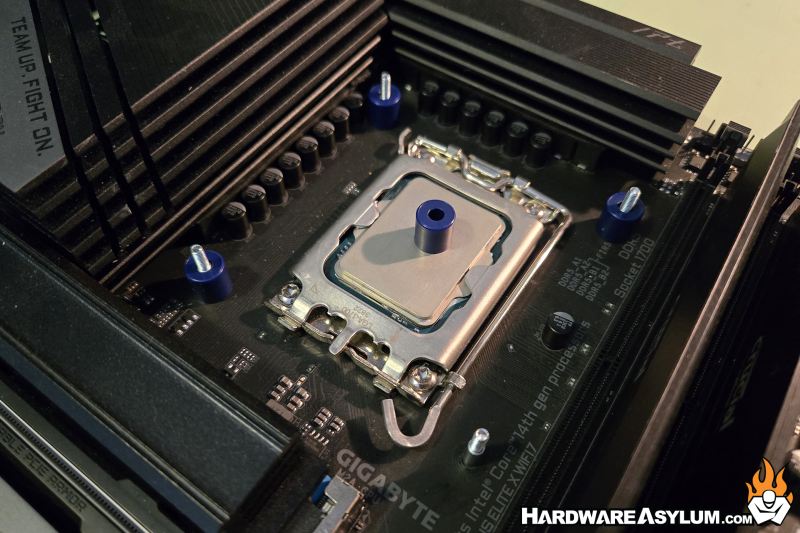
Next, you’ll need to install the spacer blocks that will help locate the mounting bracket to the motherboard. The spacers are blue and will match up with the shoulder on the threaded post. After that you will need to install the mounting rails and these are very interesting.
To locate the brackets correctly you will orient the rail such as the CPU arrow is pointed towards the CPU. There is also a direction on the rail (East | West) however, if you are not cartographically inclined you could place them opposite of the intended direction which will force you to rotate the motherboard before installing it.
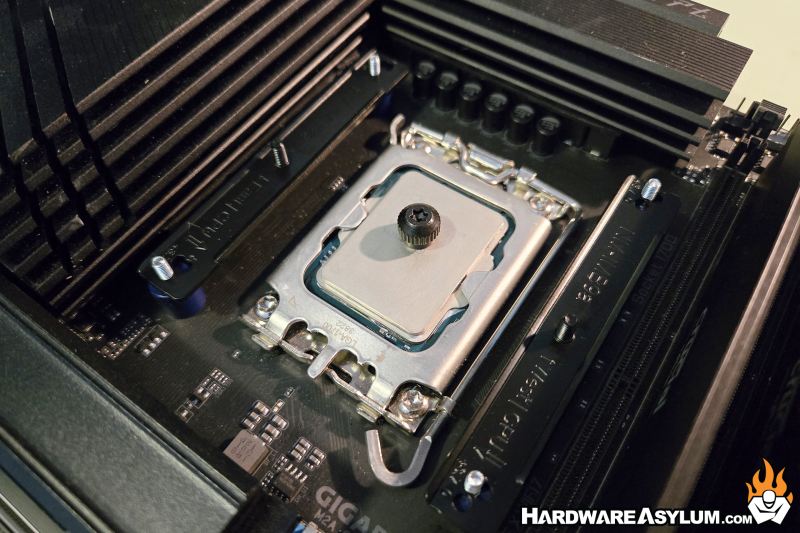
After that the rails need to be secured using the included nuts. These have a torx head meaning you can use the included screwdriver or, your fingers.
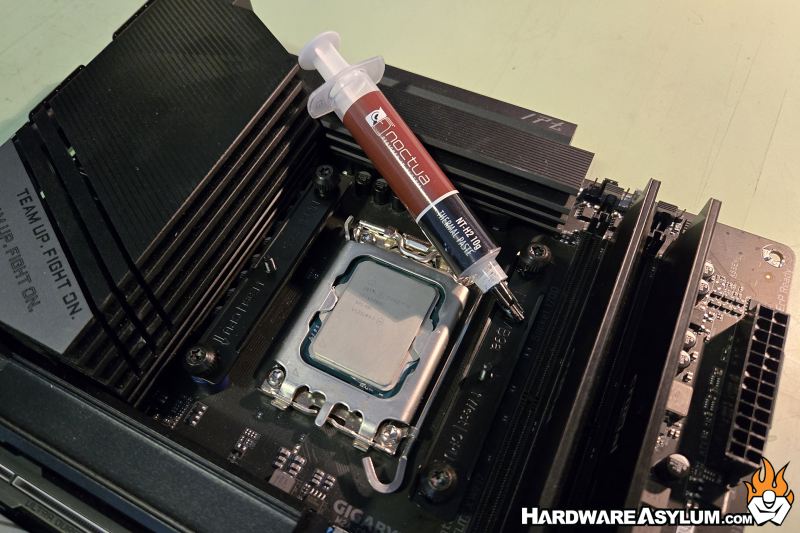
The final steps involve applying thermal compound and installing the pump block. I prefer the 5-dot method which involves five small dots on the processor in an X pattern. This will also mark one of the many rare times I get to use Noctua NT-H2 thermal compound to test a Noctua cooler.
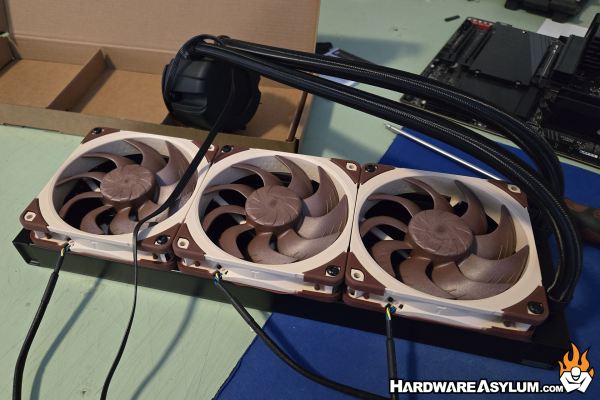
Make sure to install the G2 fans the same way. Each of these fans will have the normal length tail so you will want to watch how you install the fan to ensure the cables are routed correctly. A 3-in-1 adapter is included so you can connect these to the motherboard.
Much like on a normal Noctua heatsink you will need to use the screwdriver to install the AIO pump block. Just line up the threaded holes with the posts on the mounting rails and alternate the turns on each screw until they bottom out.
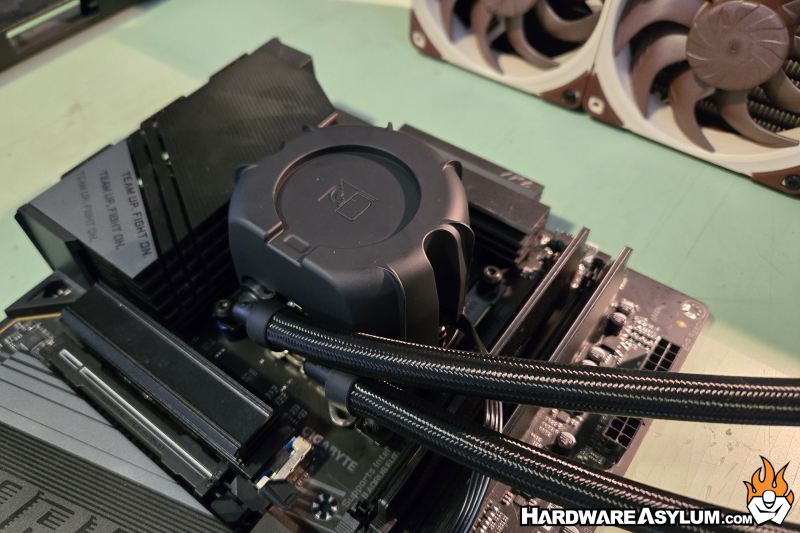
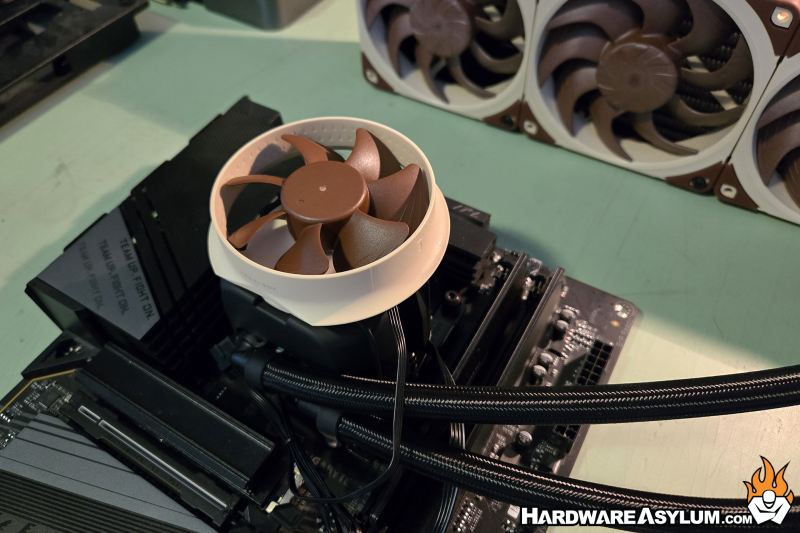
If you happed to pick up the Noctua NL-ACF1 VRM cooler you can install that next and route the fan tail to an OPT header on your motherboard. For those without the auxiliary fan you can use the metal Noctua badge. I really like this approach since you can either provide additional cooling or decorate your cooler with the logo always in the correct orientation.