
SilverStone Hailstone 360 Industrial AIO Cooler Review
Author: Dennis Garcia
Cooler Installation
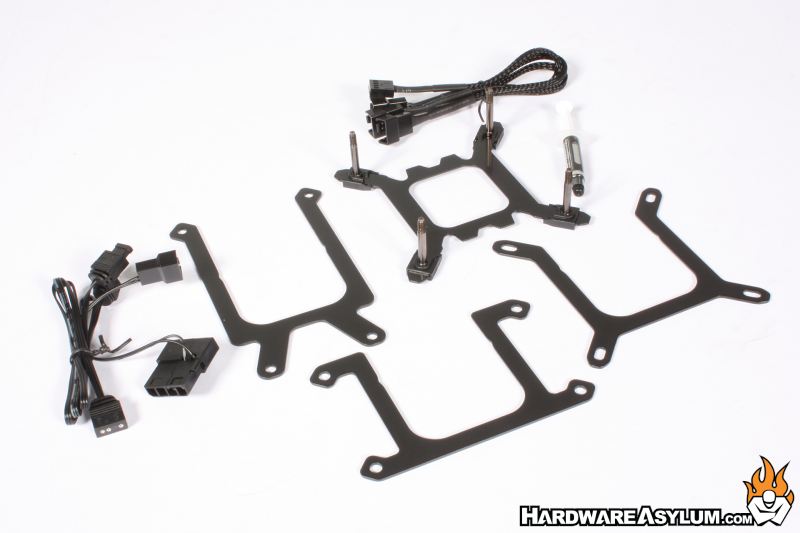
Installing the SilverStone Hailstone 360 is extremely easy. This cooler doesn’t have a universal mounting system but, does come with a large selection of mounting plates to support all of the modern processor platforms.
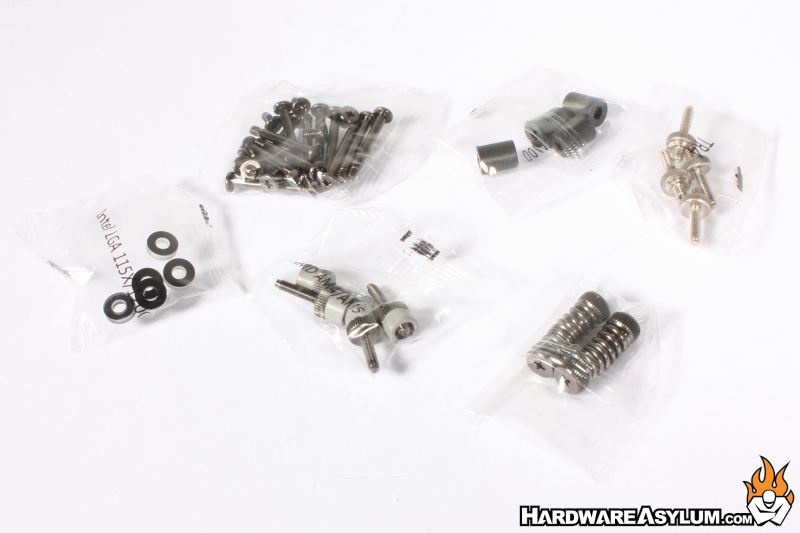
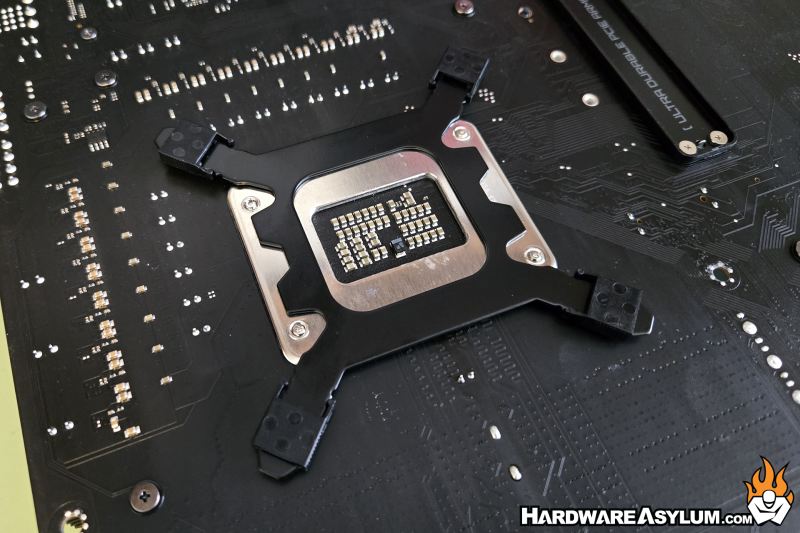
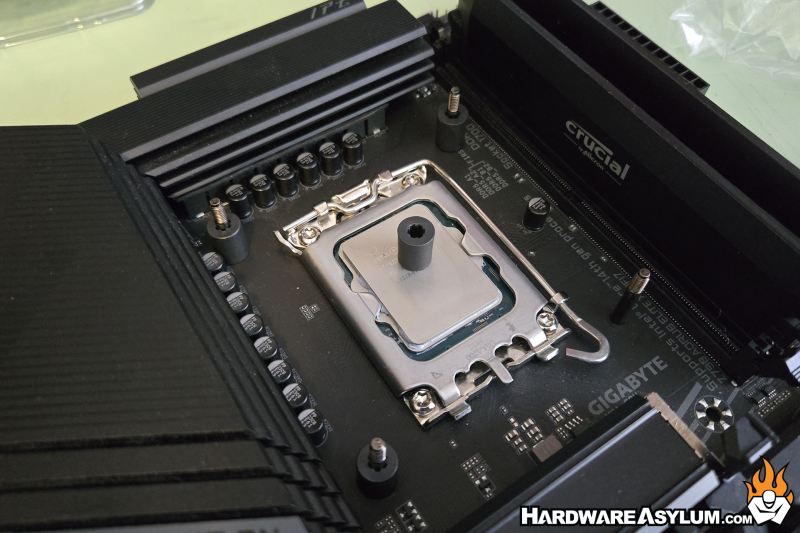
With the backplate installed you’ll need to install a set of spacers to set the height of the pumpblock over the CPU. The installation process is slightly different for LGA 1200 and older despite using many of the same components.
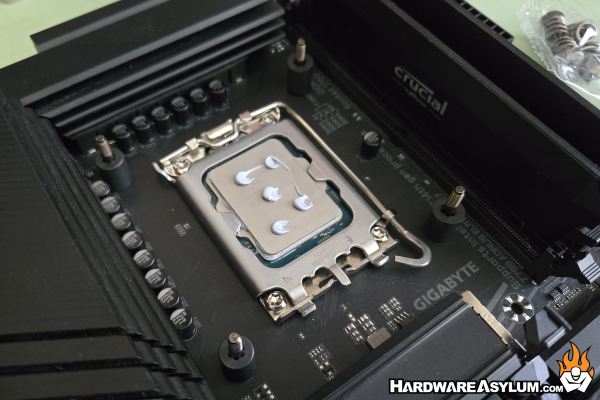
Thermal compound is an important step. There are a number of different methods for installing compound and while I prefer the superior 5-dot method for repeatable thermal results it has been proven that running your system without thermal compound is worse than trying to replicate the methods used by your favorite tecutainmentTuber.
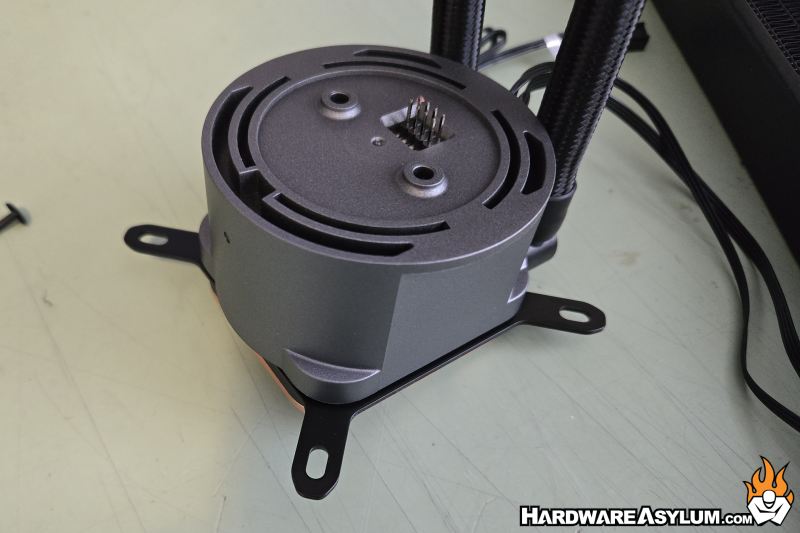
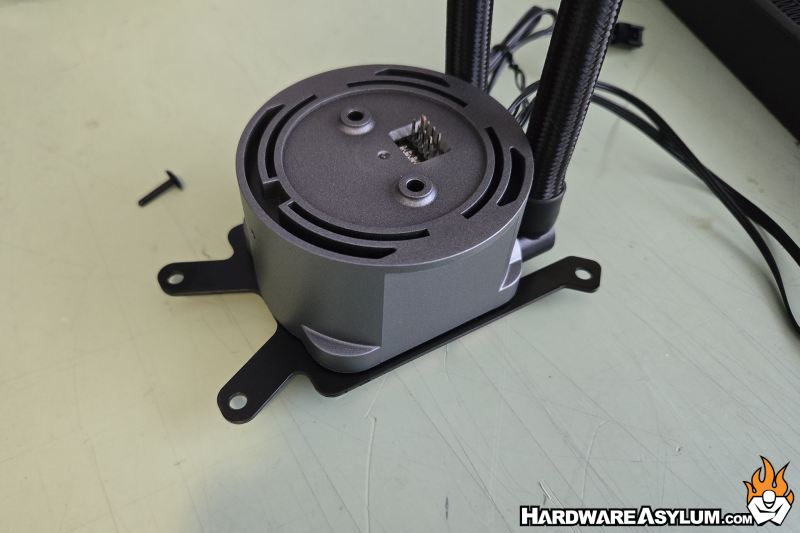
To install the pumpblock you will need to attach the mounting rails. These slide into a groove on the pump block and align with two locator notches. The notches are located opposite the hoses and should lock in place when installed correctly. The mounting rail is specific to the processor platform, for instance, when installing on Threadripper you’ll need to use the longer rail with asymmetric holes.
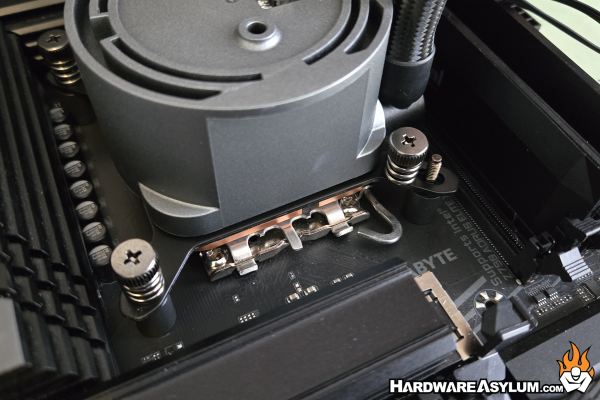
To install the cooler, simply align the holes in the mounting rails with the screw posts and lock it down using the included spring nuts. You will want to install them in a progressive cross pattern to ensure even pressure. This ensures that the thermal compound makes great contact and is easier to get the screws tightened.
The IMF70 ARGB fan modules are easily installed across the top of the pump block and allow you to reposition the fans to where extra airflow is needed.
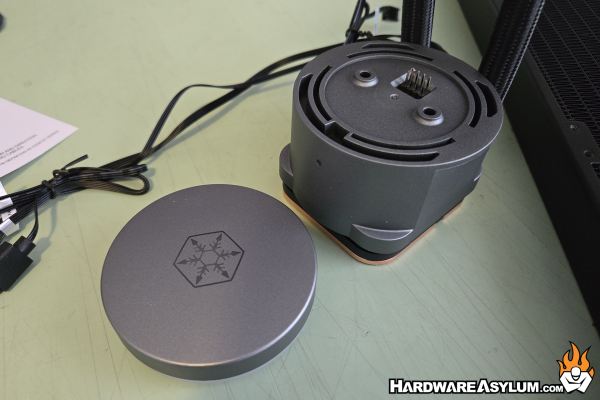
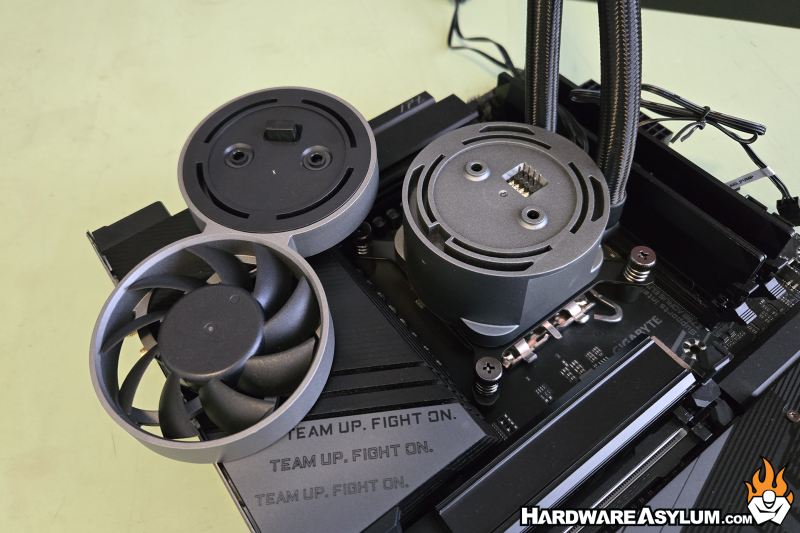
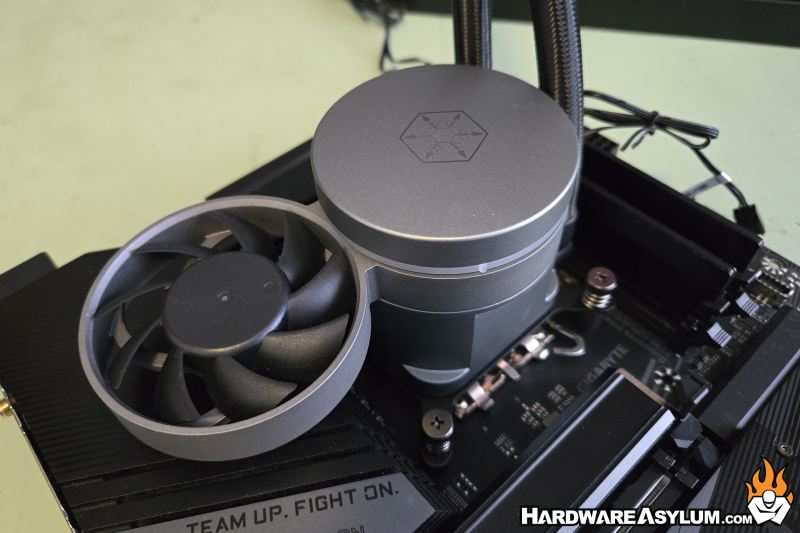
I do like how the AIO radiator fans spin independent of the IMF70 fans and pump block motor with each having a separate fan input. Of course, you can link all of these together or, you can dial the speeds in differently to better control the level of cooling you need.