
be quiet! Dark Perk Ergo Wireless Mouse Review
Author: Darren McCain
Dark Perk Ergo Layout and Features
At first glance the Dark Perk Ergo looks like most standard ergo mice. Closer inspection reveals a shell that cleverly blends ABS plastic with soft-touch rubber accents. The result feels secure in your hand without being sticky even after a long gaming session.
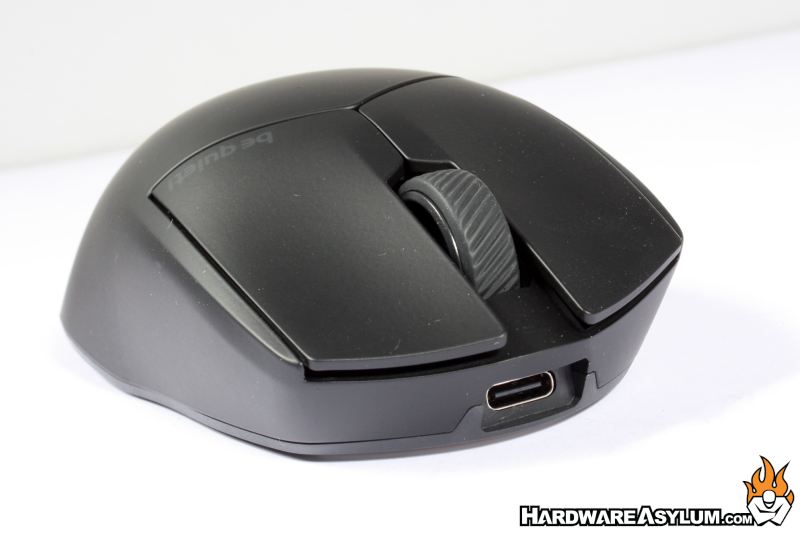
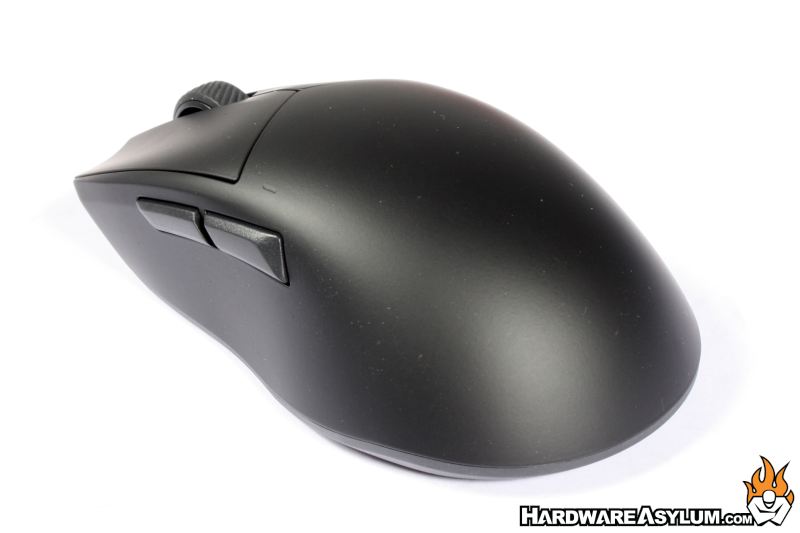
Be quiet! has chosen Optical Omron D2FP-FN2 switches for the left and right mouse buttons. These switches are very responsive and quieter than any other mouse in the labs! The scroll wheel is confident and predictable to the touch.
The two thumb buttons are located high on the left side and are easy to locate by touch in most grip styles. All but the left button can be customized for any key bind you might require.
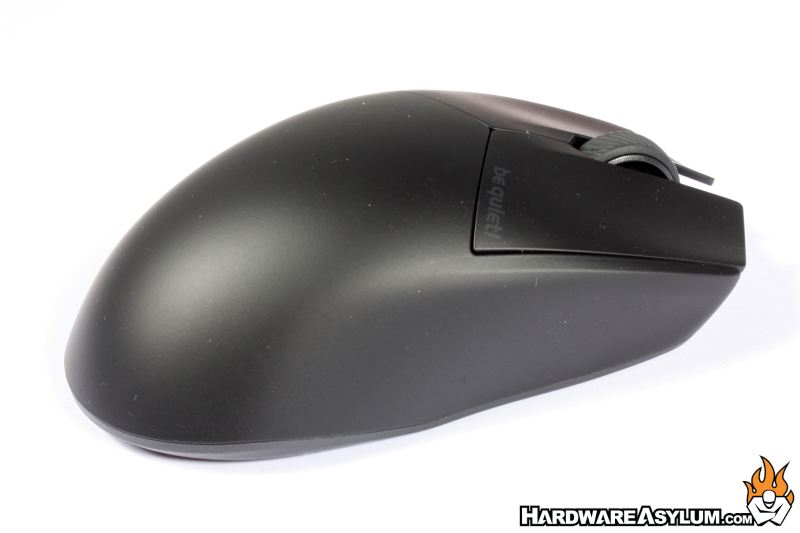
The right side is pretty clean showing off the ergometric lines well. A closer look will reveal the subtle be quiet logo on the right button, almost invisible to the naked eye!
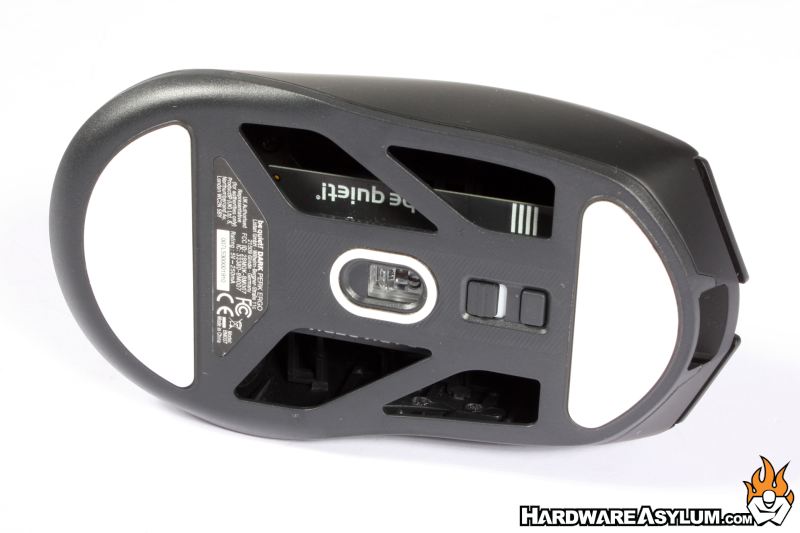
From the bottom, we can see the open skeleton design to save weight. Two large skates provide smooth contact with your mousing surface. In front of the excellent PixArt PAW3950 sensor are the wireless toggle and the DPI button. It is an odd choice to hide the DPI on the bottom.
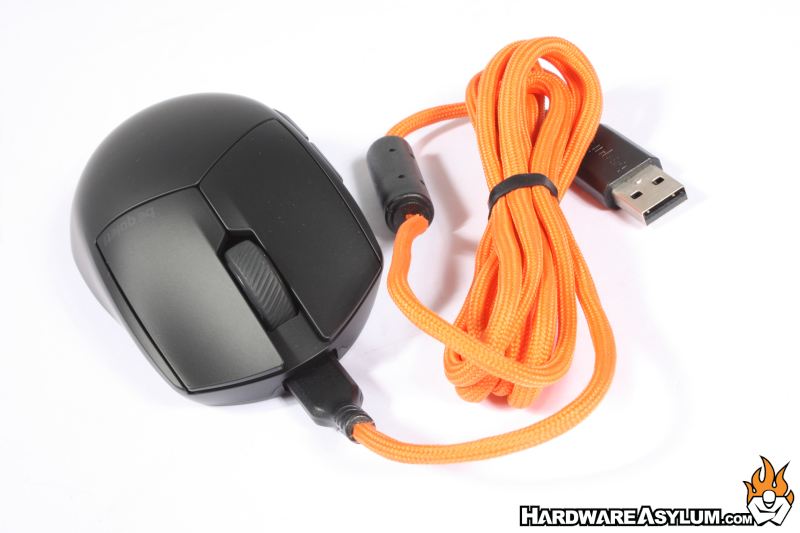
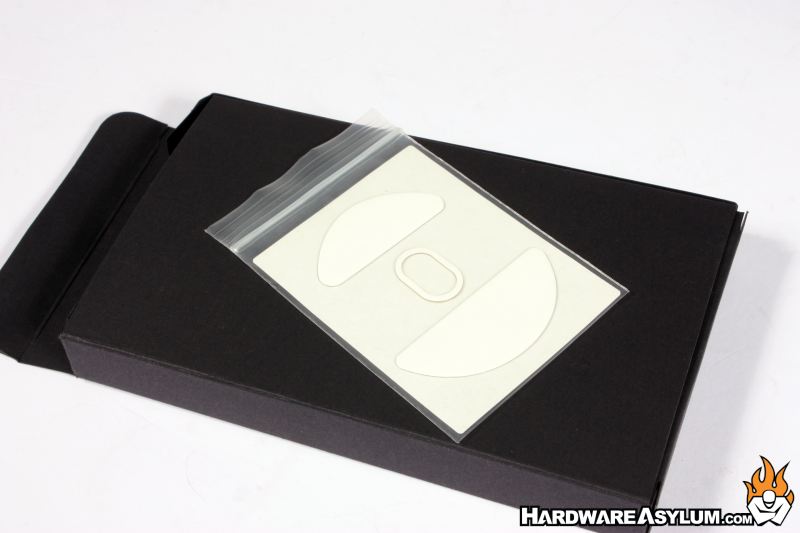
One of the more interesting design choices is the inclusion of a 1.8-meter USB-A to USB-C cable sleeved in a be quiet! orange color. It does look great but will only match a very specific be quiet centered build.
Also included are a 2.4 GHz RF wireless dongle, USB Type-A to Type-C adapter, a user’s manual, an extra set of mouse skates and a cable tie.
