
be quiet! Dark Perk Ergo Wireless Mouse Review
Author: Darren McCain
Dark Perk Ergo Software
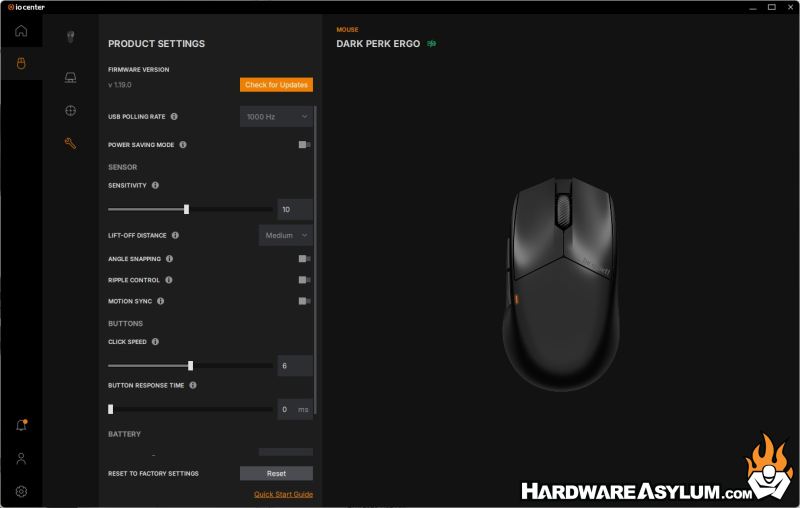
For this review we installed the latest be quiet! IO Center version 1.1.2. We also immediately upgraded the firmware to V 1.19.0.
Overall, the software is responsive and lightweight. Some wireless gaming mice lock software options behind clunky drivers — here, the experience is refreshingly modern and unobtrusive if a bit basic.
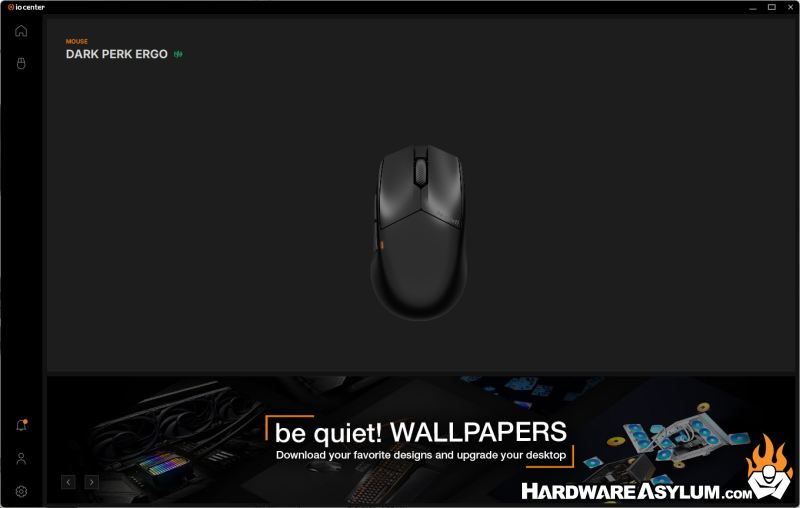
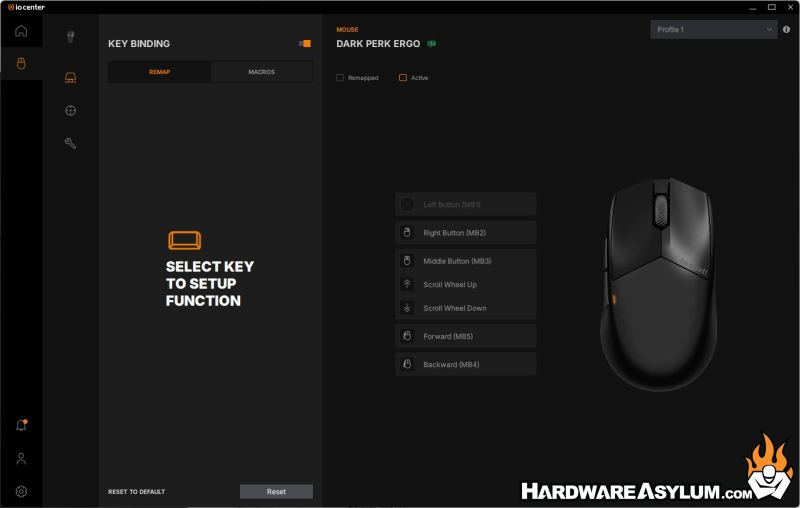
The IO center provides support for all your be quiet! peripherals. For the Dark Per Ergo we have three sections: Key Binding, DPI and Product Settings.
Key Binding provides the ability to remap three of your mouse buttons and the scroll wheel settings. You can choose individual functions or map to a macro. Button functionality includes presets for: single click, double click, while pressed and auto fire.
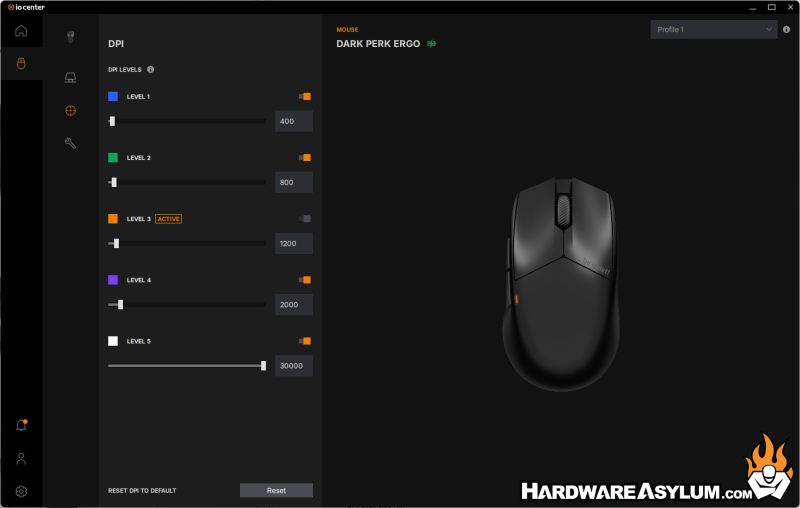
DPI provides you with five different DPI presets. These presets are color coded for easy identification on the mouse via the small status LED. I found myself using 1200 and 2000 comfortably for most gaming. That was lower than I typically play. Perhaps due to the lighter, more responsive feel?
Product settings provide access to all the additional functionality you would expect from a premium gaming mouse in one simple to use section. I did miss a visual indicator of my current Battery level in the software.
