
Looki L1 Wearable AI Device Review
Author: Dennis Garcia
Usage and Impressions
After setting up an account I was ready to start using the Looki L1. For the first few days I spent some time trying it figure out the tech and what data was being passed around. I did this in the “Story Mode” and was rather disappointed in the results I was getting. By default this mode will simply snap a photo or take a short video at seemingly random times during the day and compile a journal of what it saw. What upset me is that it missed a good portion of my day. For instance, I went for a walk and the Looki L1 seemed to have checked out. It wasn’t long after that I discovered that in “Story Mode” you need to be a little more proactive in what you want to capture and is something I simply did not do.
After this I enabled the AI Mode and is when things started getting interesting.
In the morning I will spend some time checking messages and looking over news stories. Since I’m not a coffee drinker, I supplement my wake-up period with a Pepsi.
The Looki L1 captured this moment in an artfully rendered drawing that accurately captured my monitor, the contents on my screen and my Pepsi off to the left. Granted the Pepsi logo is incorrect and the rendered snacks were actually papers and post-it notes but, I was impressed and wanted to see more.
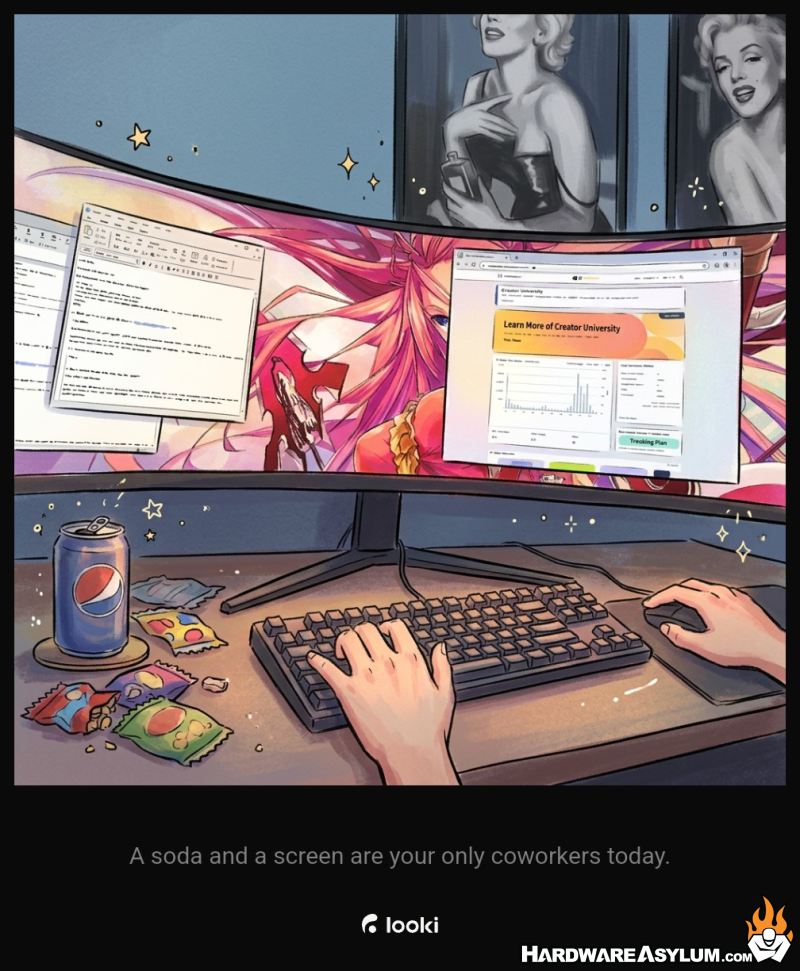
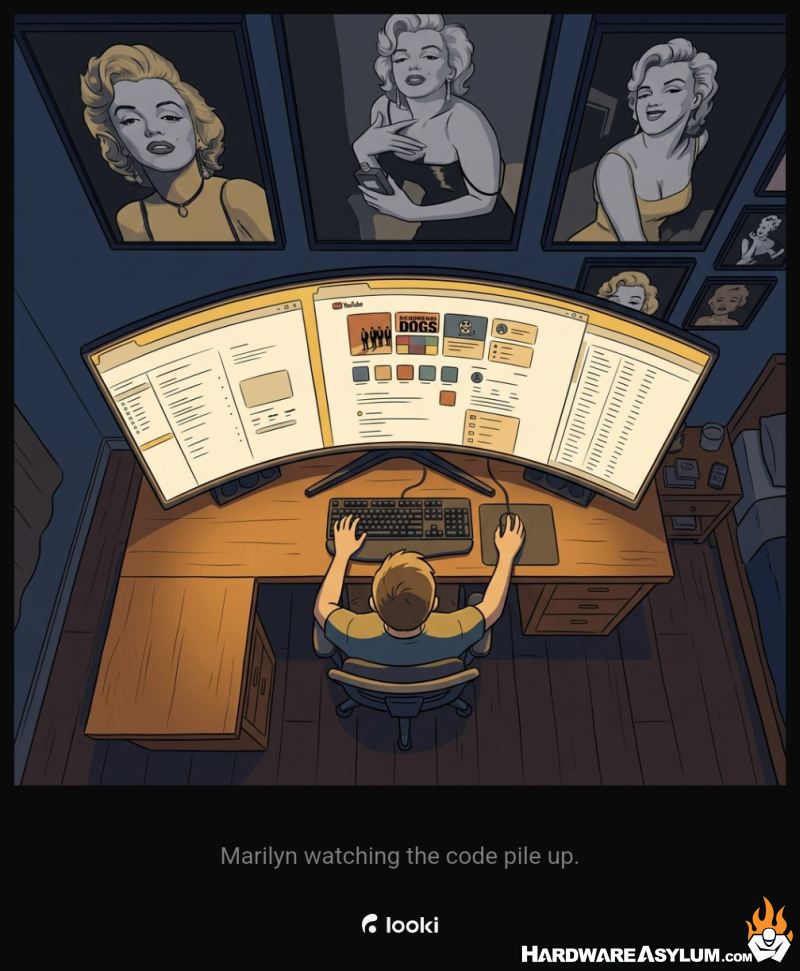
Towards the end of the day Looki generated a different image, this time making up details such as a third Marilyn picture on my wall, Apple inspired screens on my monitor and that my office was in my bedroom instead of a completely sperate space in my house.
Between these two photos you can easily see the differences in how images are handled by the Looki system with a range between images generated by a real photo and images generated from a prompt based on a random event used to generate a timed alert.
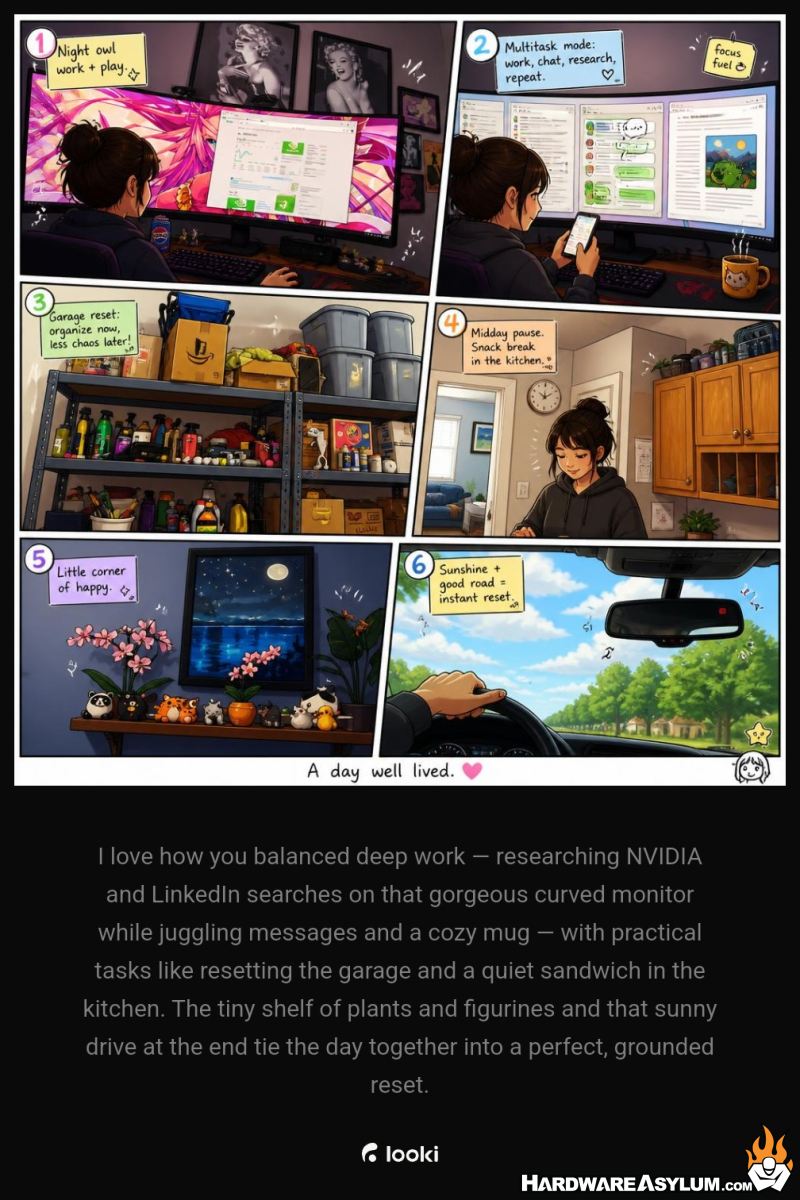
The Hardware Asylum Podcast is generally recorded at the end of the month and just so happened to coincide with my testing of the Looki L1. During the day I wore the Looki and it watched me work on website stuff and take care of tasks around the house. These activities were captured in my daily journal. However, when it came time to setup for the Podcast the device just sort of zoned out. It was still capturing photos and giving me a timed alert message but, none of my activities made it into the daily log.
Instead, I was greeting with journal entries that were important enough to generate an alert but not important enough to make it into the journal. For instance, I have a nice rendering from the Liquor store and a message calling out that it was good of me to order water before my beer.

Later during the recording session Looki had started listening in and recognized me talking the Looki L1 and decided to build a summary of the discussion and provide some relevant information. While the device recorded all of these interactions it didn’t find them important enough to create a journal summary. For me this mirrors what we see in social media where the algorithm will decide what is important when more relevant events get buried in the noise.
One of the biggest dangers when you use AI is Hallucinations and being able to identify and separate them from valid information. A hallucination is when your AI model provides you an answer that may sound good but is not correct. This can typically be driven by not having enough context to provide an accurate answer. For instance, using ChatGPT to provide you with great places for wine tasting. Without proper context it might suggest a shop in Puglia Italy when really the local winery down the street would be more realistic. Technically they are both accurate but without the proper context one will appear as a hallucination, unless you really wanted to book a flight to Italy.
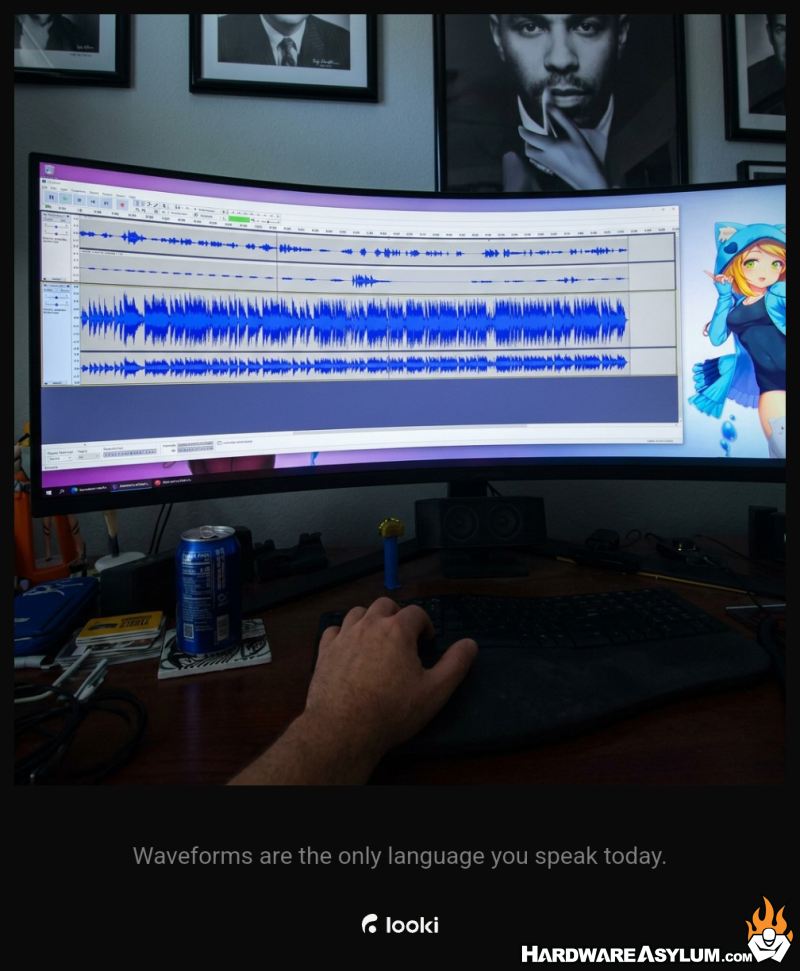
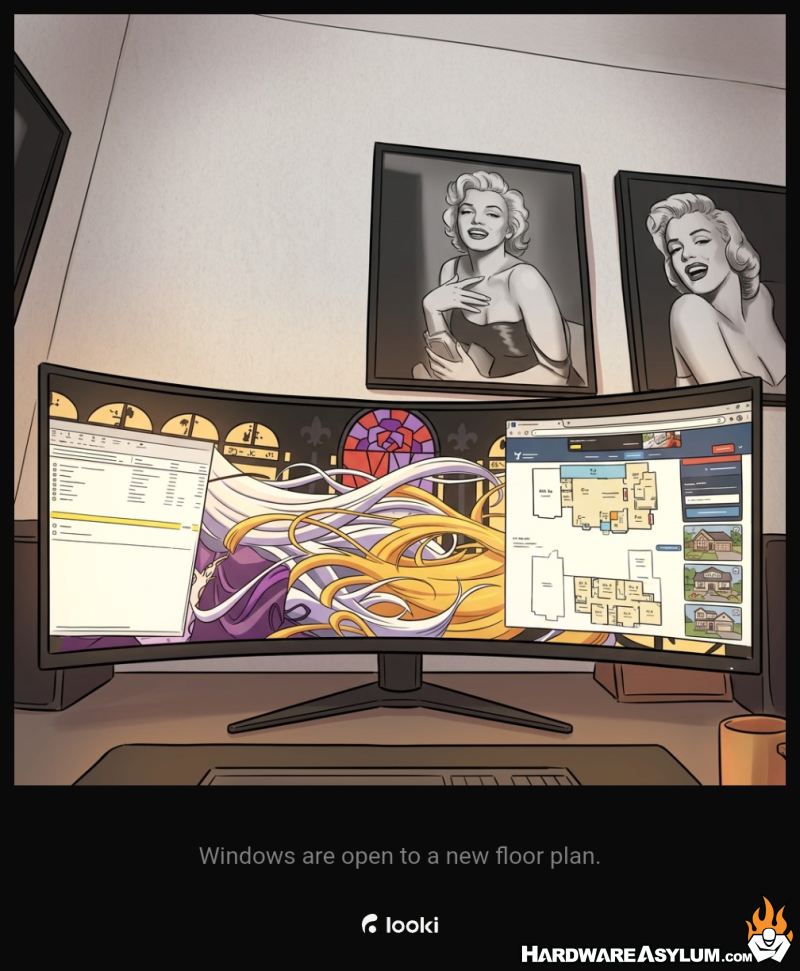
More often than not, the suggestions I got from Looki were not helpful and was due to a lack of context. From the looki standpoint it was simply looking at a picture it captured while I was sitting at my desk. The journal entry said “The monitor is basically a flight deck for hardware specs.” I mean, ya, I was looking at hardware specs but, why tell me that?!? Had Looki used images before that single frame it would have realized I was researching AI grade GPUs and maybe could have suggested an alternative or sent me a relevant news post.
While I was impressed when it provided me with stock information, that was the one time it was actually helpful. The majority are a little “creative” and maybe a 4/10 when it comes to being relevant.
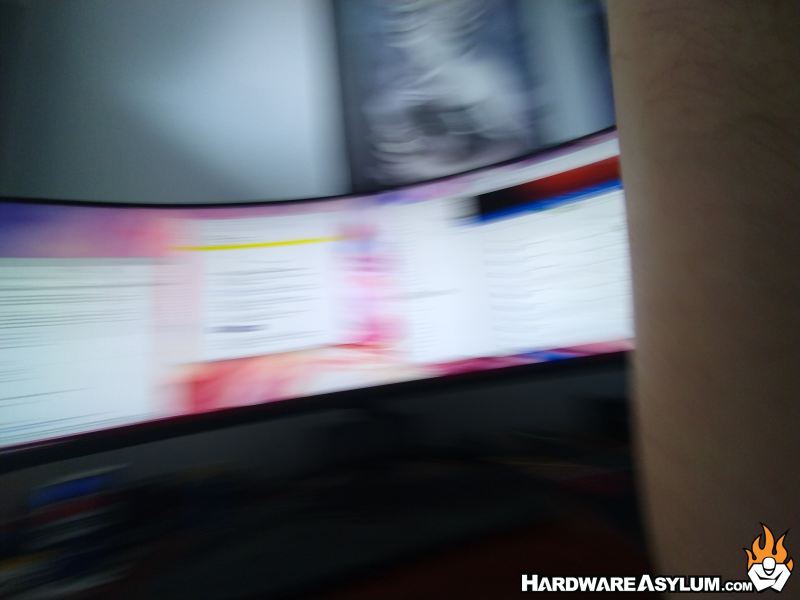
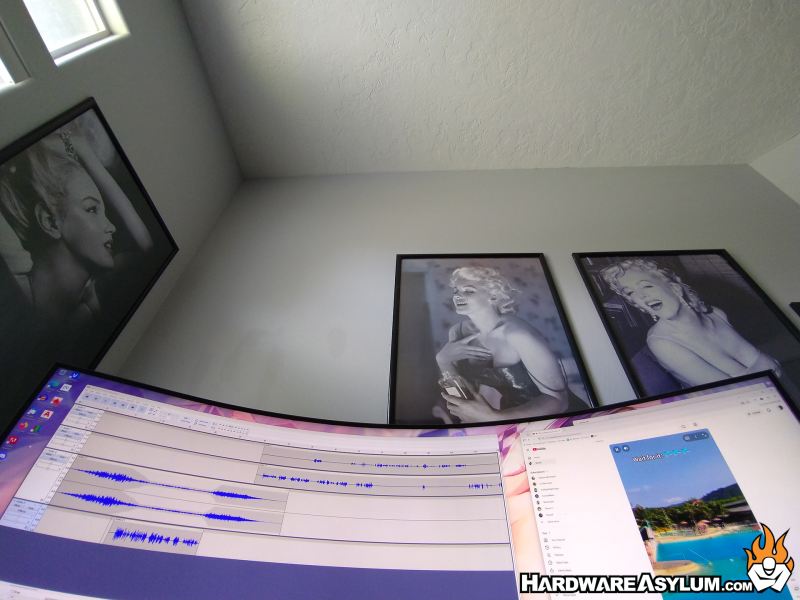
Part of the problem is simply image quality. Since the Looki L1 doesn’t consistently record your every move it uses motion and timed events to wake up and capture a moment. If you happen to be moving while the shutter is open the image is blurry. If you happen to leaning back in the chair the focus is at the ceiling, if you happen to be leaning forward it might capture the underside of your nose. In fact, 90% of the photos and videos Looki captures are either of the same thing, the same thing incorrectly framed or something completely irrelevant. These photos do a horrible job at capturing your day and are a leading cause of inaccurate storytelling.