
MSI MEG X870E ACE Max Motherboard Review
Author: Dennis Garcia
NVMe Storage Options
There has been a land rush to occupy as much open board space as you can now that PCI Express slots are no longer in favor. Instead, these have been transformed into a different type of PCI Express slot, the M.2. The X870E ACE Max supports a total of five M.2 NVMe drives and the expansion slot layout has been modified to maximize drive support.
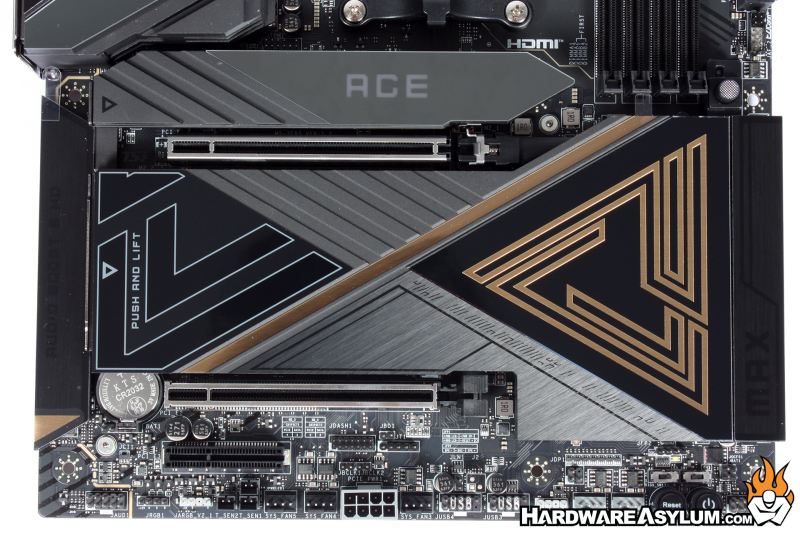
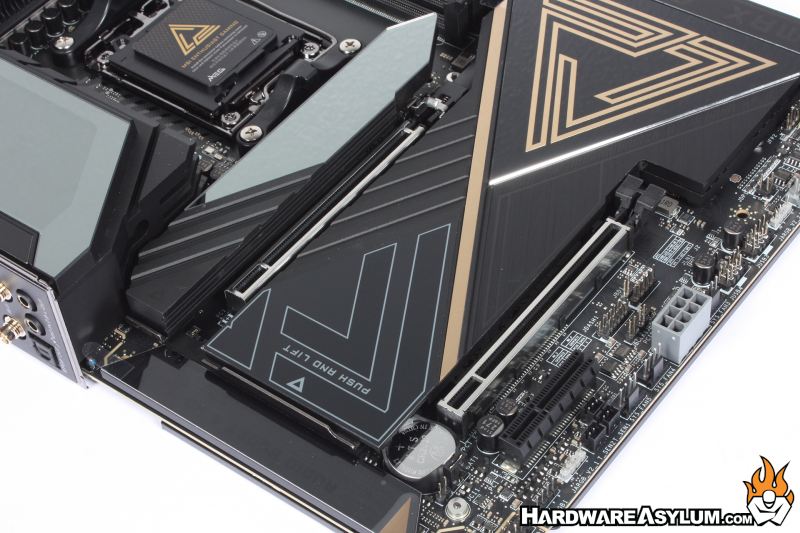
Expansion slots total three. The top two 16x slots support PCI Express Gen5 from the CPU and will operate 16x or 8x/8x depending on which slot is being occupied. The final slot operates at 4x from the CPU.
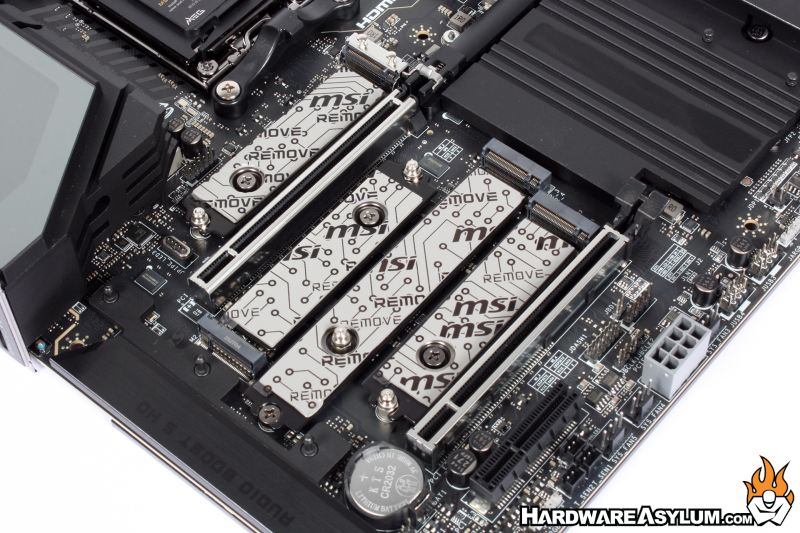
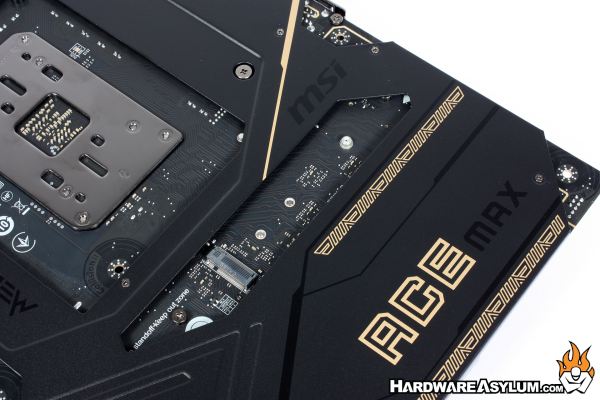
The primary M.2 slot is located near the CPU and comes with an individual heatsink so it can be serviced without having to remove the graphics card. You will notice a set of pogo pins off to the right, that allows the heatsink to support ARGB while also keeping your drive cool.
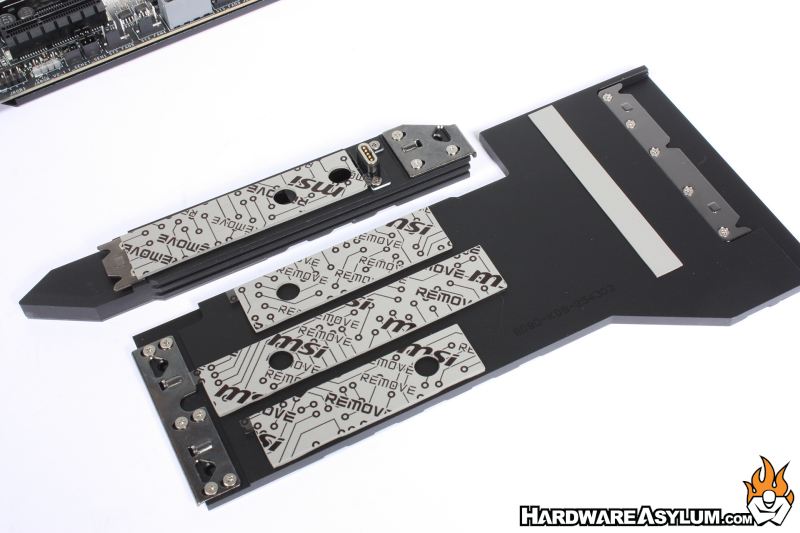
A unique feature to MSI motherboards is the toolless design for removing the M.2 heatsinks and for installing the various M.2 drives.
Drives are held in place with a plastic twist lock and the heatsinks use a spring-loaded clip that is both easy to remove and quick to install. Simply align the pins and click the other side in place. I would like to point out the small vertical thermal strip used to move heat from the chipset to the NVMe cooler.
The final drive location is on the back of the motherboard. I have been known to swap drives in my builds quite often and the more stuff I need to remove the less inclined I am to actually start the project. This drive location is interesting since it is easily accessible in certain reverse connector motherboards though will require its own heatsink to operate efficiently.
