
Building a Multi-GPU AI Workstation on a Budget
Author: Dennis Garcia
Conclusion
Building an AI workstation is rarely about buying the single fastest component on the market; it is about finding the specific "sweet spot" that fits your workload. Whether you are prioritizing VRAM capacity, PCIe lane availability, or thermal management, the right build depends entirely on how you plan to use your machine. The goal isn't just raw power, but the ability to run the tools you need efficiently.
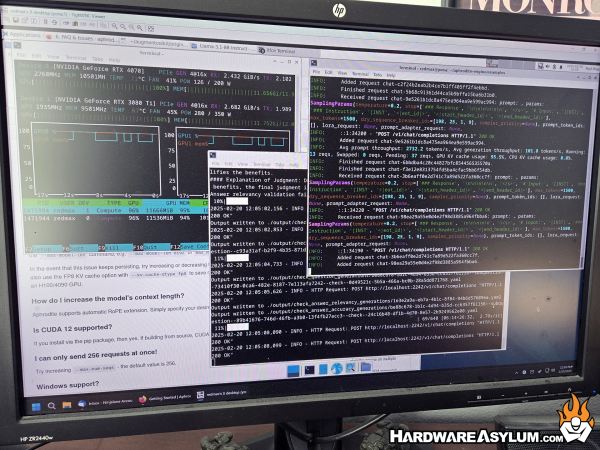
The goal of this build was twofold: maximizing model size at 30B while maintaining versatility and speed. By utilizing dual GPUs, I can juggle LLMs and image generation tools without the frustration and delay of model swapping mid-session which, not only improves performance but can also deliver features found on cloud systems while remaining completely local. While my particular AI Workstation is both dated and over-specified, it achieves my ultimate goal and opens up additional opportunities for dataset generation and even LLM Fine Tuning.
In my next follow-up I will talk about the various applications I am running, how I am using them and why you might consider doing the same. It will also include an interesting method for LLM Fine Tune Training completely offline with only minimal hardware. In fact, I’ll be able to train a 14B model with just two RTX A4500 GPUs!
