
Antec Flux Pro Noctua Edition Case Review
Author: Dennis Garcia
Case Interior and Features
With the tempered glass side panel removed we can get a good look inside the Antec Flux Pro Noctua Edition chassis. As you would expect you will find brown grommets added to further enhance the edition color scheme along with another color matched detail at the bottom of the motherboard tray.
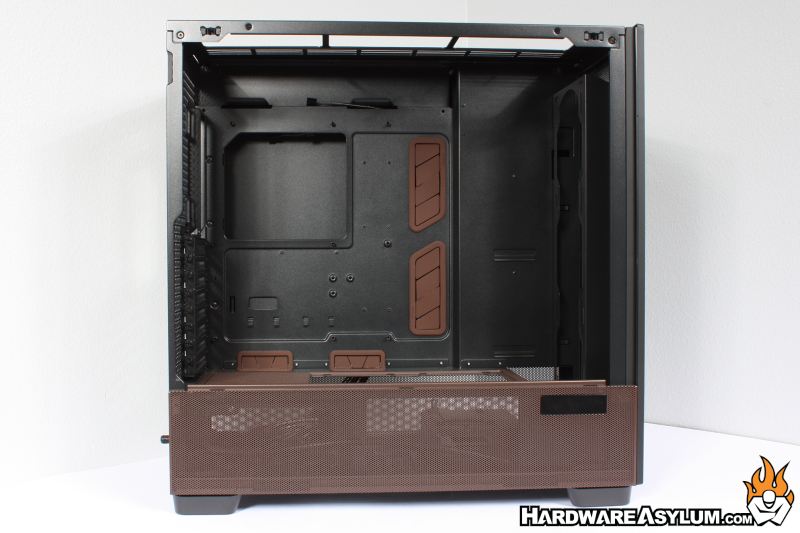
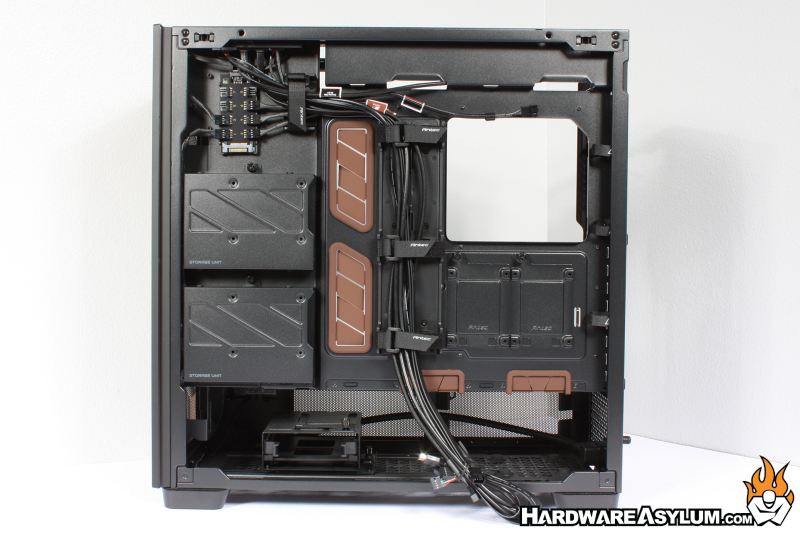
Turning the case around you can get a good look at the internal storage options and cable routing opportunities the Flux Pro provides.
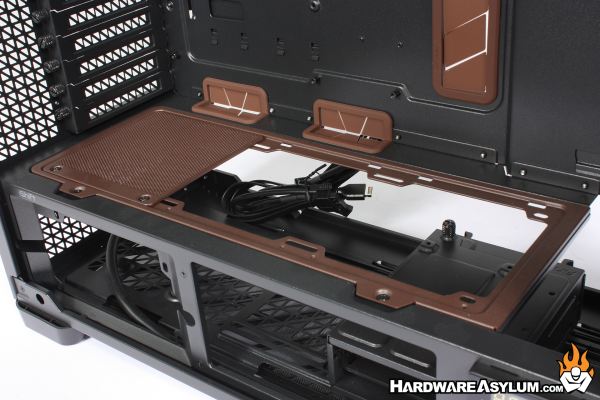
One of the cooling features of the Flux Pro is the ability to add additional fans to the basement panel as well as the bottom of the case. Since this panel is easily removed it has gotten the Noctua brown color applied.
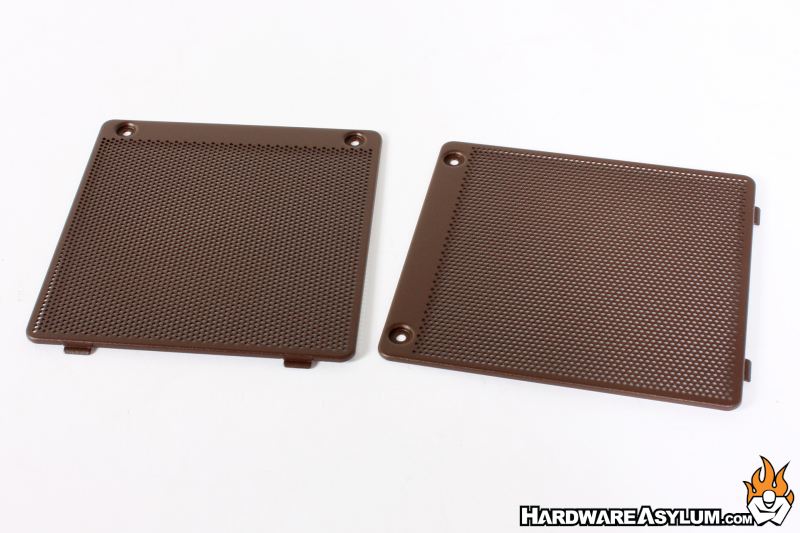
From the factory a single fan cover plate has been installed but, in the accessory package you are given two more to completely fill in the basement panel and clean up the install.
I do like how this panel is removeable, both so you can install fans or a radiator but also to open the area up if you choose to use the bottom fan mounts or wanted to go full rouge with a DIY watercooler setup.
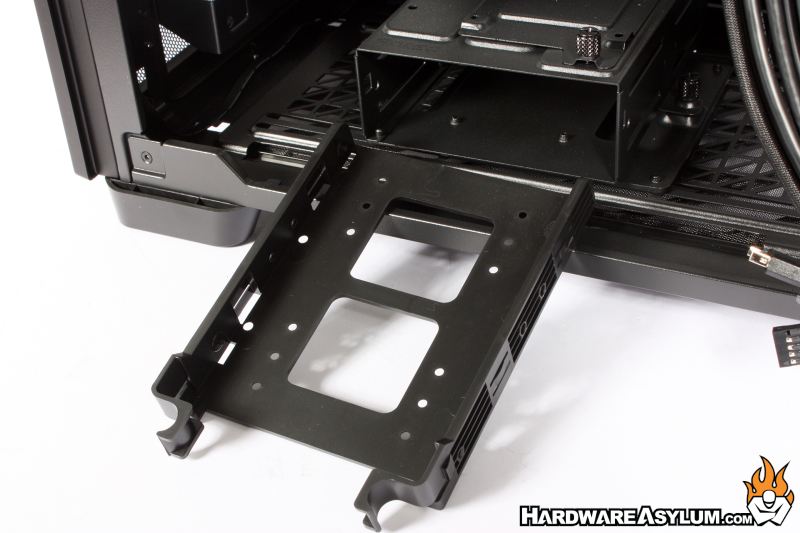
For storage there is a single 3.5” drive tray at the bottom of the case, this is removable if you want to run addition fans. Strangely enough there is a single 2.5” drive tray on top of this rack giving you a super-secret storage location that only your friends will know about.
Along the upper left are two more drive racks supporting both 2.5” and 3.5” storage drives and at the middle of the motherboard tray you will find two more 2.5” drive trays to support the wide range of storage needs from the public.
A feature that I believe will start to gain considerable traction in the future is PSU placement. Traditional cases have the PSU mounted such that the wires exit toward the front of the case. This was to support a think profile chassis and the extra long PSUs that are still common today.
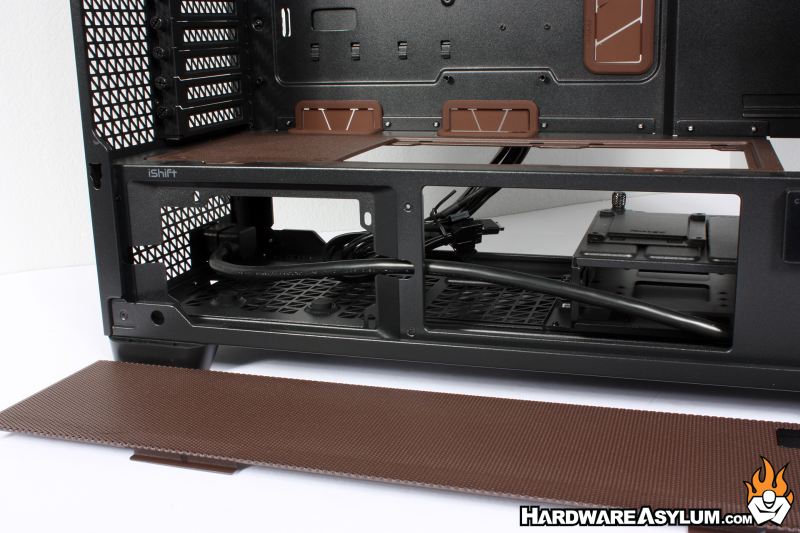
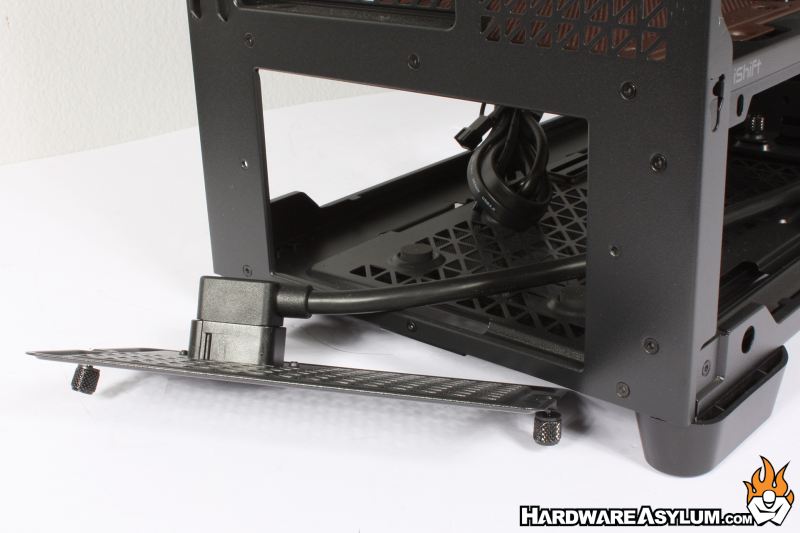
Antec wants you to turn the PSU 90 degrees such that the wires exit the side and can easily be routed up the back of the motherboard tray. In fact, there are several diagrams on their website showing you the optimal way to run your cables. To support the turn there is a short (ish) extension cable provided and provisions to mount the PSU differently in the basement of the Flux Pro.
Of course, if you hate to break with tradition, a normal mounting plate is provided that you can simply replace.
