
Antec Flux Pro Noctua Edition Case Review
Author: Dennis Garcia
Case Layout and Features
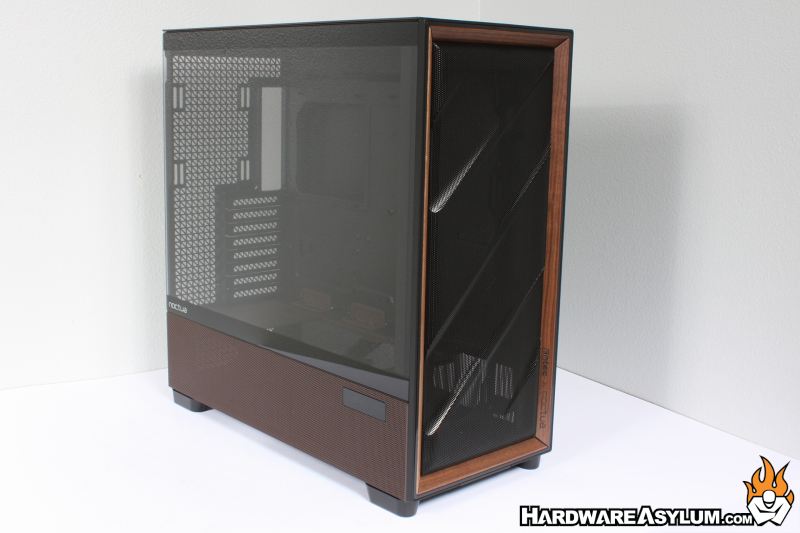
The Flux Pro is your basic tower chassis with the typical modern updates. No external drive bays, instead you are given a full mesh front panel with multiple fan and radiator support options behind. Side panel is tempered glass and only goes down to where the basement panel starts.
Below the glass you will find a full perforated metal panel and the first of the Noctua Edition updates with a color change.
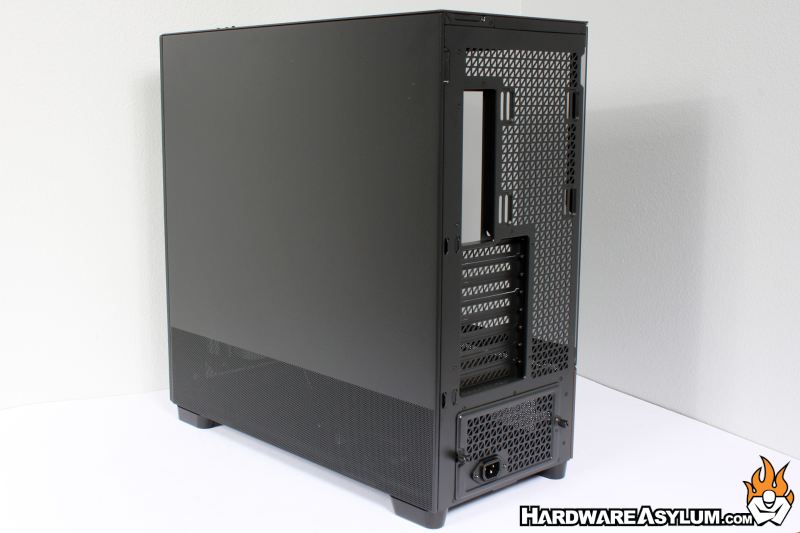
At the back of the case you will find a solid panel with perforations at the bottom to mirror the tempered glass side. Anytime you find a panel that has been punched full of holes you as assume it was done to increase cooling.
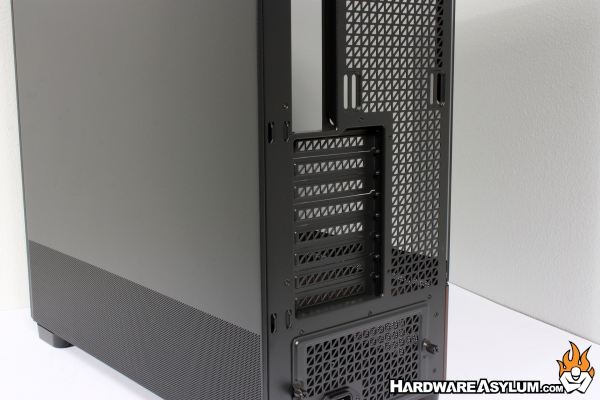
Expansion slots number eight and are accompanied by a triangle mesh pattern set to a repeating grid. The layout is quite mesmerizing and one of the factory features from Antec
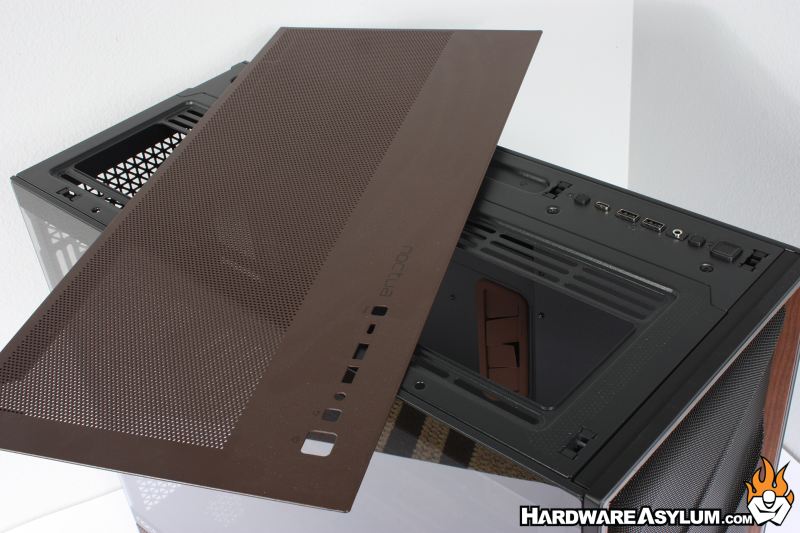
The top of the case features a removable panel with the same punched hole mesh and painted in the Noctua brown adding to another detail added for this specific edition. Front panel comes with three USB ports, power, reset and audio jack. The button next to the USB Type-C controls the temperature display and hooks into an available USB 2.0 port on your motherboard.
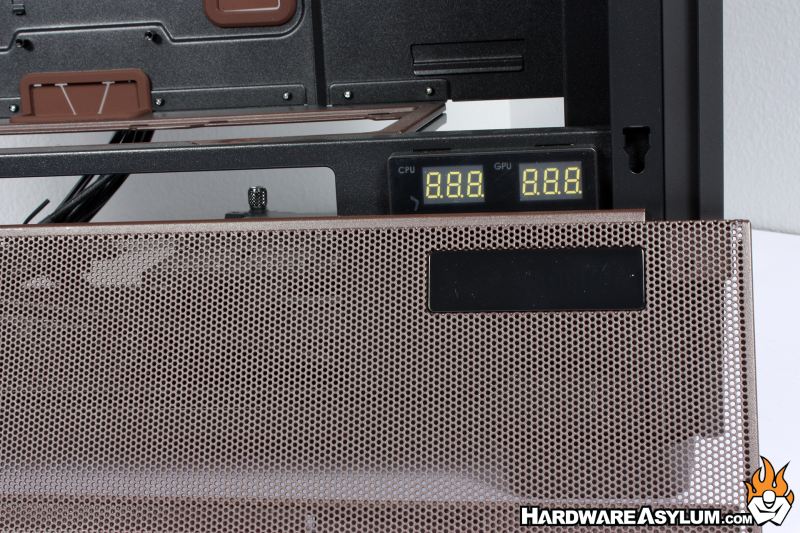
One of the unique features of the Flux Pro is a dual triple seven segment display (say that three times fast) that will display the CPU and GPU temperature, provided you install the Antec iUnity software. Thie software package is a typical hardware monitor dashboard showing all types of information from your motherboard to how much storage you have left on your drive.
These digital dashboards are really fun to mess with but, I find they take up too many resources for my tastes. Unfortunately, the software seems tied to the temperature displays and is a common “add-on” that we have started to see across the entire industry.
