
SilverStone ALTA T1 Unibody Super Tower Case Review
Author: Dennis Garcia
Case Layout and Features
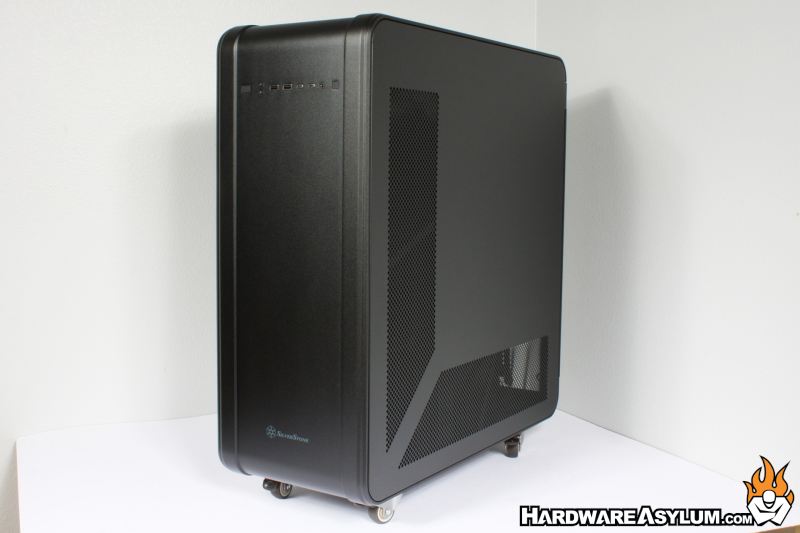
Calling the ALTA T1 an Super Tower is a bit of an understatement since this case his huge. Not only is the case a little over 40lbs it is awkwardly tall making it difficult to move around. In true modern chassis design the front panel is devoid of external drive bays and cooling vents. Due to the unibody design the front panel becomes the top and bottom panel giving the chassis a smooth uninterrupted appearance.
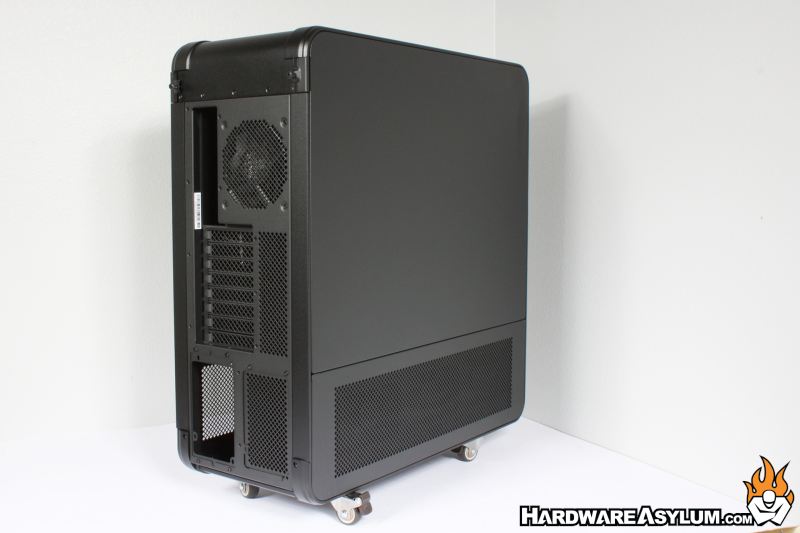
Turning the case around you can see exactly where the decorative skin ends and the internal chassis structure begins. The structure is still connected but, for obvious reasons there are breaks to allow for things like motherboard trays, expansion slots and power supply installations.
You will find a total of eight expansion slots which will effectively support quad GPU installations. Granted these will not be retail GPUs but the expensive professional GPUs with two slot designs and blower style coolers. You’ll find these in AI applications and are quite effective and delivering massive processing power without overheating.
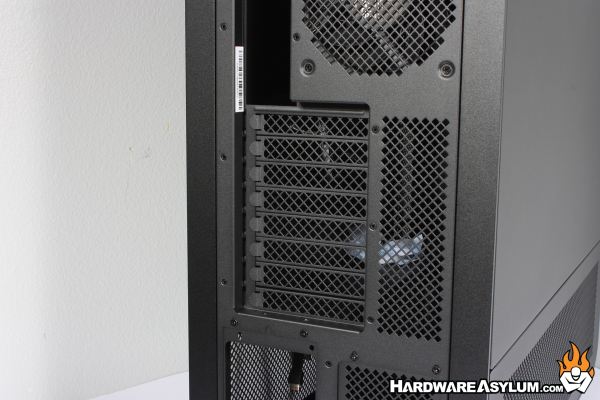
For retail GPUs this is effectively a dual GPU case design which, will also fill every expansion slot in this case.
At over 40 pounds the ALTA T1 can be difficult to move around, then adding 40+ pounds of computer hardware can make moving this monster of a case around the office rather difficult. A nice feature is the inclusion of caster wheels that can help you move the case around the office though don’t work so well in deep carpet. Thankfully, low pile and tile floors are common in professional offices.
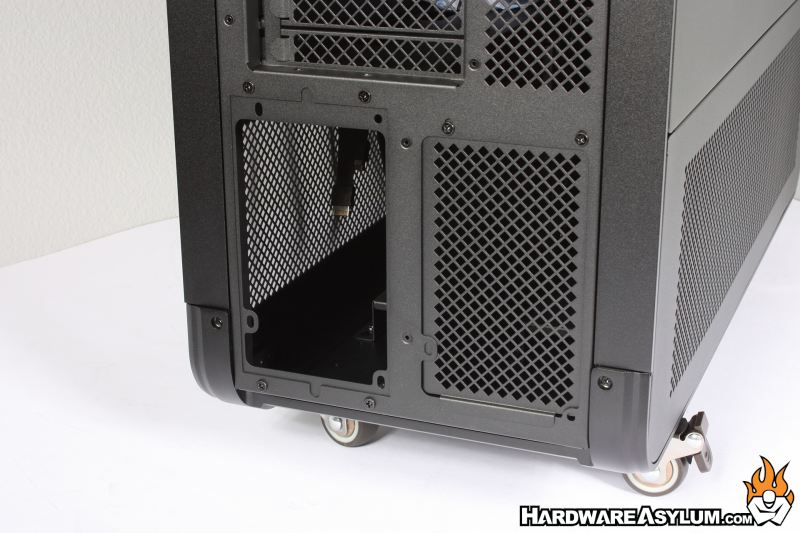
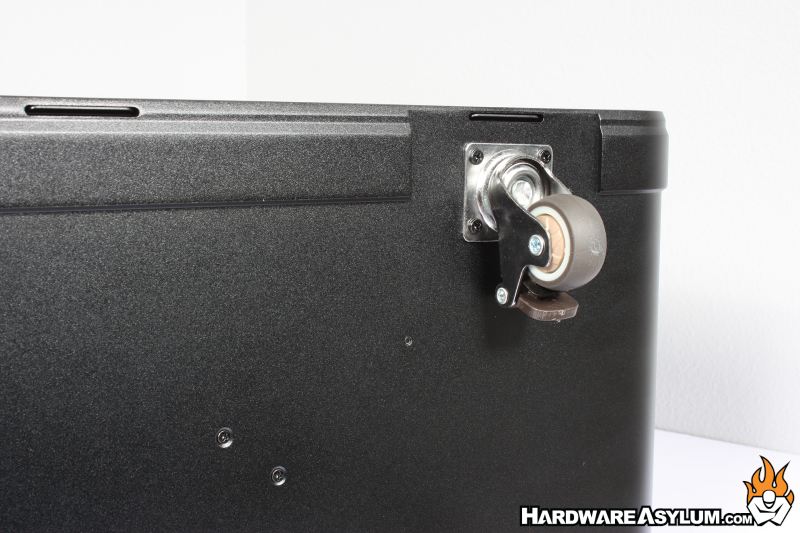
Personally, I have never been a fan of wheels on computer cases. Back in my early casemodding days I would often install caster wheels to complete a design only to discover that the chassis has become unstable and wants to fall over all the time. Stability of the ALTA T1 is quite good though will tip over if you really try.
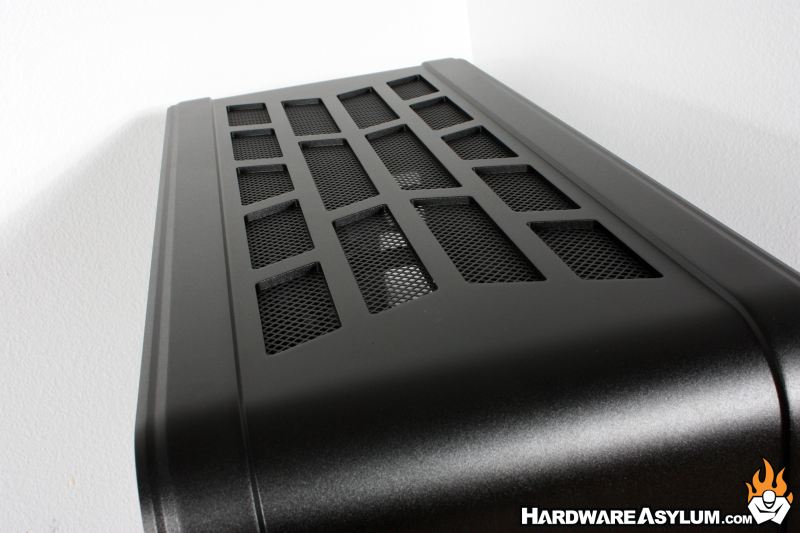
While the primary venting is located on the side panels you will find a rather large exhaust cut out of the top of the ALTA T1. This decorative pattern shows exactly how thick the aluminum unibody frame actually is.
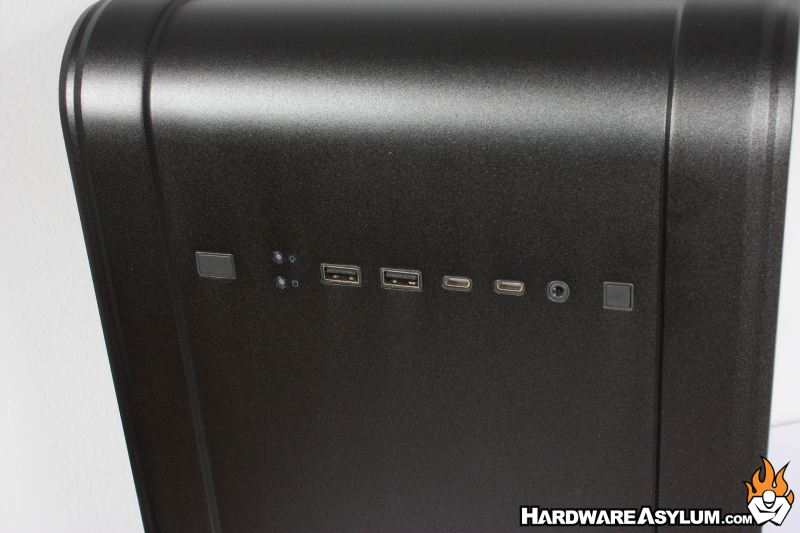
Front panel controls are located at the top of the front bezel and consist of two USB Type A and two USB Type C connections, power and reset buttons, two activity lights and a single combined audio jack.
The location of the front panel controls feels “forced” in that they are placed in a logical location but appears completely out of place. I would have much rather seen them at the very top of case or on the side panel leaving the front panel area completely clean.