
SilverStone ALTA T1 Unibody Super Tower Case Review
Author: Dennis Garcia
Case Cooling and Storage
Cooling is handled differently with the ALTA T1 with air flowing across the chassis instead of from front to back. Of course, the direction of air flowing in a box doesn’t matter provided that the flow is across the areas that matter.
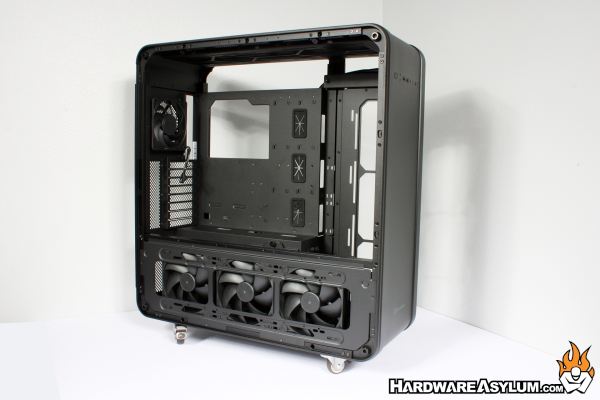
The SilverStone ALTA T1 comes with four fans. You’ll find a single 120mm fan located in the primary exhaust near the motherboard I/O. Three more 140mm fans are located in lower section of the case directly opposite of the PSU basement.
Additional fans can be installed vertically next to the motherboard tray along with at the top of the case above the motherboard. With the exception of the primary exhaust, every fan location supports up to 140mm fans in triple fan configurations along with similarly sized radiators. Needless to say, the ALTA T1 can accommodate massive amounts of airflow and will move air across every surface inside the case.
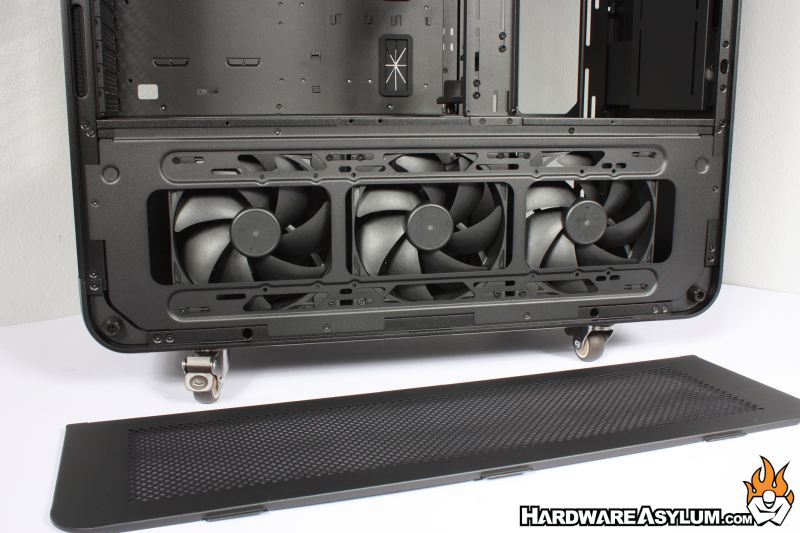
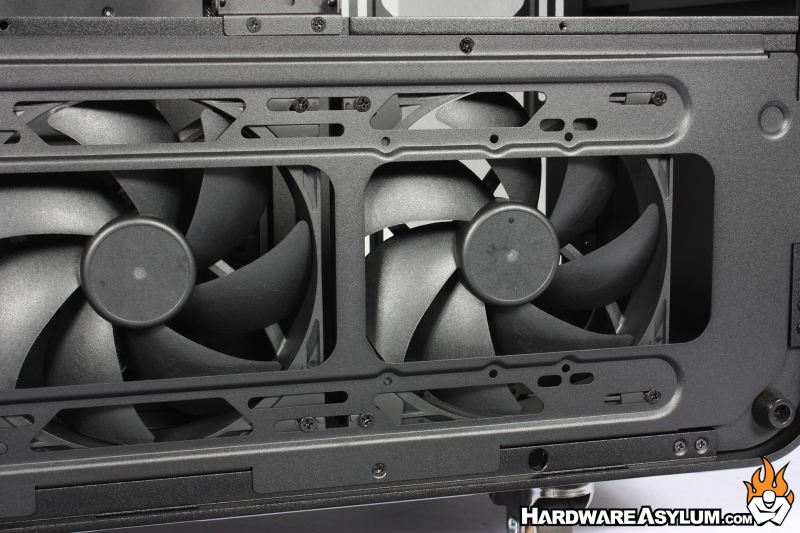
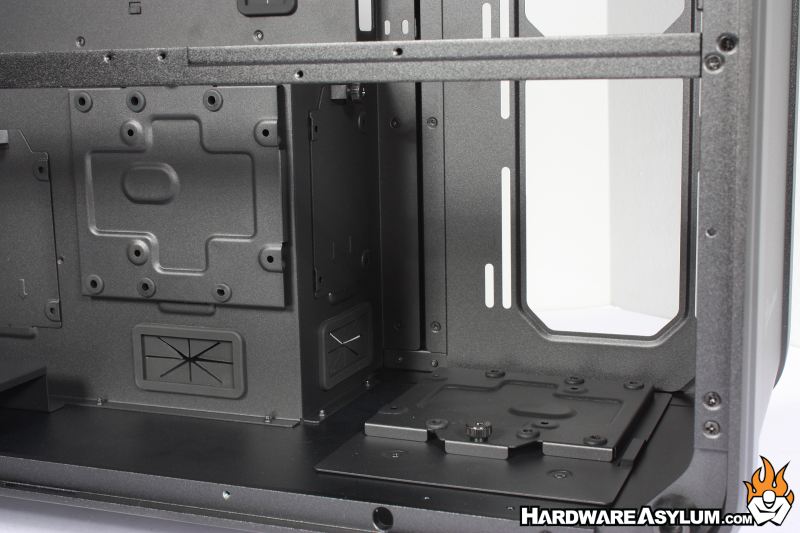
Removing the triple fan bracket at the bottom of the case exposes the secondary PSU mounting location. If users choose to install a secondary PSU that will limit overall cooling capacity and may limit where certain storage drives can be installed. For instance, you will find three storage drive trays directly across from the fan bracket along with two more in front of the basement panel.
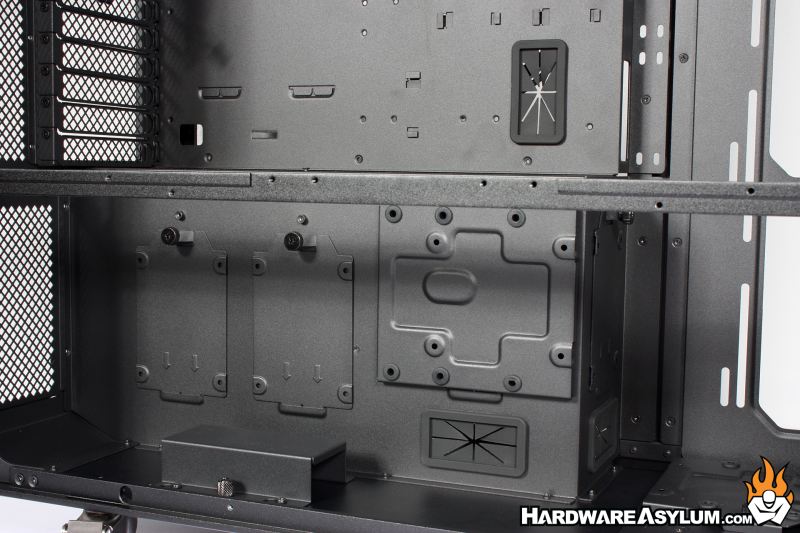
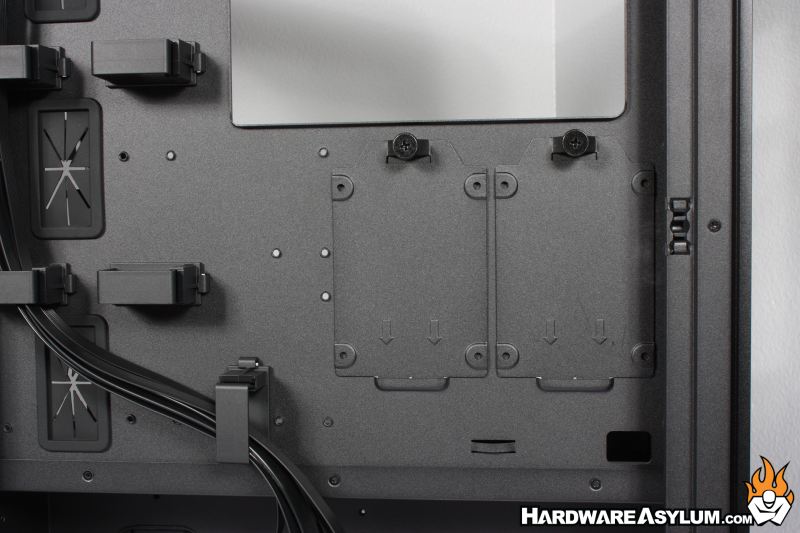
To complete the storage drive installation options, you will find two more 2.5” drive trays on the backside of the motherboard tray along with a single cable mounting hook below.
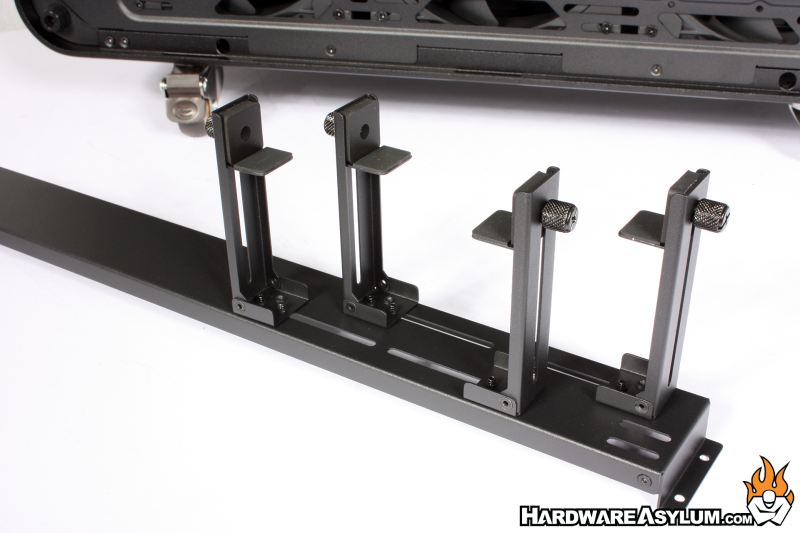
For those installing the extremely heavy multi-slot GPUs you may find the included GPU support bracket helpful. The included bracket provides support for two GPUs from the bottom and top using the sliding brackets. For those with up to four GPUs two of the brackets can be reversed and provide support against the relenting force of gravity and excessive shocks due to sudden stops.