
Cooler Master Haf II 500 High Airflow Case Review
Author: Dennis Garcia
Case Layout and Features
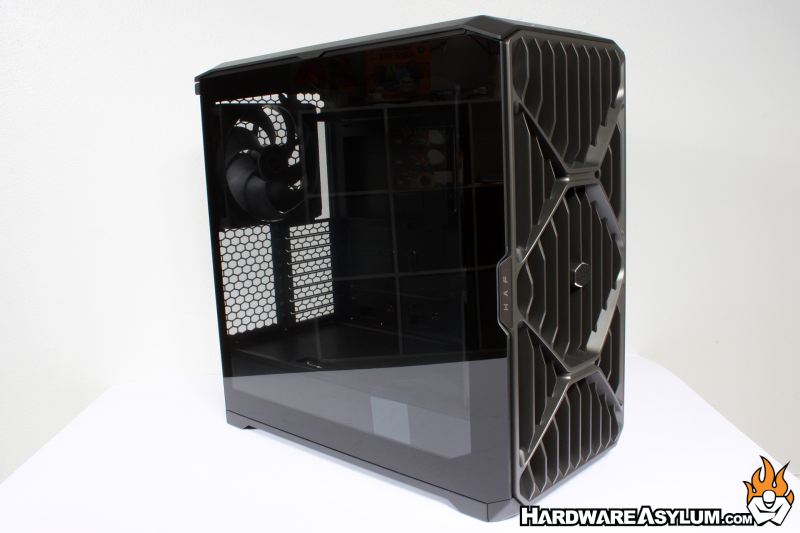
The modern HAF chassis has not changed much since 2022. The case is wider than your standard case, mostly to hold the massive 200mm case fans. In addition, the increase in internal volume goes a long way to lower the internal ambient temperature, lower ambient temps means better overall cooling capacity.
Tempered glass can be found on the left side panel with ball style panel clips for easy removal. A single thumbscrew will secure the panel in place to prevent any airflow induced blowouts. The front panel is heavily vented with a Cooler Master inspired gird of squares and vertical vents. A fine mesh filter can be found behind to reduce what dust can enter the case.
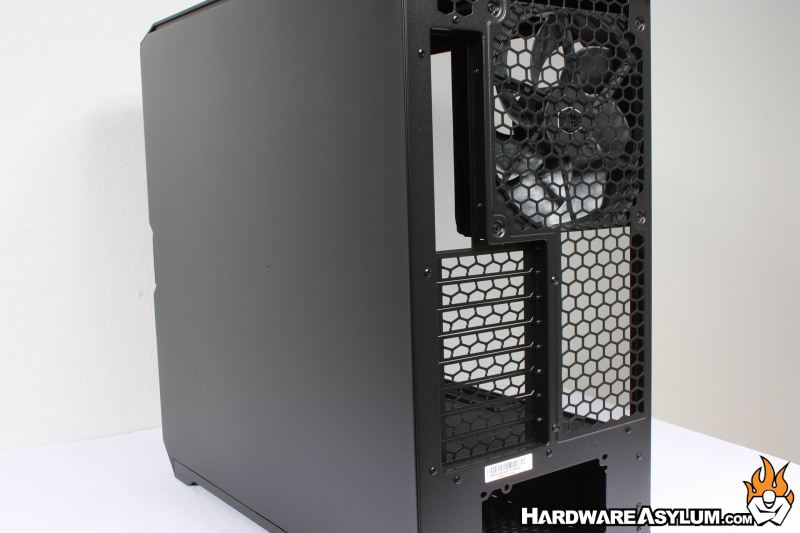
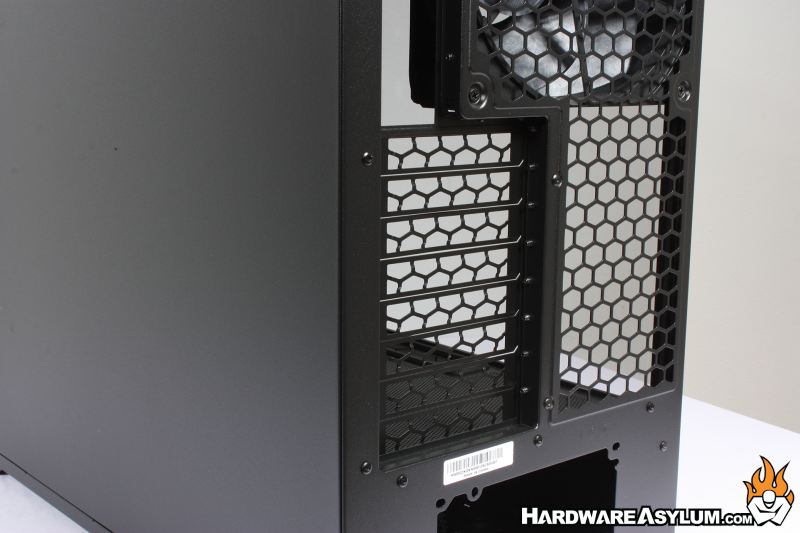
A solid metal panel can be found on the right side of the case along with providing a look at the Mighty40 V180 180mm x 40mm cooling fans and 8 expansion slots. Power supply is located at the bottom of the case and hidden behind a removable basement panel.
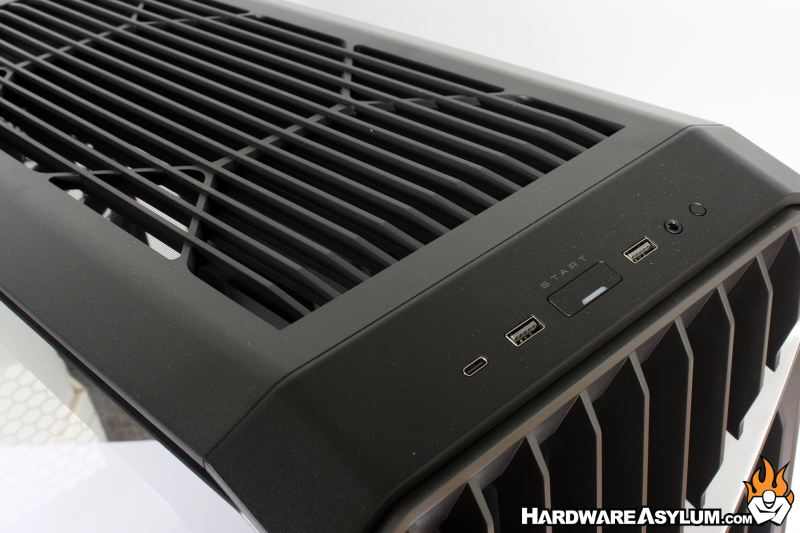
Front panel controls are extremely modest and consist of a single USB Type-C, two USB Type-A, a large power button, analog audio jack and reset button.
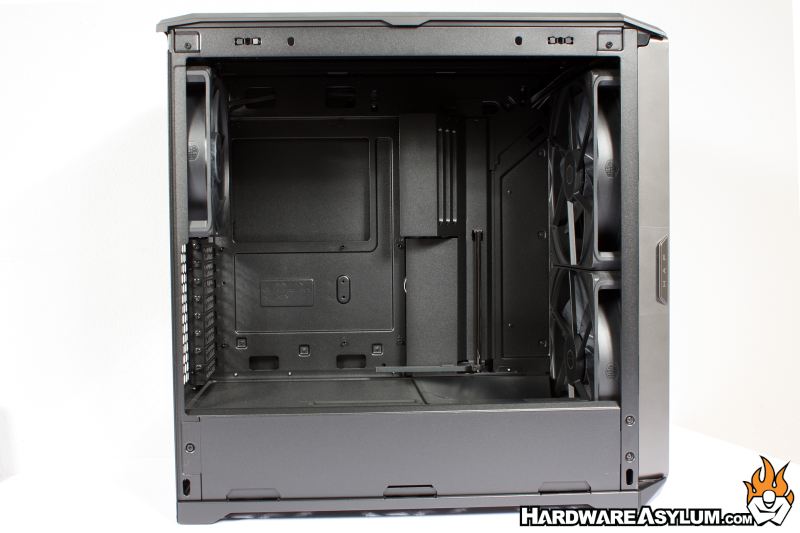
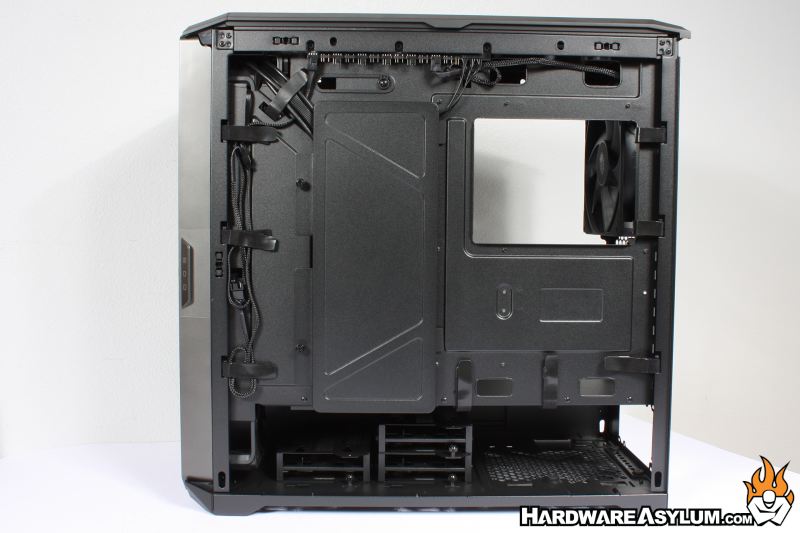
With the panels removed we can get a good look inside the HAF II 500. The first thing you will notice is the extremely “thick” fans. Your standard 120mm case fan is 25mm thick and has been since the inception of the case fan. There are some exceptions when you get to smaller diameter air movers along with some of the newer “modified” fans with a wider 30mm profile.
The Mightly40 dwarfs these at 40mm thick and consuming a good amount of space inside the chassis.
Flipping the case around you’ll find several Velcro cable straps along with a large hole for motherboard heatsink access. I was surprised to see a large panel in the area of the main cable chase in an area normally reserved for cables and 2.5” SSD drives.
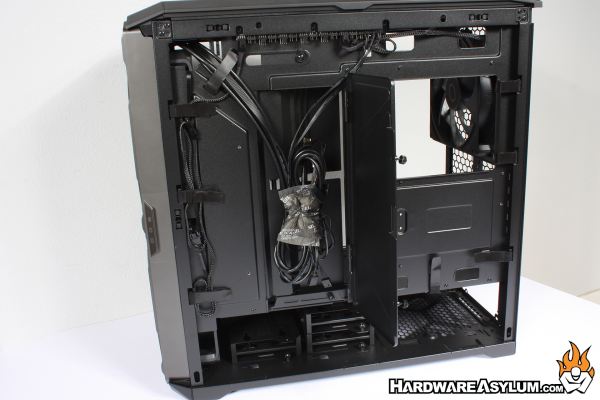
This panel does open to expose front panel cables and access to many of the motherboard connections that will normally be hidden behind a movable panel in the main chamber of the case.