
be quiet Light Loop IO LCD AIO Cooler Review
Author: Dennis Garcia
Introduction
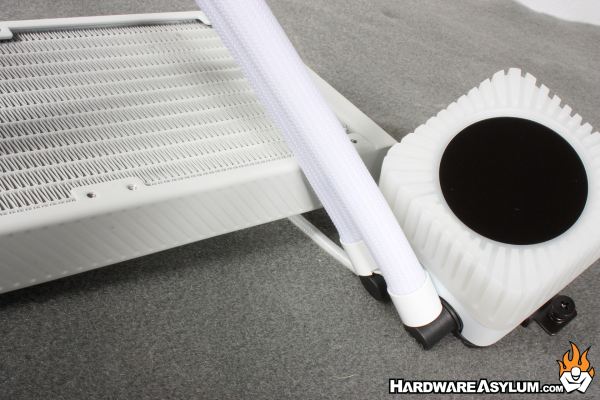
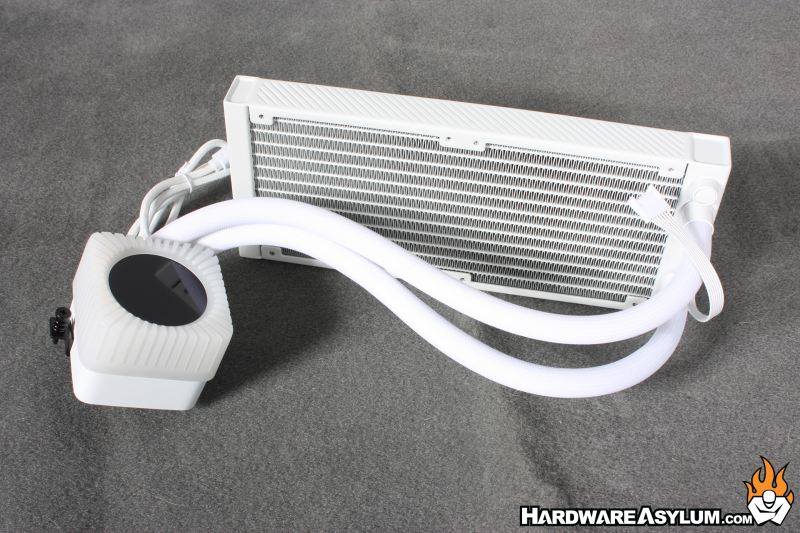
Our review unit is the 240mm supporting dual 120mm fans. This is smaller than the typical cooler that we review and would be best suited for low powered CPUs and in systems with limited space.
The pump block features a decorative top that is ARGB backlit and has a center mounted LCD screen. Adding LCDs has been the current trend in the enthusiast PC world with most being done in a very tasteful manner.
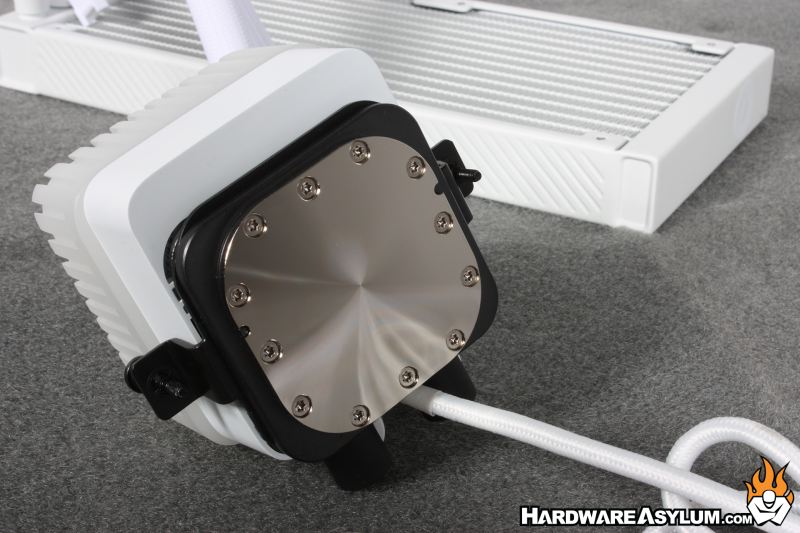
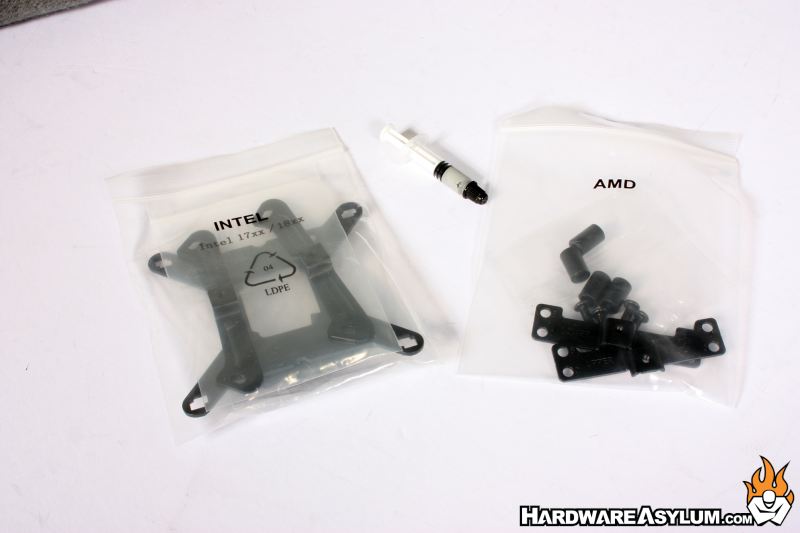
You will find the coldplate to be very nicely machined with nickel plating and radial micro texture. From here you can also see the basis of the mounting hardware with two spring screws.
Hoses are neatly wrapped in nylon braid and have very nice connection points. These connections are important because they also hide the wires that move between them. At the radiator you’ll find the connector for the ARGB fans controlling the lights and fan speed.
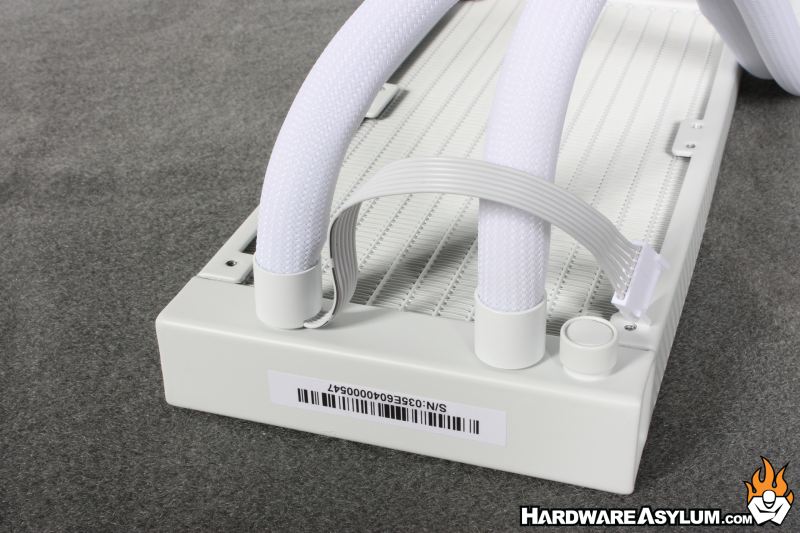
At the pump the normal fan tail for controlling the pump motor you’ll find a single USB cable. This single USB cable controls the ARGB lights, LCD screen, pump motor and sends the fan and ARGB signal to the fans. On the surface this seems like a very creative way for cable management but, really it just moves everything downstream.
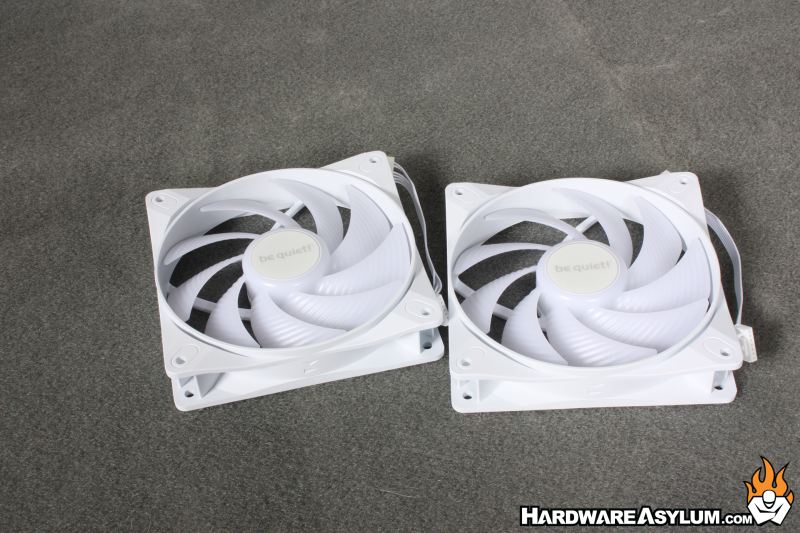
Silent Wings fans are included with dedicated connections allowing you to daisy chain them together. This makes the radiator side extremely clean with nothing running back to the motherboard.
Most AIO coolers are designed to be zero maintenance. You install the cooler and aside from an occasional dusting that is all you should need to do. Of course, with an open loop DIY cooler you have to contend with yearly coolant flushes and that is something that bequiet allows you to do with the Light Loop IO LCD. While I don’t believe a coolant flush is required the cooler comes with extra coolant allowing you to top off the loop after several years of use.
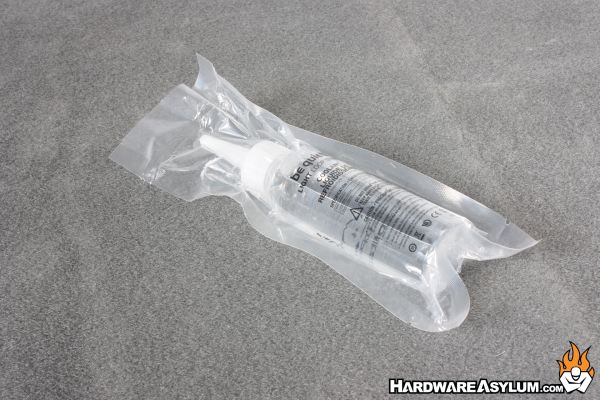
It is a little-known fact that all AIO coolers feature an “air bubble” in the loop. The air is not a byproduct of how the cooler is filled but done purposely to prevent them from exploding during shipment. It can also become an issue when installing your cooler as the air can get trapped causing the pump to cavitate and not actually move any fluid.
The fill port on the Pure Loop not only allows you to refill your cooler but also can be a way to reduce the size of this bubble as you top off your cooler. Just to be clear, if the AIO is mounted properly you will have years of trouble-free operation and many never need to touch it. However, it is nice that bequiet is giving you that option.
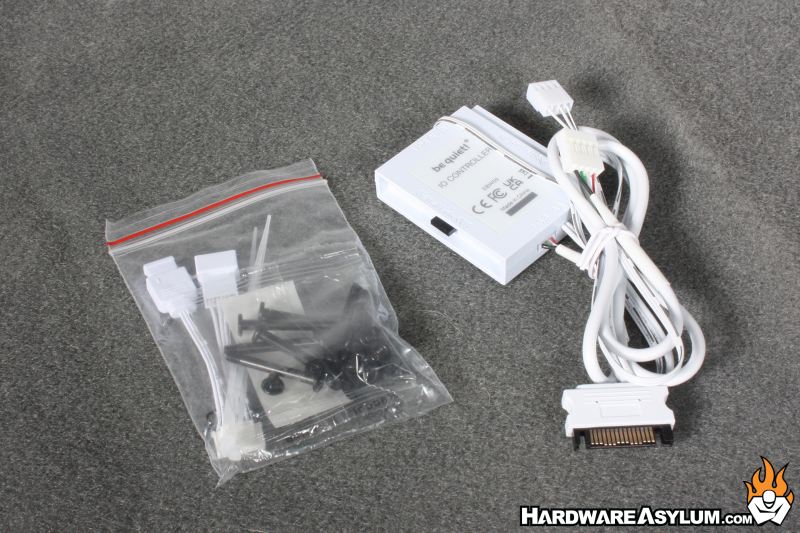
Remember how I mentioned the cable management? Well, things might be clean at the cooler but, to use that system you need a USB control box that will accept motherboard ARGB signals, fan signals and a SATA power connection. This board is then connected to a USB header on your motherboard.