
be quiet Light Loop IO LCD AIO Cooler Review
Author: Dennis Garcia
Cooler Installation
Installing the be quiet Light Loop IO LCD is an exercise. It does come with their version of a universal mounting system but, is only “easy” when using AMD hardware. Well, EVERY cooler is easy to install on AMD and, is one of the reasons I use Intel for these reviews.
We will be testing on the LGA1700 Alder Lake platform with a Core i7 12700k processor. These motherboards require a special backplate and will be the first thing to locate, so strap in.
The backplate needs to be “built” to do that first locate the plate, and the mounting posts. The location of the posts will depend on your motherboard and getting the location right is the challenge. Once the pin is in the right location you will get to install a rubber o-ring to hold the pin in place.
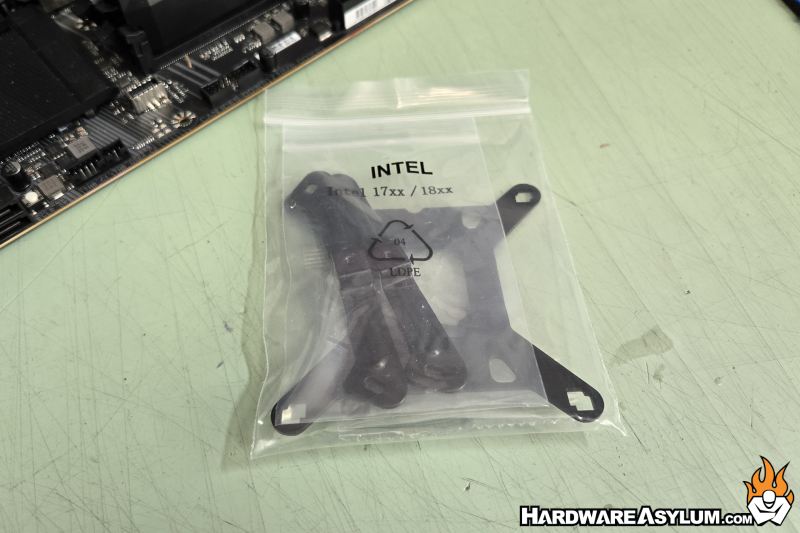
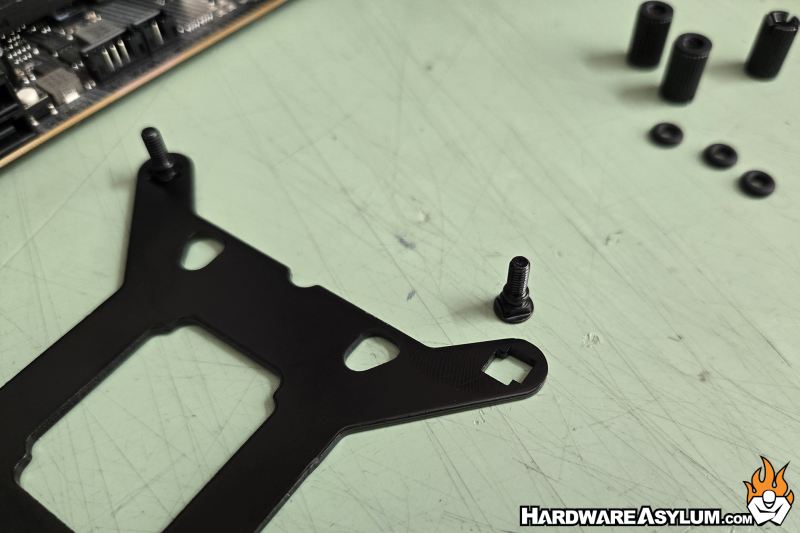
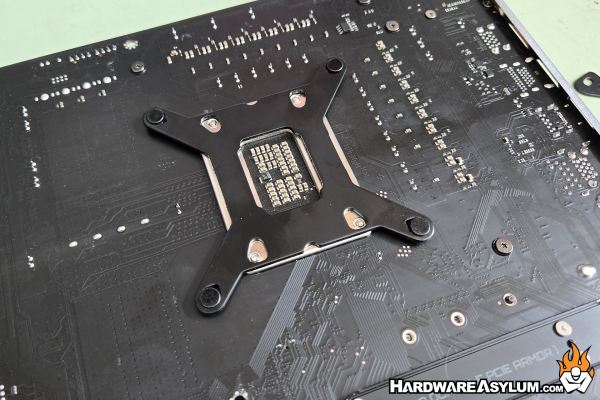
Flip your motherboard over and install the backplate. If you get the pin in the wrong location, remove the o-ring and spin the pin around until it is centered.
Next you need to build the base for the mounting rails which are long knurled nuts that threads down over the post. After that a mounting rail can be placed across the top and secured with an even smaller screw.
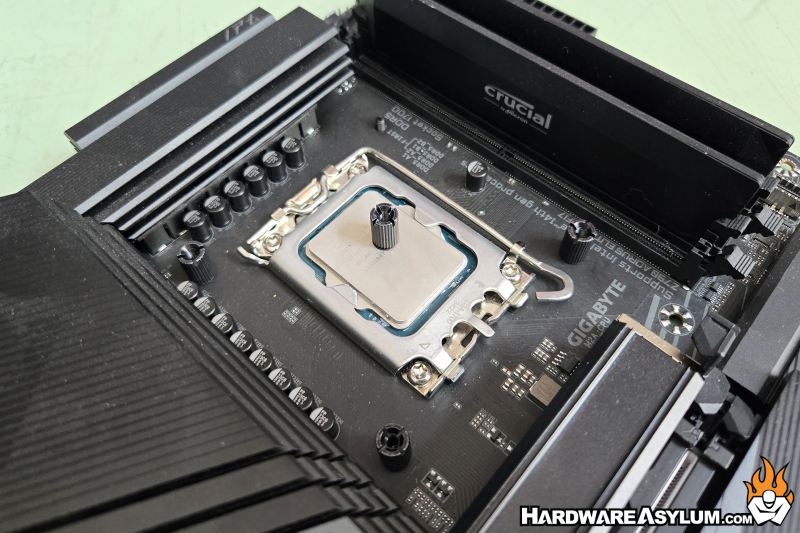
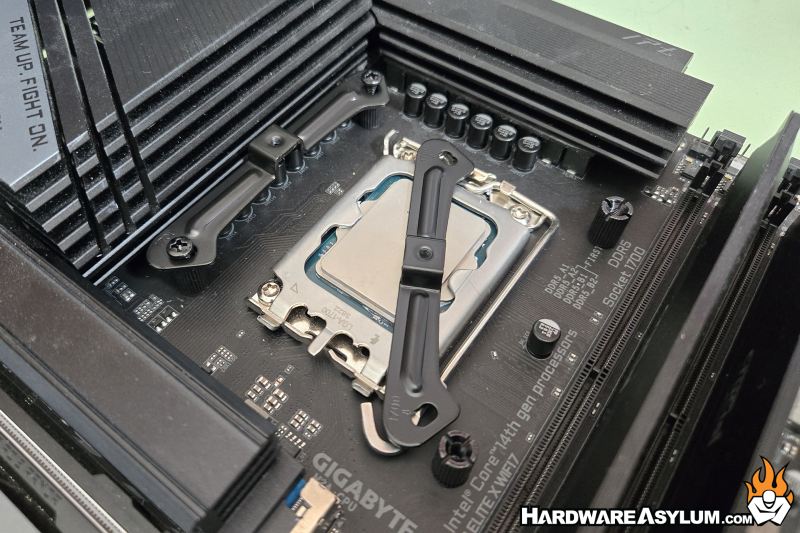
The final two steps involve applying thermal compound and installing the pump block. I prefer the 5-dot method which involves five small dots on the processor in an X pattern.
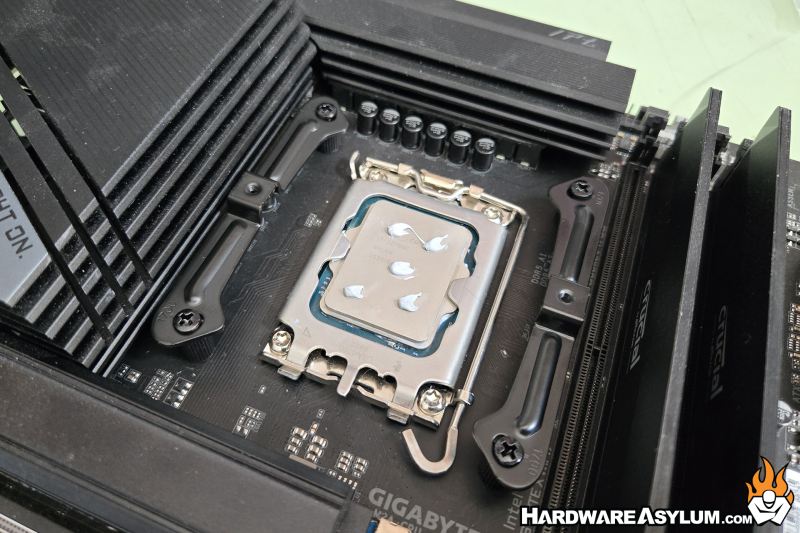
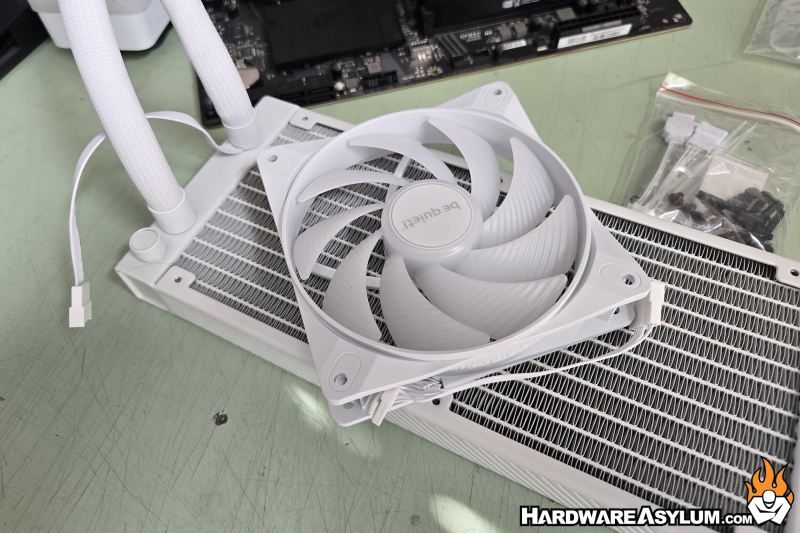
After that center the pump block and drive the spring screws down being careful to tighten a few turns on each until they bottom out.
When mounting the fans make sure to orient the fan tails so they match up with the plug coming out of the hose. Strangely enough because of the daisy chain nature of the fan connections they will effectively dictate how they are installed.
There is a certain procedure I use when testing coolers for the 100’s that I have used and tested there are certain things that annoy me. These rarely make it into the review and might be something stupid like how a post is too short making it difficult to install. It is barely worth a mention and thus I typically don’t bother wasting words but….
The be quiet Light Loop IO LCD is not your typical cooler. First of all, who makes you build the base plate anymore? I have built my share of back plates and most go together nicely but having to install an o-ring just to hold the post in place is downright stupid. I also had a heck of a time getting the post to align properly making me wonder who decided it was a good idea to save money on the mounting hardware and then include things like integrated wires?
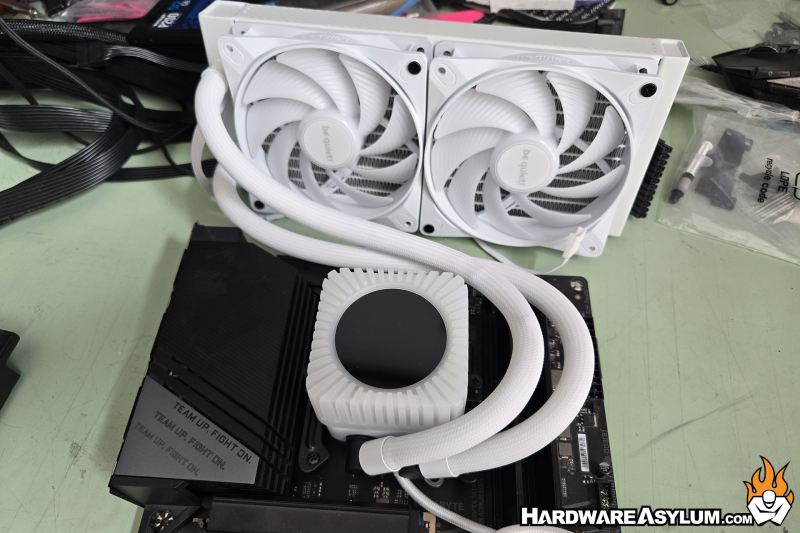
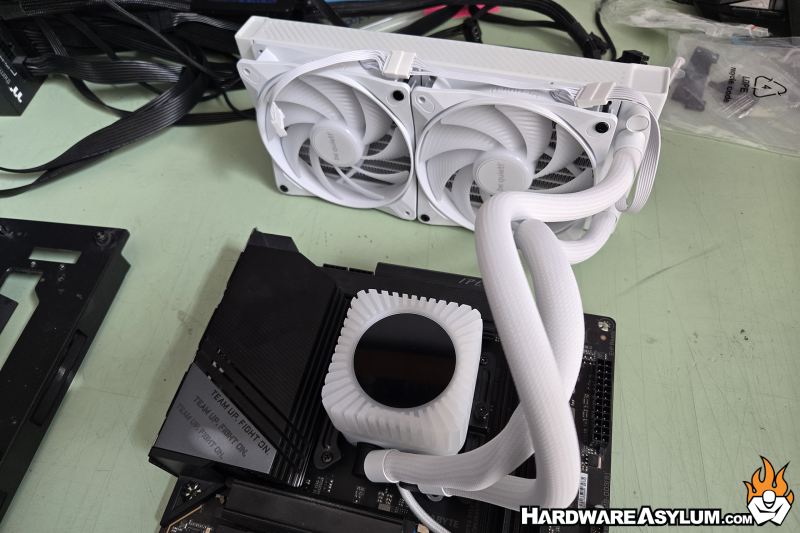
This next part is 100% caused by incorrect material selection. People complain about all sorts of things and kinked hoses has been at the top of the list since the advent of DIY watercooling. The way around this is to include “thicker” wall tubing. EK was famous for including such thick hoses that p0rn stars were jealous and system builders wondered why every joint, block, radiator and PCB was flexing. The hoses were so stuff that they couldn’t be properly run and ended up destroying builds. Well, seems be quiet got the same memo making it so you can only install this cooler “their way” since the hoses wouldn’t allow anything less.
I have only encountered this with one other AIO, and it was an enterprise unit so the hose routing didn’t matter but, for a white cooler this is unacceptable.