
LevelPlay Combat Liquid 360HUD AIO Cooler Review
Author: Dennis Garcia
Cooler Installation
Installing the LevelPlay CL360 is extremely easy. This cooler doesn’t have a universal mounting system but, come with hardware enough for current platforms on the market.
We will be testing on the LGA1700 Alder Lake platform with a Core i7 12700k processor. The intel backplate will fit both LGA1200 and LGA1700/1851 so be sure to adjust the posts outward to fit your particular system.
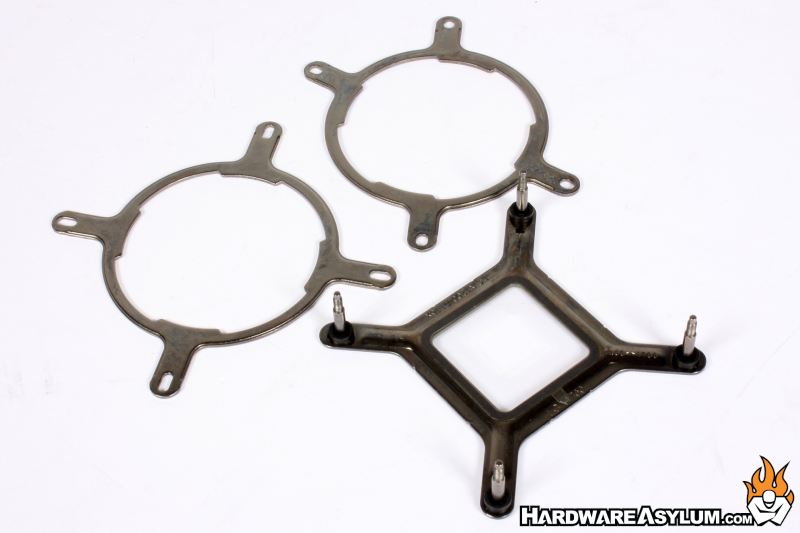
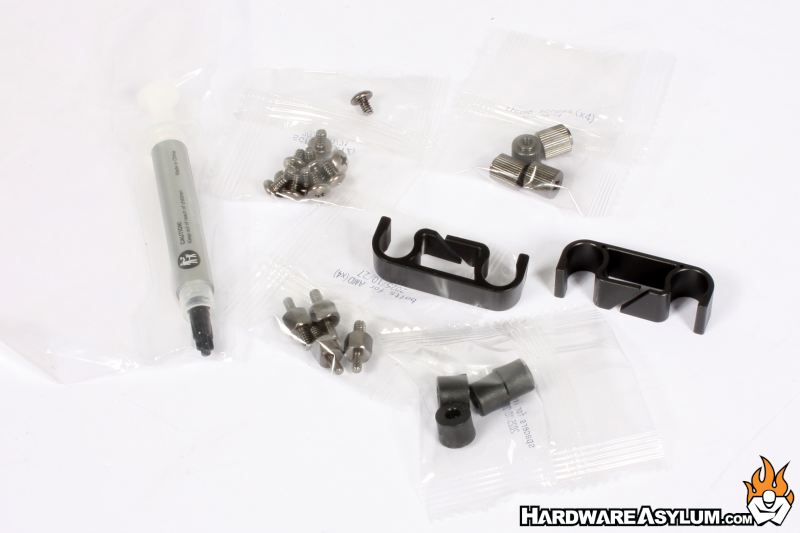
For the AM5 platform, you will be using the existing backplate along with a different mounting plate making the install a little easier to do.
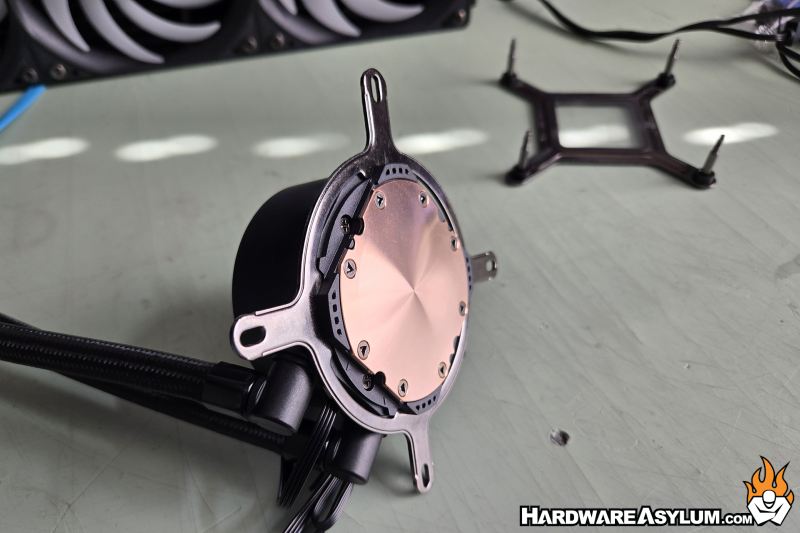
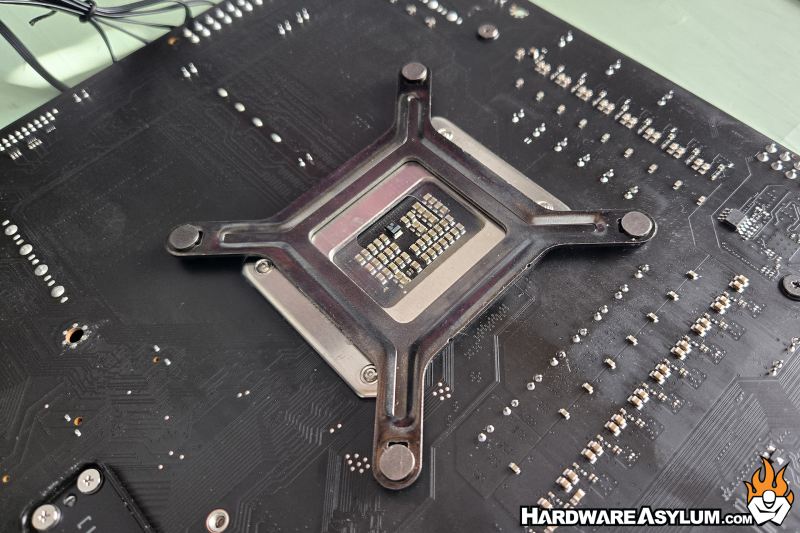
With the backplate installed you’ll need to install the plastic standoffs and apply some thermal compound.
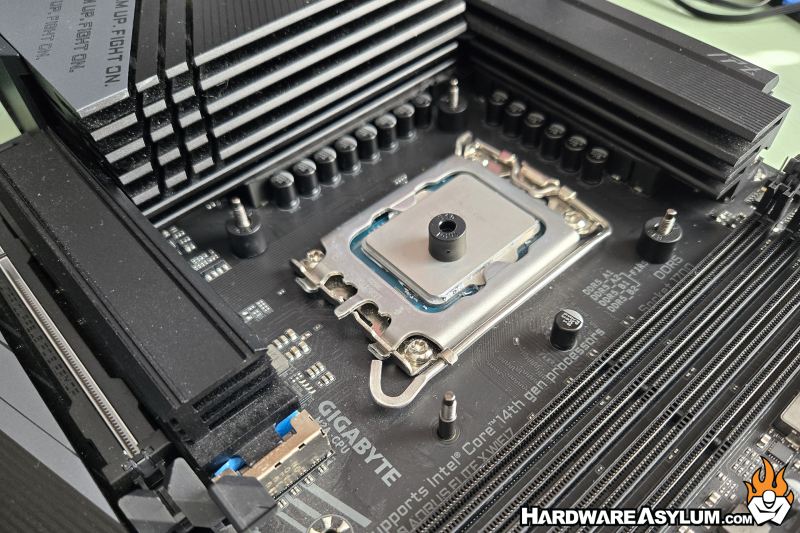
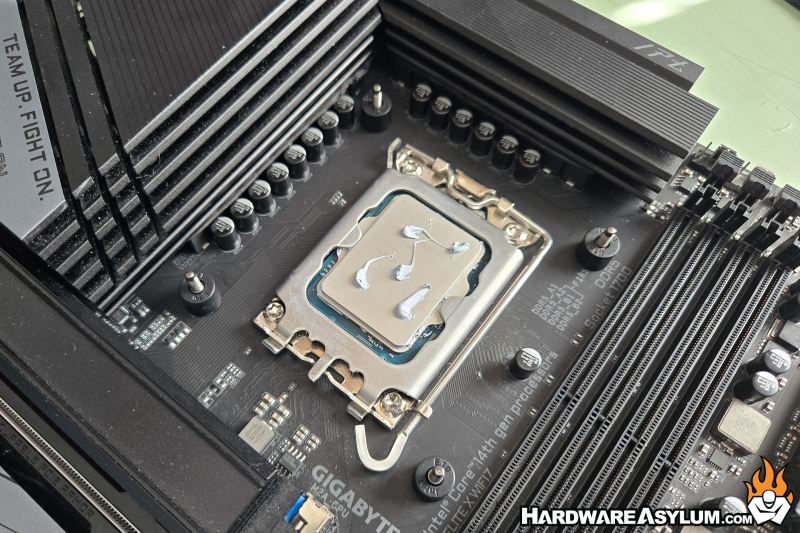
I prefer the 5-dot method which involves five small dots on the processor in an X pattern. The dots spread and will always cover the entire CPU. These are a big messy but, they work the same and it’s really the location of the compound over how pretty the dots are.
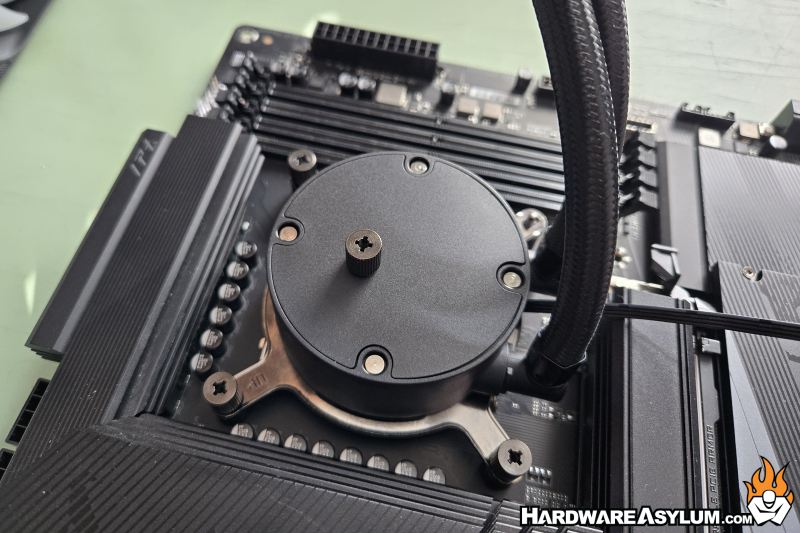
To install the pumpblock you will need to attach the mounting plate. Choose the appropriate plate for your system and it turn locks into place which is nice since using screws is so last 30minutes.
To install the cooler, simply align the holes in the mounting plate with the screw posts and lock it down using the included thumb nuts. You will want to install them in a progressive cross pattern to ensure even pressure. This also will ensure that the thermal compound makes great contact and makes the entire process easier.
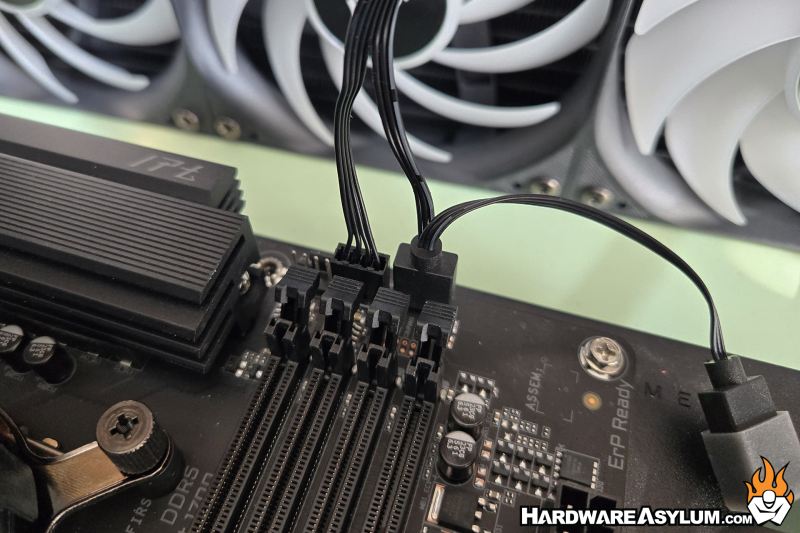
One feature I am really impressed with is the proximity location of the 3-pin ARGB header next to the fan tail for the radiator. These are connected to the same ribbon making the installation clean and easy.
