
Ducky OK-M Keyboard Review
Author: Darren McCain
Ducky OK-M 75 Layout and Features
At first glance, the OK-M looks understated. Clean lines, subtle backlit RGB accents, and a traditional 75% layout give it a modern but restrained aesthetic. The sparing use of color really does look sharp but the gamer in me wishes there was an option to add color on the WASD keys as well!
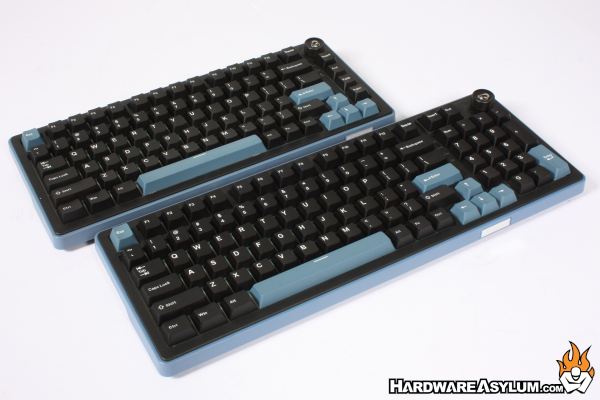
This picture compares the OK-M-75 to its full-sized brother, the OK-M-98. Both make excellent use of space and offer an exceptional typing experience via the hot swappable KTT Linear / KTT Tactile Baby switches. In this case the KTT Baby Whites (Linear).
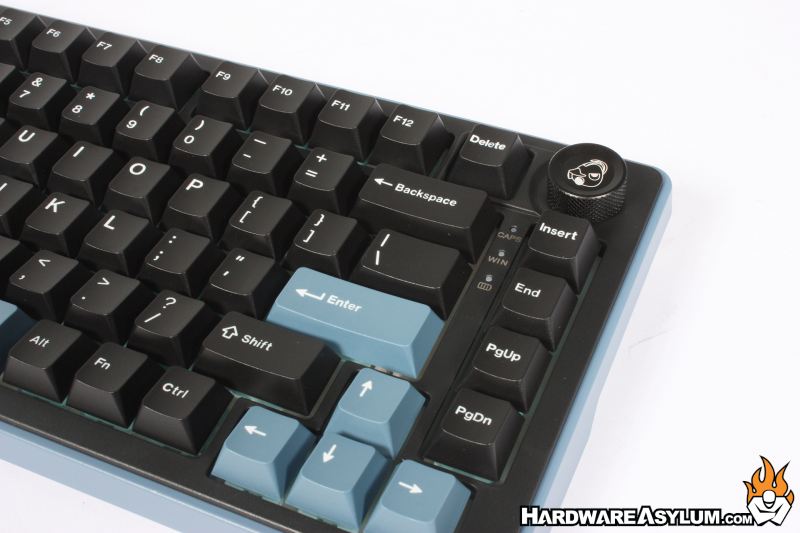
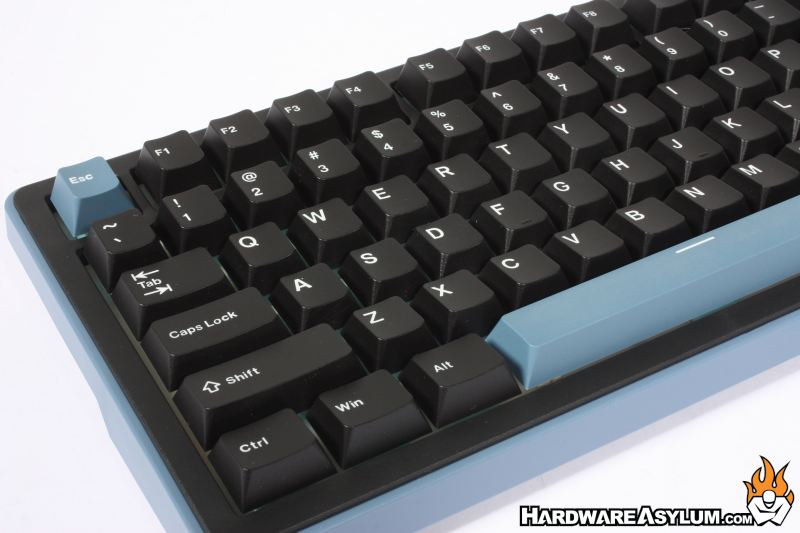
Perhaps my favorite feature on the OK-m keyboards is the dependable volume knob in the top right corner. The Ducky icon looks great and acts as the mute when pressed. No fancy, complicated functionality needed.
Harder to notice in pictures is the lack of any light passthrough on the key caps. This may have been a need to hit the targeted price point. The backlighting is just about perfect, if a bit hard to photograph, making the lack of lighted lettering even more pronounced. Even the side accent lighting looks great.
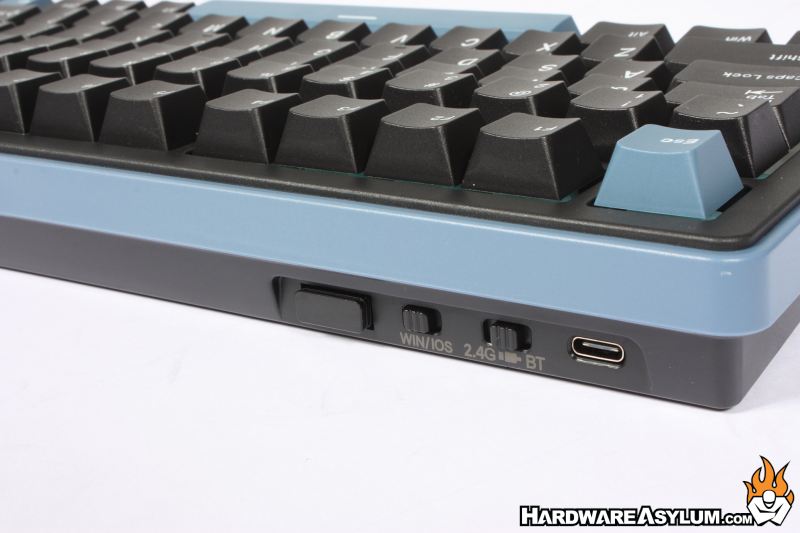
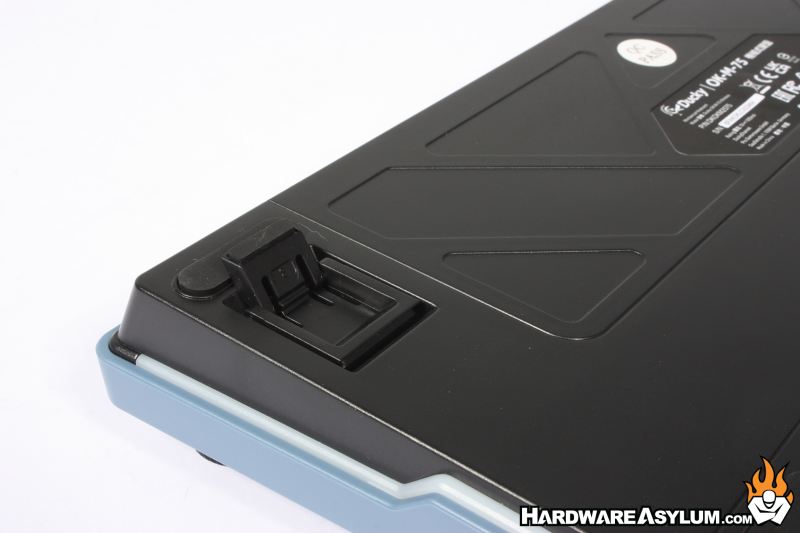
No matter which Ducky you choose, you will have support for USB-C, Bluetooth and 2.4GHZ wireless connectivity. I used the 2.4GHZ connectivity for several days and never had to plug it in during typical work and gaming. Google tells me the battery is likely a 4000mAH unit.
A set of runner feet on each corner kept things stable and with the risers can be set to 6°, 9°, or 12° to meet your preferred typing angle.
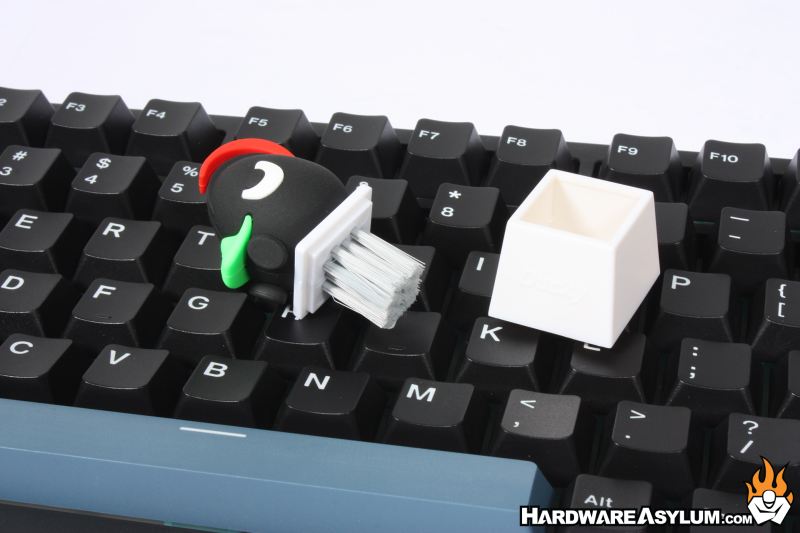
You have to love the Ducky Keyboard brush. What a great way to emphasize your brand and still be useful!
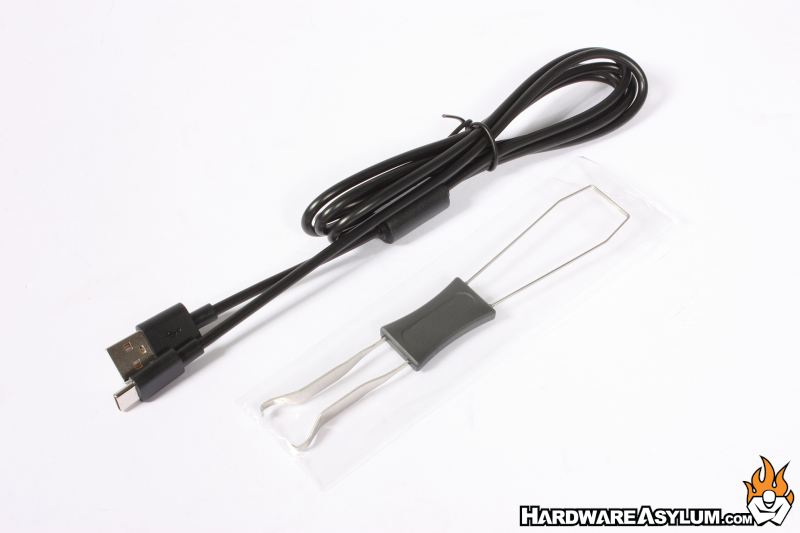
Also included are a simple key removal tool, a simple USB-C cable at about 5.5 feet (~1.7 Meters) a warranty sheet and a simple user’s manual.
