
Ducky OK-M Keyboard Review
Author: Darren McCain
Software and Conclusion
Ducky doesn’t use a traditional software driver suite instead relying on a browser based VIA solution. This can be quite a shock if you are not experienced in this type of configuration. Fortunately, most functionality can be accessed via keyboard hot keys if you prefer to ignore the software solution.
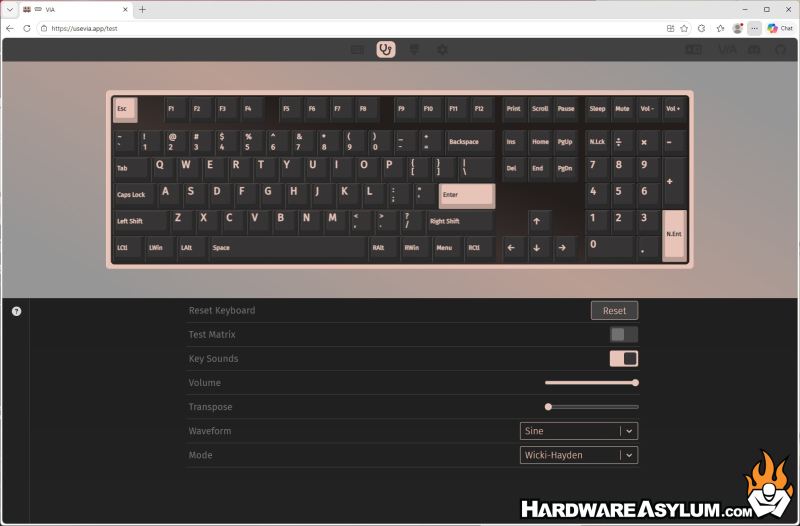
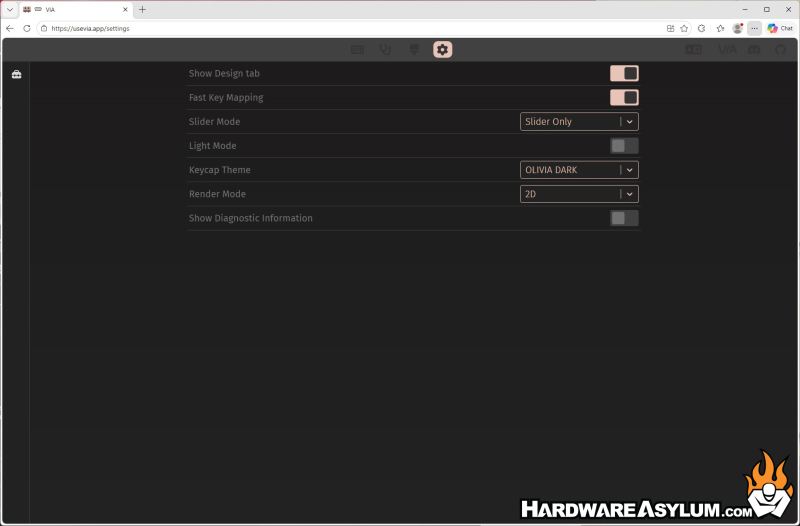
Once the configuration is complete you will have a pretty robust configuration tool open in your browser as shown here. Configuration is split across four tabs and can get quite advanced for those keyboard enthusiasts out there! The main sections are: Configure, Key Tester, Design (if enabled) and Settings.
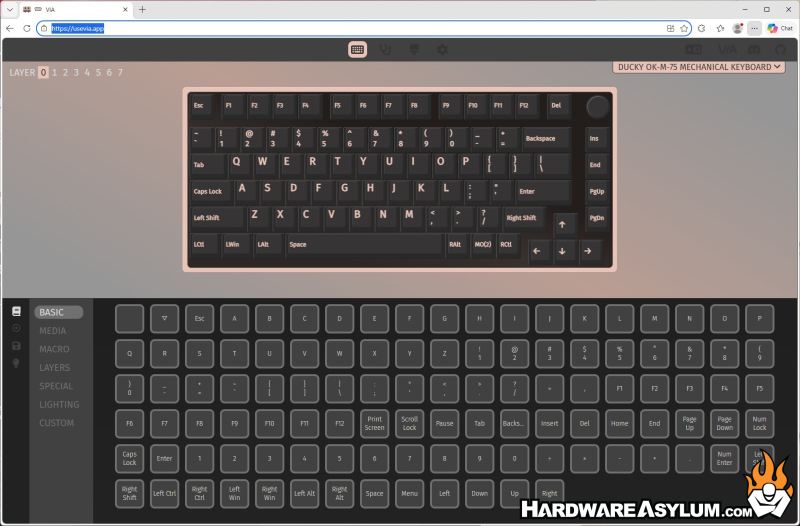
Most users will not need to stray from the Configure screen which has multiple sections and can be configured across 8 layers. In addition to the seven categories, you see here, you can also use the icons to navigate to Keymap, Macros, Save + Load, and Lighting.
The Keytest page provides a full suite to test your key switches with an audio indicator.
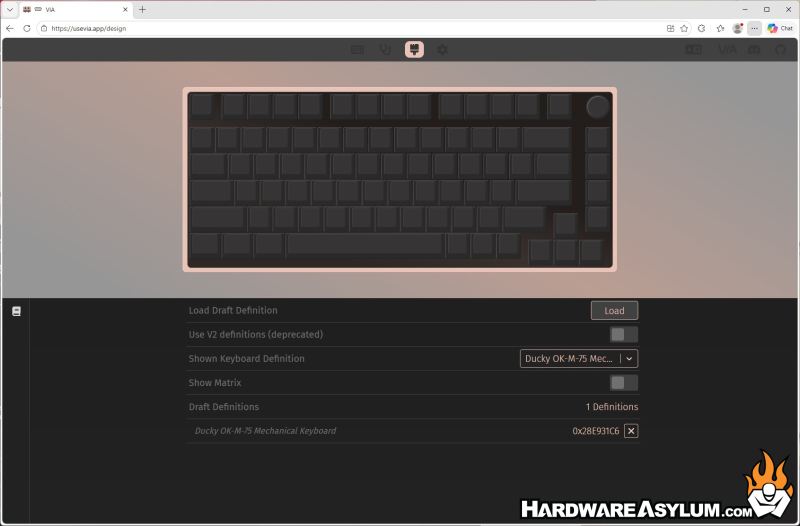
Design is where you will load the JSON package to configure the keyboard when you install it. This menu may be hidden by default.
Settings provides additional configuration options and includes the switch between light and dark display modes. Dark mode is what you see here.
I have been using the Ducky OK-M-75 as my daily driver for over a week and find it exceeded my expectations. Of course, choosing a TKL design means compromise but once things were dialed in, I felt confident and quick. Coming from the excellent ROG Strix Scope NX TKL made the transition buttery smooth.
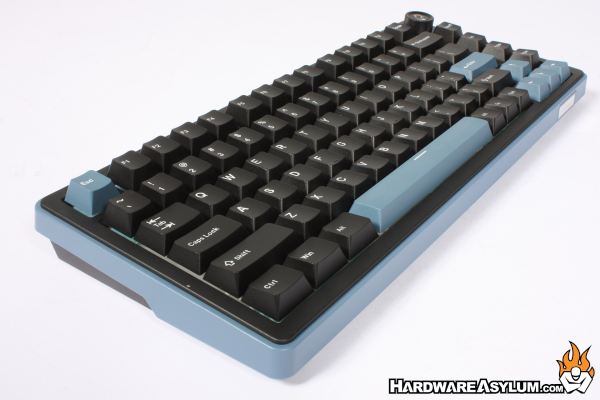
For gaming, I have run one TKL keyboard or another for months and find I almost never missed the tenkey. One advantage of this particular layout is all the F keys and such are right where you expect them to be.
I tested with long sessions of both Fortnite and Battlefield 6 along with my usual work tasks. I quickly adapted to the changes and found no negatives to my FPS experience. I never missed the ten key section and noticed no adverse change in my performance.
I found the combination of the KTT Baby White switches and the five-layer acoustic dampening made for a soft almost airy feel with a light actuation point. Overall, the switches are an excellent value switch that makes for a compelling customization option.
The Ducky OK-M isn’t perfect - but it doesn’t need to be. What it does is far more interesting: it brings enthusiast features down to a price point where they simply didn’t exist before. If you’re coming from a basic mechanical keyboard, this is a massive upgrade. If you’re already deep in the hobby, it’s an excellent modding platform.
Choosing a small form factor keyboard often requires you to accept some compromises to get to a smaller size. The OK-M is one of the most compelling budget mechanical keyboards available today. With a few upgrades (mainly switches), it can easily compete with boards twice its price!
- Exceptional value for the feature set
- VIA support supports massive customization
- Highly mod-friendly
- Quiet, soft typing profile out of the box
- Excellent backlighting
- No Tenkey, Duh
- Budget level switches
- VIA support isn’t for everyone
- Battery life may trail competitors
