
Aorus X870E Elite X3D Ice Motherboard Review
Author: Dennis Garcia
Onboard and Included Features
The I/O panel is always an interesting part of the motherboard as it dictates what connectivity options will be available. Staring at the left we have a single HDMI port followed by a new button pack for Power, Reset, Q-Flash and Clear CMOS. The majority of the USB ports are all USB 3.2 Gen 2 with the exception of the blue ports to the far right and the two right most Type-C ports. Those are a USB4 40Gb/s port with DisplayPort-Alt connectivity.
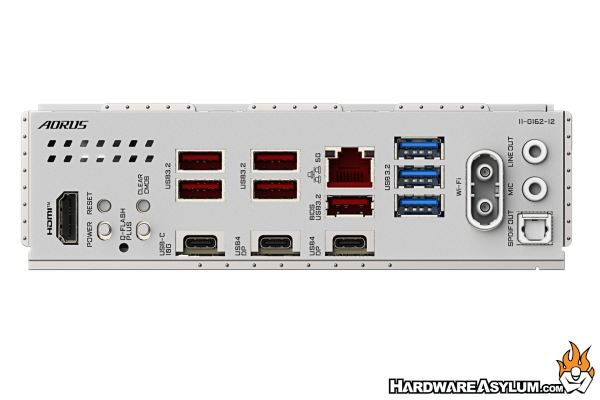
The rather unique plug is for the onboard WiFi 7 antenna followed by the onboard 8-Channel Hi Fi audio with a mic in, line out and SPDIF. Onboard ethernet is 5GbE and located in the middle of the I/O panel.
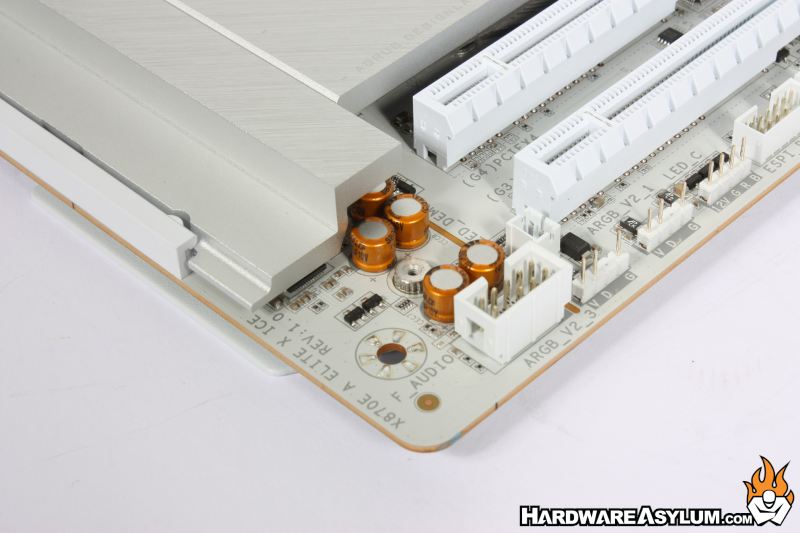
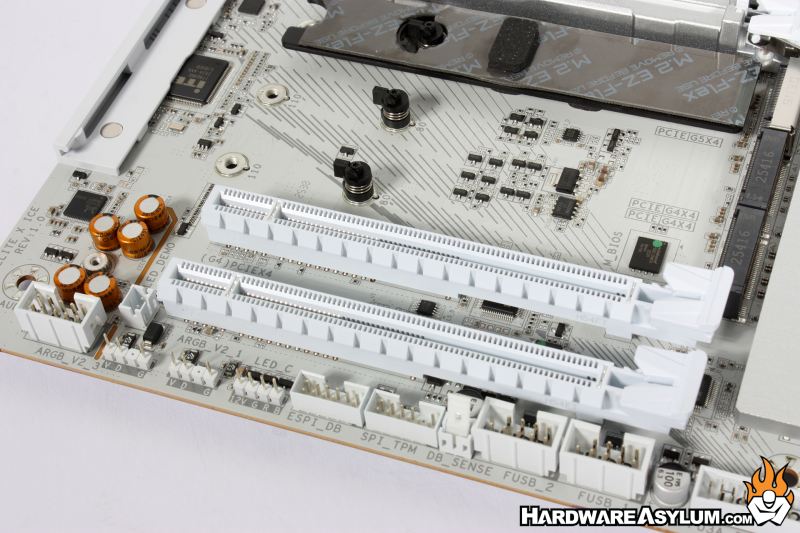
Despite the lack luster audio connections the board does feature the Realtek ALC1220 CODEC with two channel analog output and 7.1 using the digital signals. I have noticed that with the migration to USB based audio controllers there has been less effort put into protecting the various components from EMI, even the separation line is just painted on.
The Aorus X870E Elite X3D Ice motherboard comes with everything you see here. It isn’t much but, should be enough to get up and running. It makes me sad that the motherboard accessory bundle has been reduced to a pair of SATA cables and WiFi antenne but, that is the cost of progress.
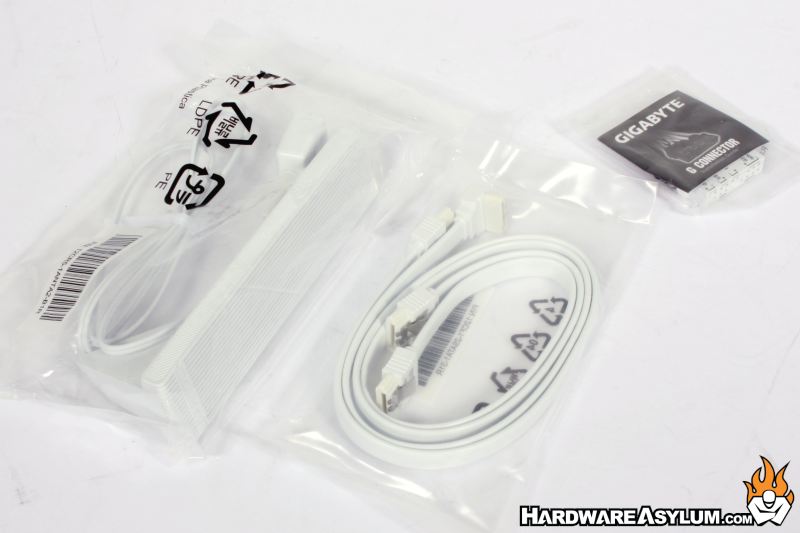
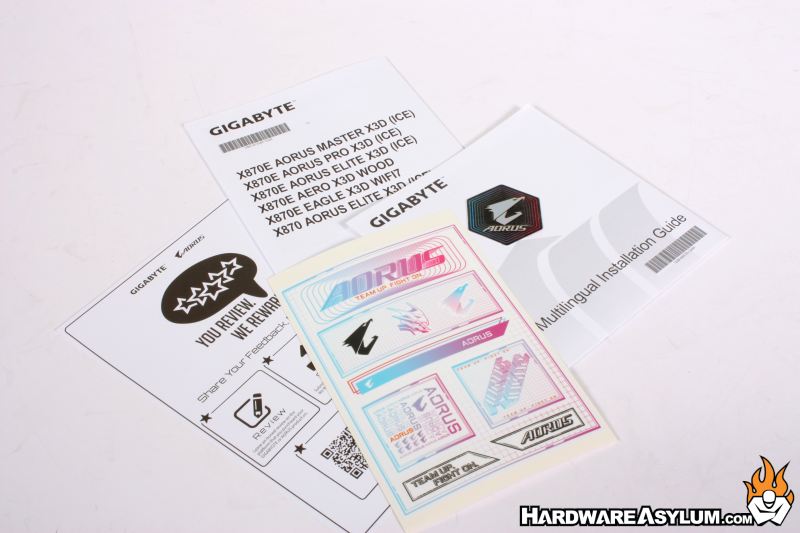
The current trend is to NOT include a driver disk and for most users this is completely fine however, it can make system installations difficult if you are unable to attach your system to the Internet. The Gigabyte Control Center (GCC) software will monitor driver updates and is now part of the system BIOS making it much easier to get drivers installed.
Personally, I would still download a set from the website for when Gigabyte will inevitably remove them.
