
Aorus X870E Elite X3D Ice Motherboard Review
Author: Dennis Garcia
UEFI Features
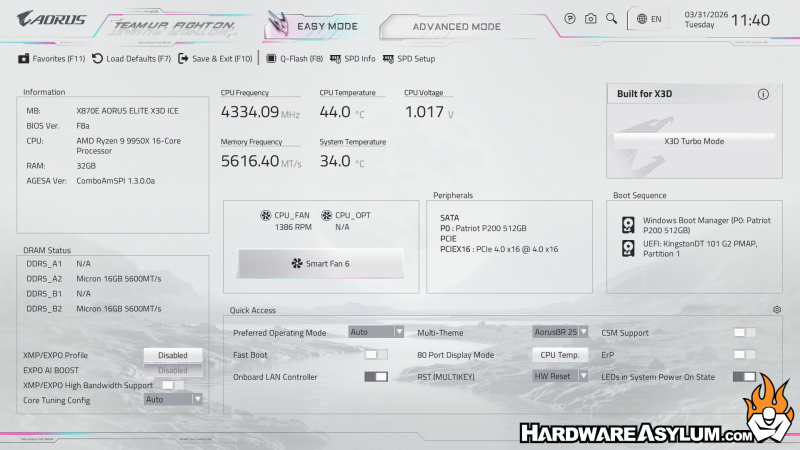
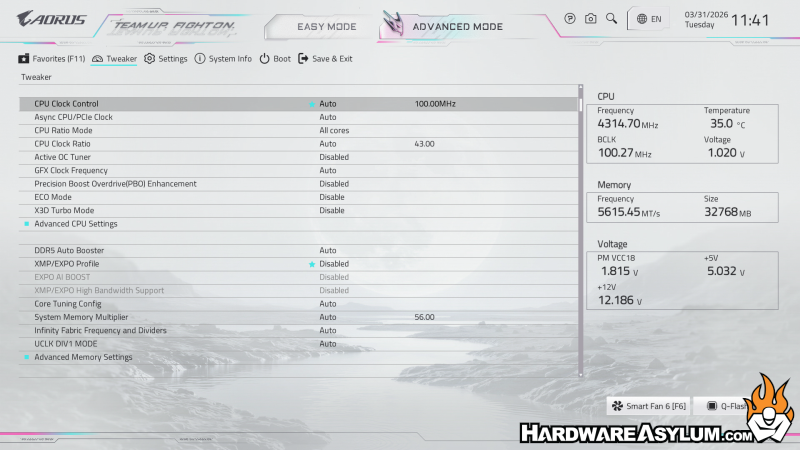
UEFI (BIOS) has been upgraded with the X3D release and I must say, I like the new design. It feels like there are less features but, more sub categories to dive into. The new design is still split across two menu types. The default is Easy, with quite a few helpful features available and Advanced for those of us who like to tinker.
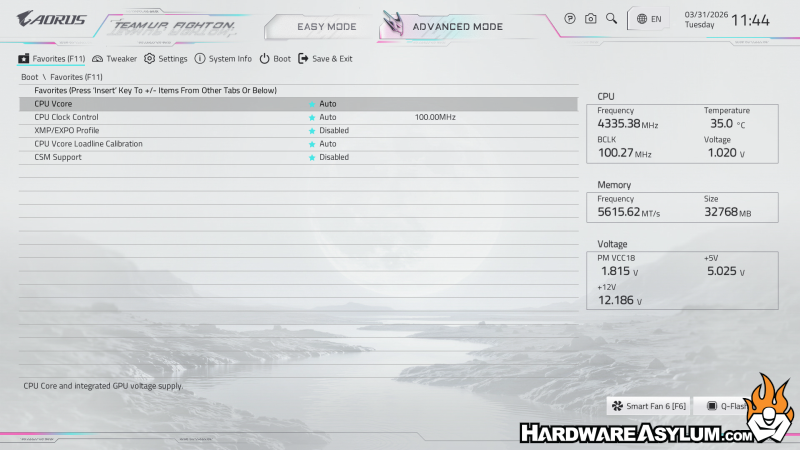
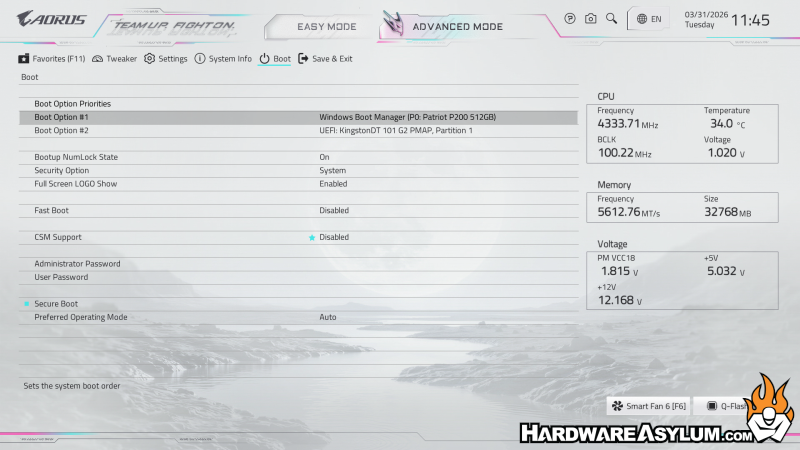
I am happy to report that the new design does have menu titles across the top along with a breadcrumb trail so finding where you are in a particular menu is much easier. It also helps you know how many ESC key presses will get you back to the top.
It should be noted that anything with a Star next to it is automatically moved to a Favorites’ menu so you can quickly make changes to what you happen to be testing.
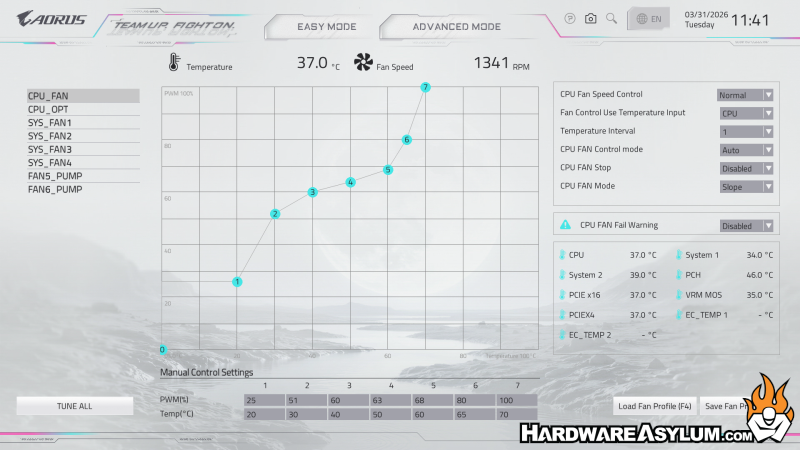
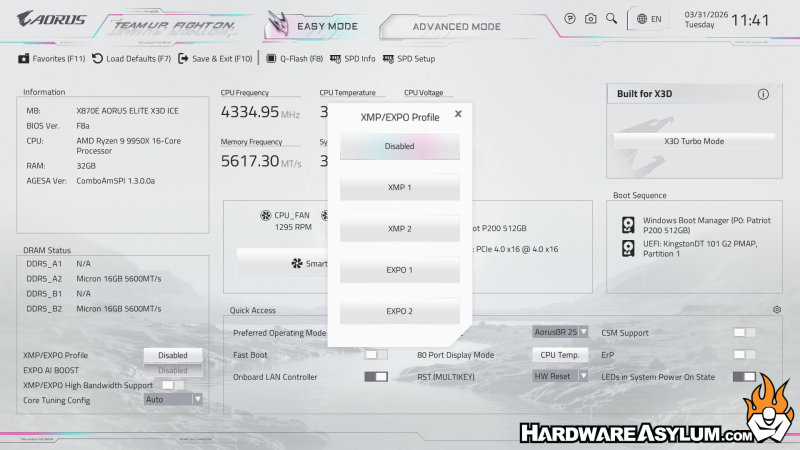
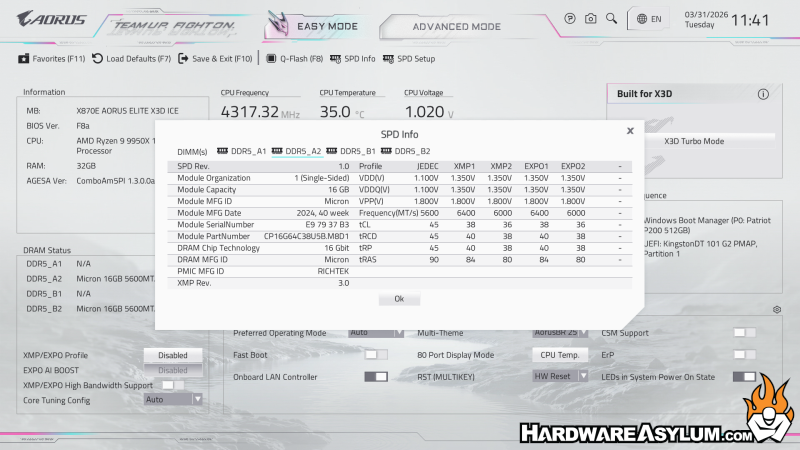
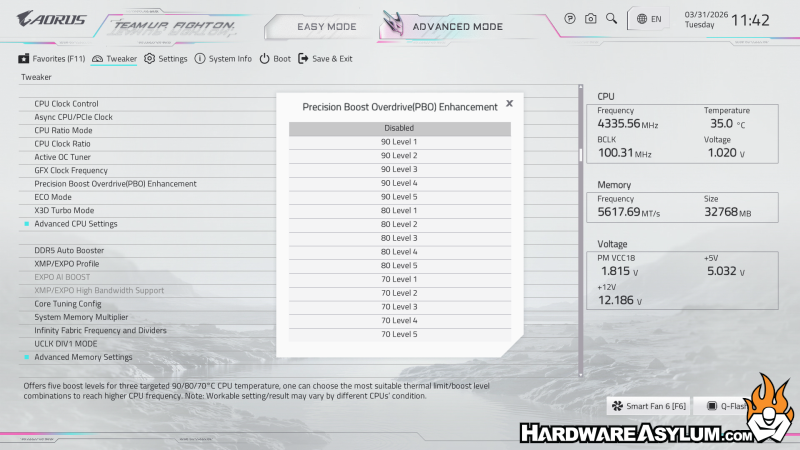
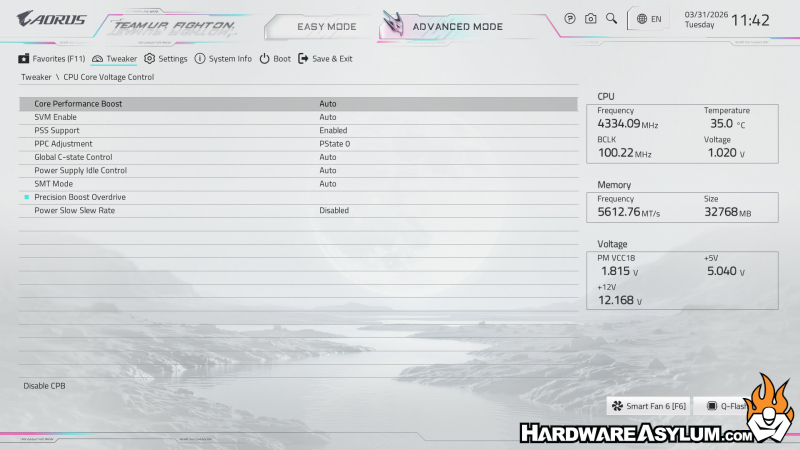
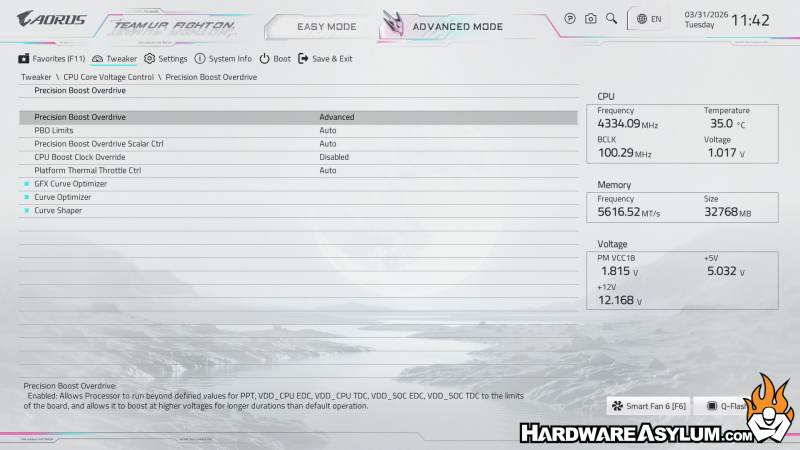
Below are some of the more interesting screens found in the X870E Aorus Elite X3D BIOS.(in no particular order)
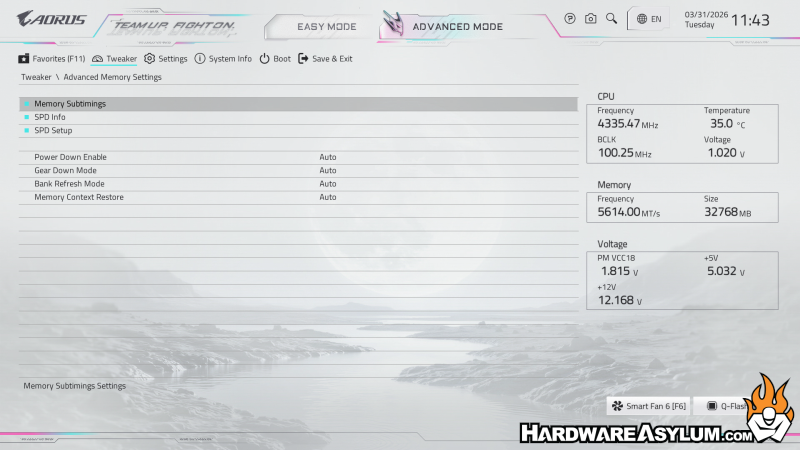
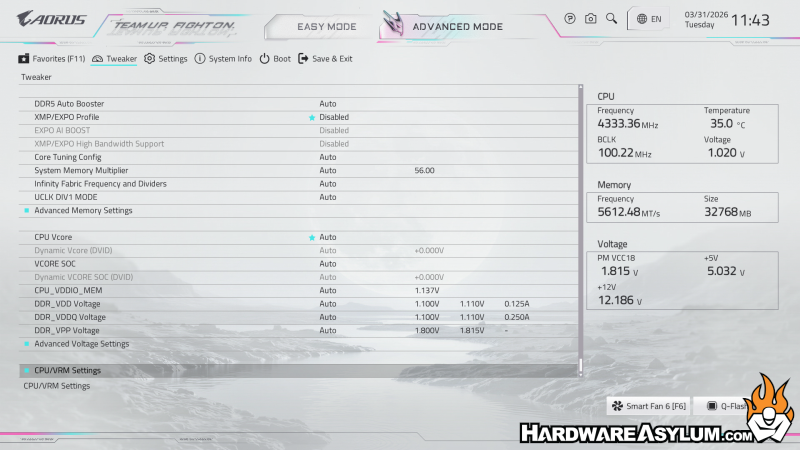
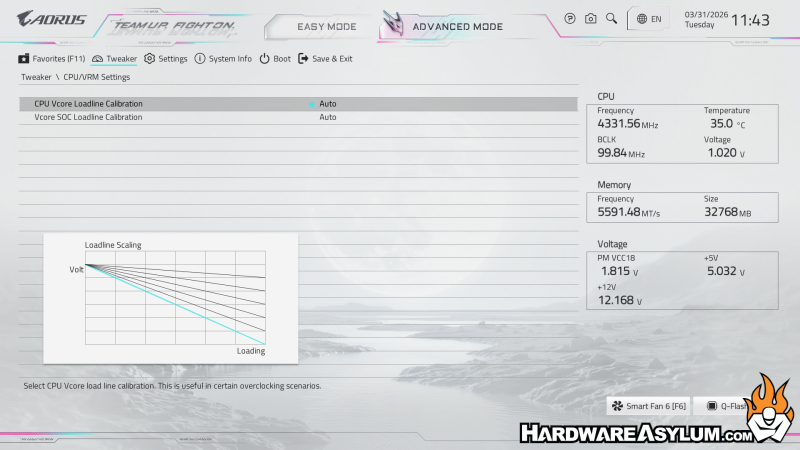
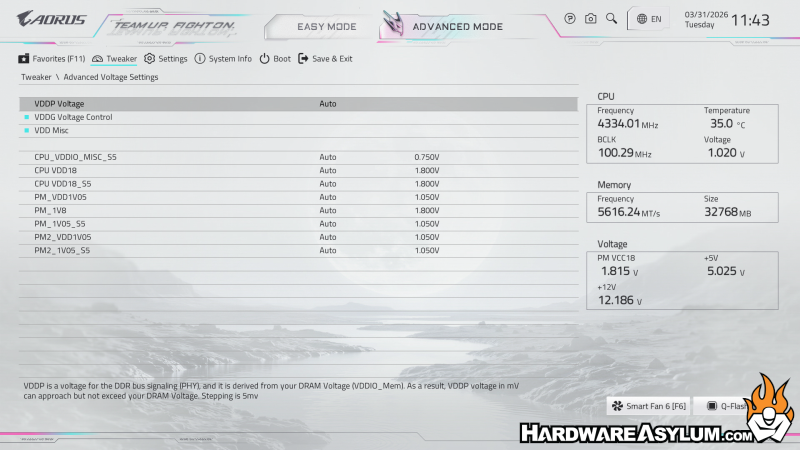
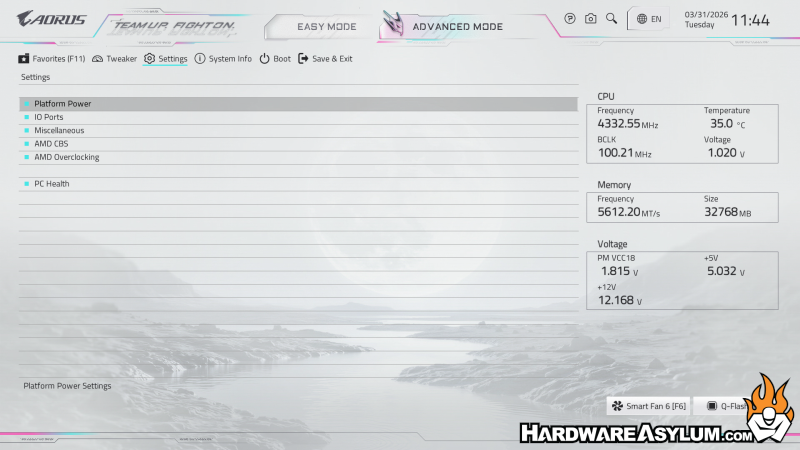
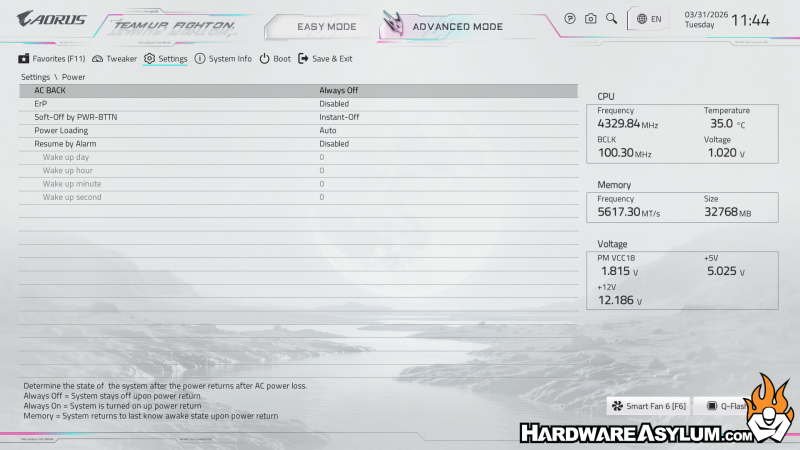
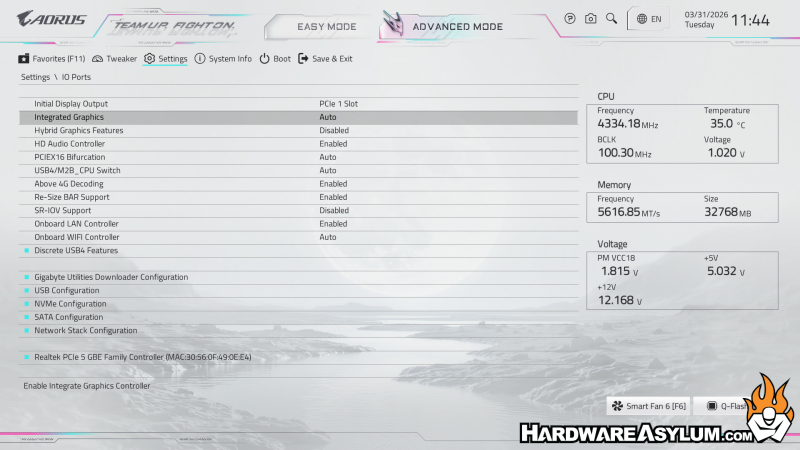
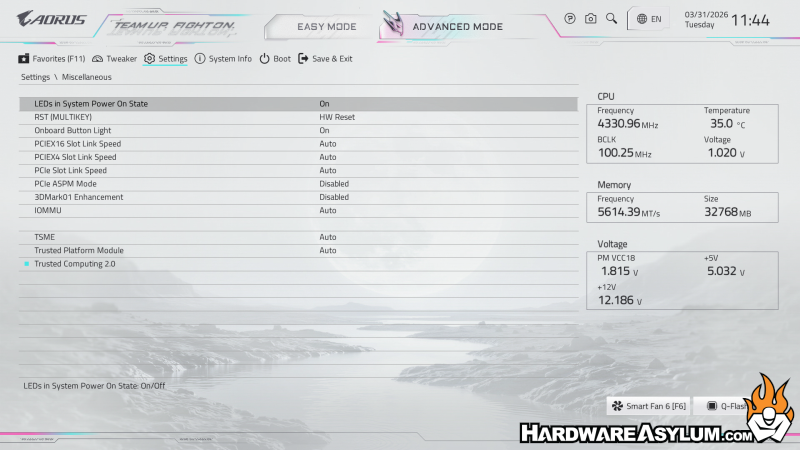
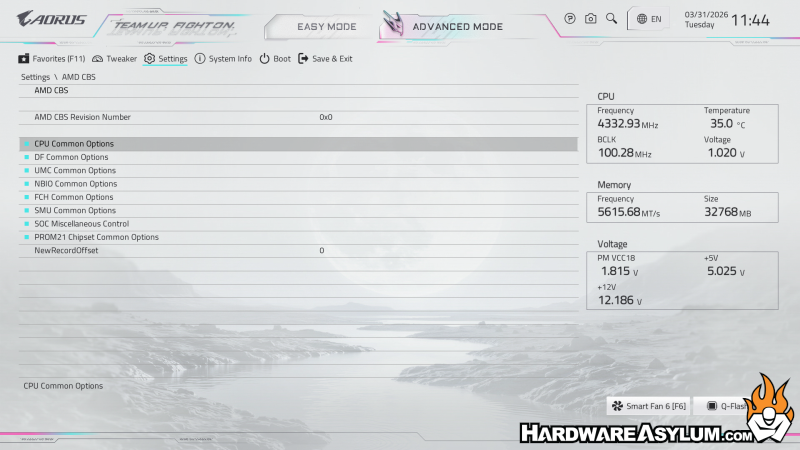
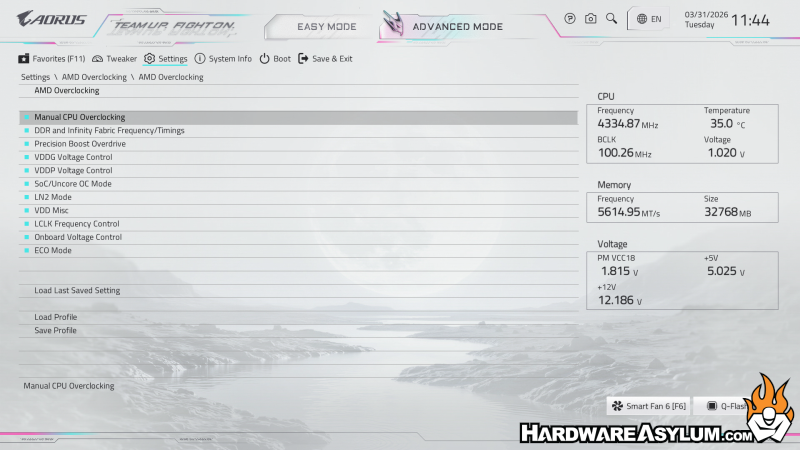
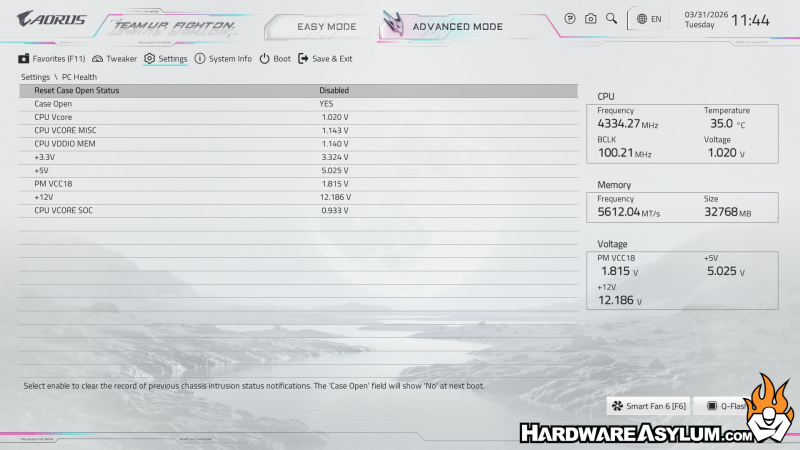
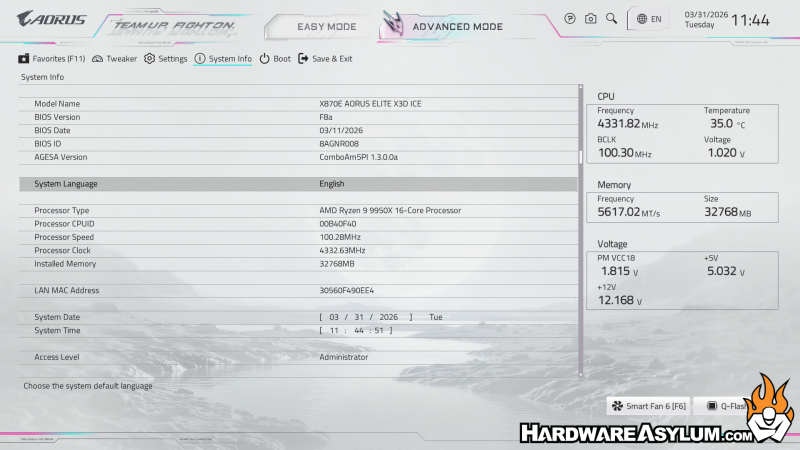
As with all BIOS menus it is a good idea to root around and identify all of the settings you are looking for and discover what their dependencies might be.
