
MSI MPG X870I Edge Ti Evo WiFi Mini ITX Motherboard Review
Author: Dennis Garcia
Onboard and Included Features
The I/O panel is always an interesting part of the motherboard as it dictates what connectivity options will be available. Starting at the left we have two of the six available 10Gbps USB ports above a single HDMI for processors with onboard video. This is followed by two small buttons for Flashing and Resetting the BIOS. Below those are two 40Gbps Type-C ports. A single 5G Ethernet connection is available followed by the two WiFi 7 antenna connections.
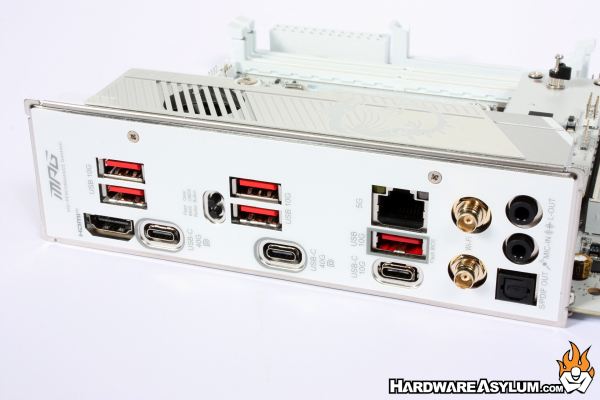
One of the major disappointments with motherboard design is the lack of decent (aka familiar) audio connections. What was once a multiport array is now been reduced to a single optical connection and two 3.5mm jacks.
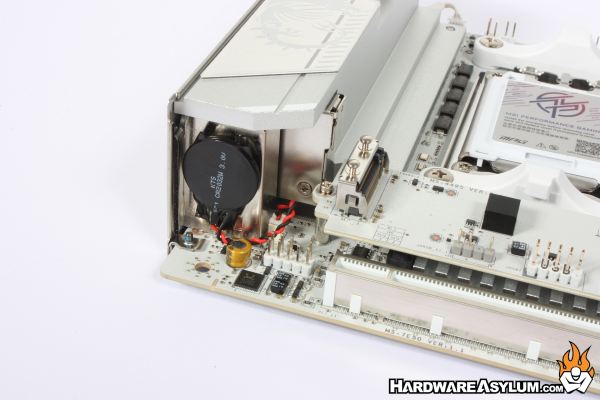
The Realtek ALC4080 Codec and Audio Boost 5 to help those with analog headphones. This system will deliver up to 7.1 channel sound with a 32-bit 384k playback. Sadly, these are USB audio controllers making them on par with that USB headset you are already using.
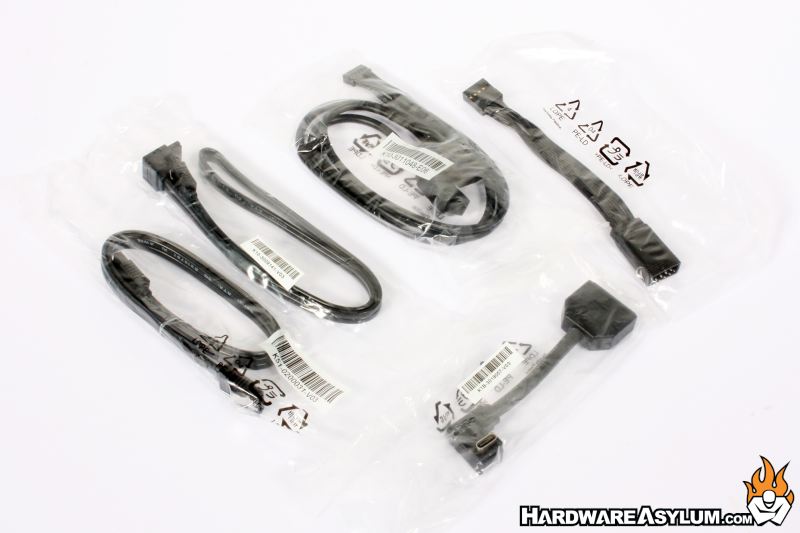
One of the benefits to upgrading to a specialized motherboard is that you get a pretty awesome motherboard and some pretty nice accessories in the box. The X870i Edge comes with a number of nice accessories including what you see below. MSI does include a small branded USB drive with the required software and drivers to operate this motherboard.
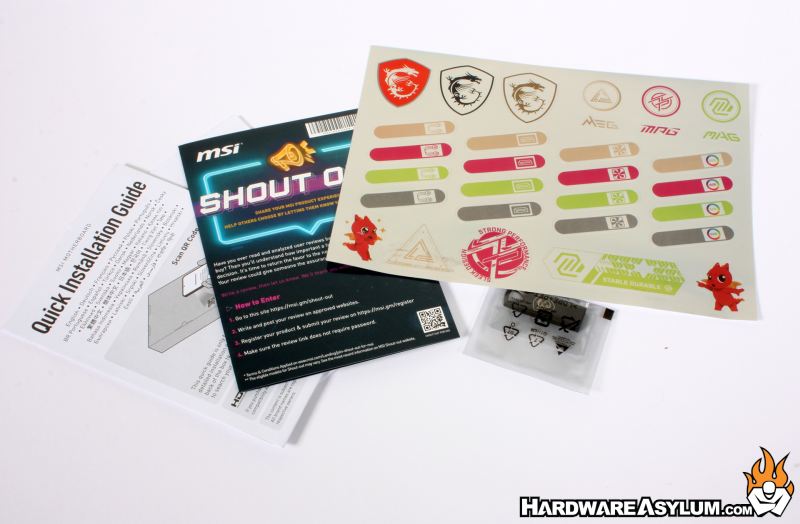
What you won’t find is a full printed manual. This has been an ongoing situation with motherboard makers looking to cut costs and while a user manual is rarely used and often lost shortly after assembling your build, it is a nice accessory to have when you are looking for information on a certain connector or want to know which memory sockets to use.
You can download one from the MSI MPG X870I Edge Evo product page along with firmware updates and drivers so, be sure to check that out before it is gone.
