
MSI MPG X870I Edge Ti Evo WiFi Mini ITX Motherboard Review
Author: Dennis Garcia
Board Layout and Features Continued
Dual channel memory comes standard on the AM5 Processor platform and the MSI B850 Edge supports standard speed DDR5 modules with overclocking support up to 10000MT/s+. Actual speeds will depend on your module choice, number of modules and processor quality. A maximum of 128GB is addressable with the proper module density.
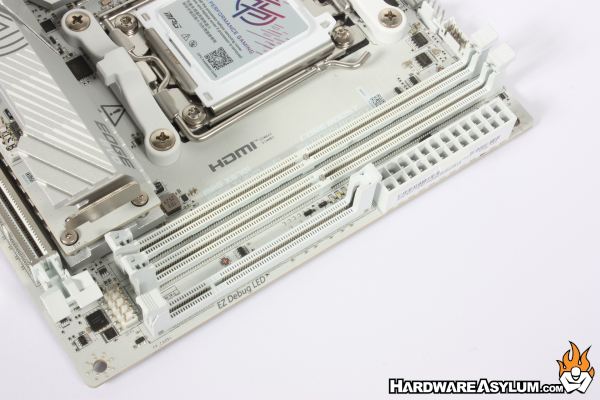
There is plenty going on around the memory sockets. At the top of the motherboard, you’ll find the various fan connections, ARGB connection and EZConn interface. The Debug LED, which is normally a two-digit display has been replaced with a series of LED lights, each will light up during the boot sequence and will help indicate where to look when there is a problem. Front panel connections are tucked away next to the memory sockets and under the expansion slot.
Since my testing occurs on an open-air test bench I’ll use something like a screwdriver to hit the power and reset pins and you would be surprised at how difficult it is to trigger these when you barely have access to the headers.
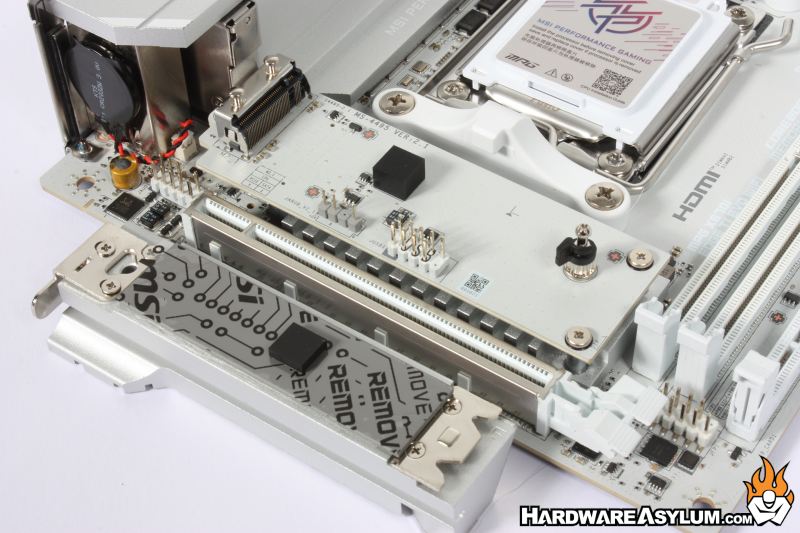
The strange looking expansion slot next to the memory slots is the 5 in 1 Xpander Card interface and is how the MSI MPG X870i Edge Ti Evo is able to provide so much connectivity.

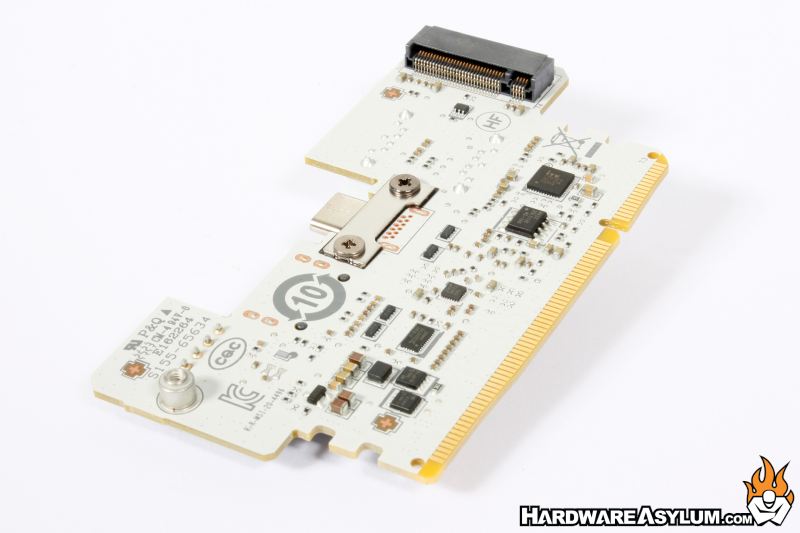

You will find a single M.2 slot on the back of the card that will support a low profile heatsink before causing interference with installed memory.
On the front of the expander you will find two SATA ports, additional front panel connectors for Speaker and Buzzer, A single 20Gbps Type-C USB and a single 5Gbps connector(s)
What is interesting about this Xpander board is that while you can install it the features that is provides are technically optional allowing builders to choose if they even need to install the card.
One of the biggest shifts when it comes to motherboard design is the support for storage. For years storage has been the bottleneck and we have gone to great lengths to ensure that our data access is fast. Well, it would seem that when storage is no longer a bottleneck and expansion slots are on the endangered species list the alternative is to load up as many M.2 storage slots as possible.
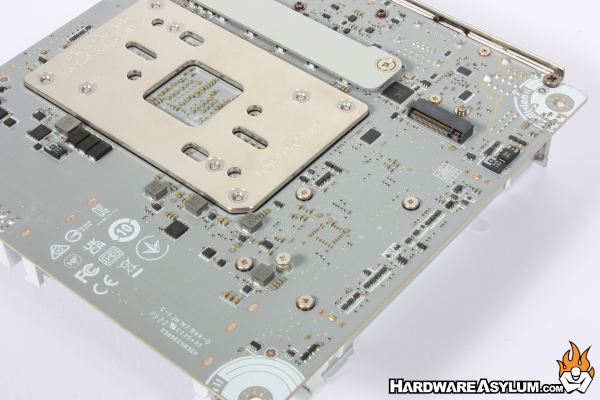
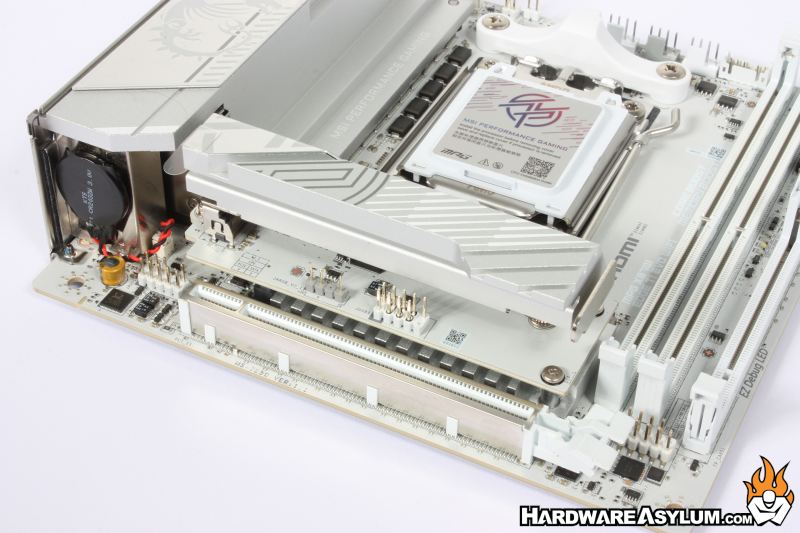
On the X870i Edge Evo you will find a total of three M.2 slots. One is on the removable Xpander board and another can be found on the backside of the motherboard. Drives installed in these locations will need to supply their own heatsink as they are open air by nature.
The primary drive location is positioned above the chipset and covered by an EZ latch M.2 heatsink allowing you to simply push the metal clip to release the heatsink and access the drive. Sadly, there is only one thermal pad with the area under the drive being completely open.
